
Written By Shubham Arora
Edited By: Shubham Arora | Published By: Shubham Arora | Published: May 27, 2026, 05:19 PM (IST)
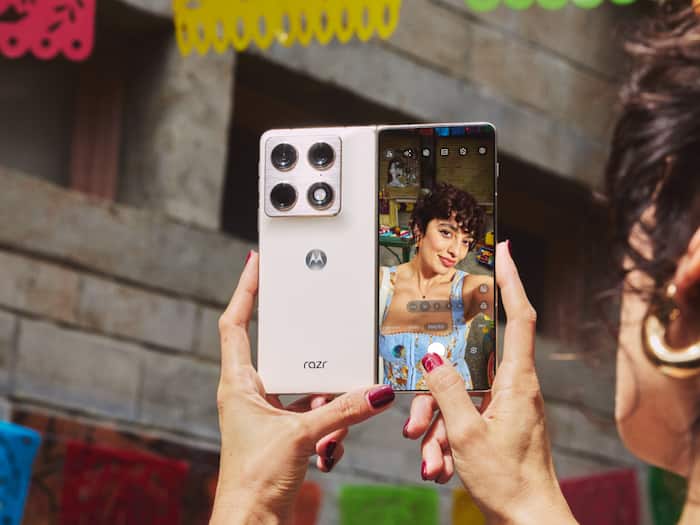
 Motorola users are reportedly seeing Amazon app launches redirect through affiliate links on some smartphones.


Written By Shubham Arora
Motorola users are reporting a strange issue involving the Amazon app on some smartphones, including premium models like the Motorola Razr Fold. According to reports shared online, opening Amazon from the app drawer briefly opens the browser before sending users back into the Amazon app again.  Also Read: Moto G77 Power first impressions: The biggest upgrade is the price
The whole thing happens within a second, so most people probably would not even notice it unless they were specifically looking for it. Interestingly, this reportedly does not happen when Amazon is opened directly from a home screen shortcut. The issue appears to be limited to launches from the app drawer. Also Read: Motorola G77 Power launched in India with a massive price hike: What does it offer?
The behaviour was first highlighted by a Motorola Razr 60 Ultra user on Reddit, who reportedly used ADB logs to trace what was happening in the background. Also Read: Upcoming smartphone launches in July 2026 in India: Oppo Reno 16, Nothing Phone 4b, Samsung foldables, more
According to 9to5Google, the redirect appears to be connected to Motorola’s pre-installed Smart Feed app, which ships on many Motorola phones.
The reports mention that instead of directly opening Amazon, the launcher briefly routes users through a URL before redirecting them back into the app. Network logs reportedly showed requests linked to “devicenative.com”, a service associated with ad placements and smartphone integrations.
What makes the situation even stranger is the URL being opened during the process. It redirects to “kira-abboud.com”, a domain connected to a fashion influencer account called @kirasfashionfinds.
However, the affiliate tracking code reportedly being injected during the redirect did not match the affiliate links publicly associated with that influencer’s profiles. The reports specifically mentioned an Amazon affiliate code labelled “sramz-kff-008-20”.
At the moment, there is still no proper explanation for why the redirect is happening or how that affiliate code became part of the process.
The issue is said to have started after a newer Smart Feed update rolled out on certain Motorola phones.
Reports claim that older Smart Feed versions like v2.03.0056 did not show this behaviour, while newer builds such as v2.03.0070 reportedly started triggering the redirects.
At the same time, not every Motorola phone running the same version appeared to be affected, which has added more confusion around the issue.
Users who want to disable this behaviour can turn off the Smart Feed app manually from settings.

Users who disabled the Smart Feed app said the redirect stopped immediately after that.

Don't Miss Out the Latest Updates. Subscribe to Our Newsletter Today!