



Written By Shubham Arora
Written By Shubham Arora
Edited by Shubham Arora |Published: May 01, 2026, 07:27 PM (IST)
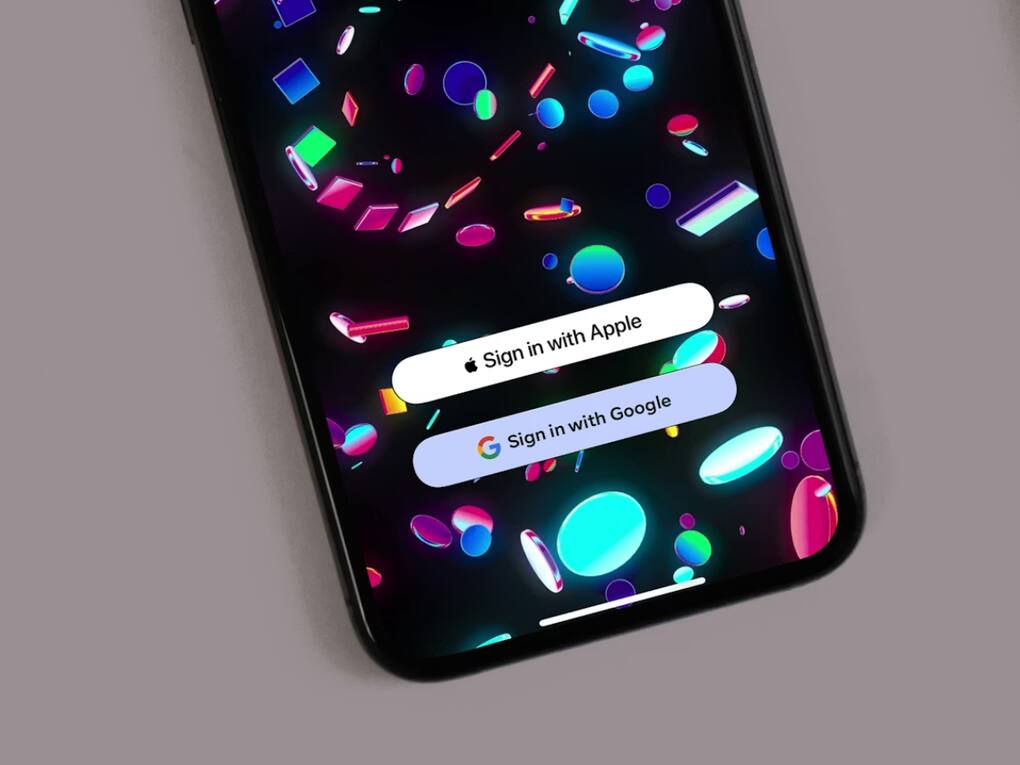
 Using Google sign-in across multiple apps can create a single point of failure.
There was a time when the “Sign in with Google” button just felt like the easiest way to get started on any new app or website. You didn’t have to set up a username, come up with another password, or fill in the same details again. Just tap once and you’re in. It worked well, especially when you’re signing up for multiple services and don’t want to go through the same process every time.  Also Read: Google launches Custom Satellite Embeddings powered by AlphaEarth Foundations
I used it for almost everything. From random websites to apps I used daily, most of my accounts were linked to my Google login. Apps like Spotify, Canva, and even some food delivery or travel platforms made it easy to just continue with Google instead of creating a new account. It felt convenient at the time, but over a period of time, that convenience started to feel like a risk. Slowly, I stopped using it for important apps and eventually moved away from it almost completely. Also Read: Having problems with Google Lens on Chrome? A fix is coming
When you use “Sign in with Google” everywhere, you are putting multiple accounts behind a single login. If something goes wrong with that one account, everything linked to it gets affected. Also Read: Google launches Ask Google Pay AI chatbot to help you track spending; Here's how
This could be anything. Losing access, getting locked out, or even a temporary issue with your Google account. In that situation, access to multiple apps and services can go down at once. That includes things you end up using every day, like payments, travel apps, or even work-related tools.
It ends up creating a single point of failure, which is something I wasn’t comfortable with after a while.
Another thing I started noticing over time was control. When you create a separate account for a service, you’re handling it on your own terms. You can reset the password, change the email, or tweak security settings without depending on anything else.
With Google sign-in, that control feels limited. Your access depends on how your Google account is functioning at that moment. If there is an issue there, you don’t have many options on the platform you’re trying to access.
It may not feel like a problem at first, but it becomes noticeable when you try to make changes or recover an account.
Each time you use Google to sign in, you’re also passing some of your details to that app or website. Usually it’s basic things like your name and email, and sometimes a bit more depending on what you allow.
One account linked across multiple apps means your data is being shared in more places than you realise. And not every platform handles that data the same way.
That’s what made me pause and think about how much I was sharing just to save a few seconds during sign-up.
Even if your Google account itself is secure, the apps you’re signing into may not be. Some platforms have weaker security, and that’s where the risk comes in.
When your login is tied to Google, any issue on a third-party app can still affect your data in some way. It’s not always about Google itself, but about where that access is being used.
That dependency didn’t feel worth it after a point.
One thing I noticed is that once you start using “Sign in with Google” everywhere, it becomes difficult to move away from it. Your accounts are already linked, and switching them to separate logins takes effort.
That’s when I started changing things, slowly. For new apps, I stopped using Google sign-in completely. For the ones I was already using, I switched them to separate logins one by one.
Using a password manager made this a lot easier, because keeping track of everything manually just isn’t practical anymore.
The feature still does what it’s supposed to do. It’s quick, simple, and saves time. But after a point, the trade-off becomes clear.

I still use it sometimes, but only for apps I don’t really depend on. For anything important, I’d rather keep things separate. It may take a little more effort in the beginning, but once things are set up, it becomes much easier to manage over time.


