


Written By Divya
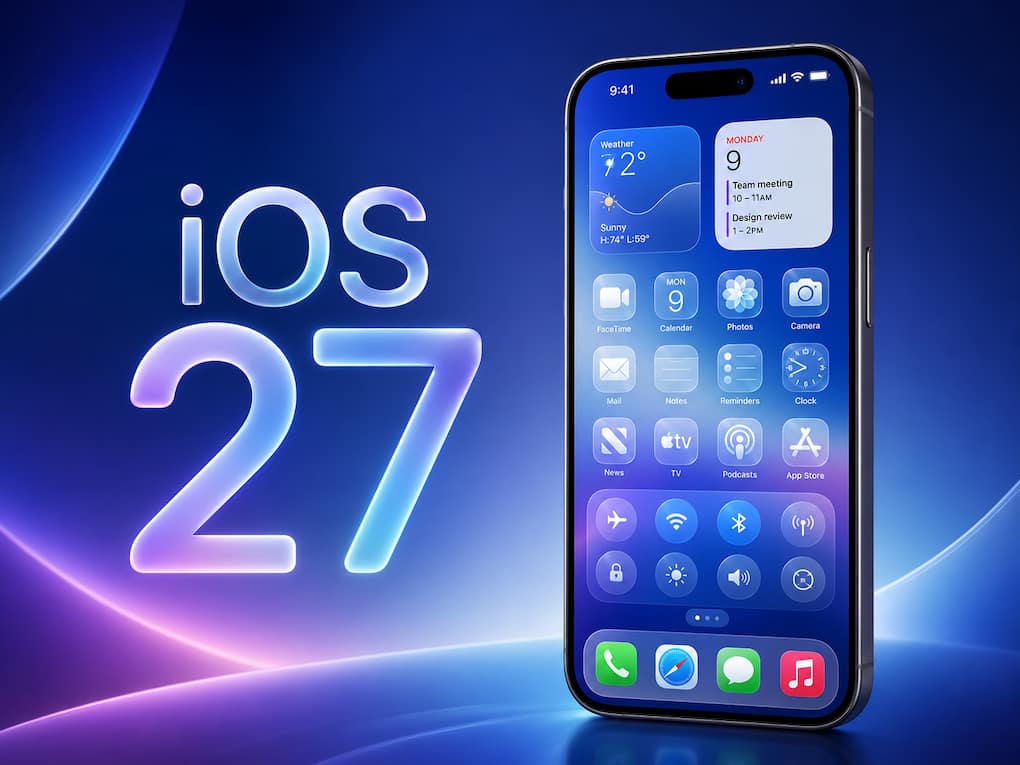
 iOS 27 Developer Beta Now Available: Compatible iPhones and Installation Steps (Image: AI Generated)
The iOS 27 is finally here! Apple has shared all the upcoming features, upgrades and improvements that are coming to your iPhones with iOS 27 at WWDC 2026. Smarter Siri, faster performance across the apps, upgraded Apple Intelligence features, better image creation, and improved parental control – there are enough reasons to be excited about iOS 27.  Also Read: Buying an iPhone could soon get cheaper: Apple reportedly plans new upgrade program
But to get the stable version, you will have to wait until September. Well, if you can’t hold your excitement, then know the iOS 27 Developer Beta version is already here. But there are some cautions that you must know before jumping to download the developer beta version of iOS 27. Also Read: Apple may launch its biggest iPhone display yet in 2027
The good news is that you no longer need to pay for Apple’s developer membership to access beta software. Anyone with a free Apple Developer account can install the iOS 27 Developer Beta. All you need is an Apple ID registered through Apple’s developer portal. Also Read: iPhone 18 Pro, iPhone Ultra release date: When can we expect Apple's next flagship?
If your iPhone is your primary device for work or daily use, it may be worth waiting for the public beta next month.
Before all that preparation, know the devices which can run iOS 27, and the good part is that if your iPhone is currently eligible for iOS 26, then it is eligible for the latest iOS update too! That means:
However, many of the advanced AI-powered experiences are limited to the iPhone 15 Pro models and newer devices.
Honestly, only if you’re comfortable dealing with bugs. This is because the first developer beta is mainly meant for app developers and enthusiasts who want early access to new features. While you will get to try the new Siri AI experience, faster system performance, improved search, and other upgrades, there is always a chance that some apps won’t work properly.
Before installing, make sure to back up your iPhone. That’s probably the most important step. If you’d rather have a slightly more stable experience, Apple’s public beta is expected to arrive sometime in July. The final version of iOS 27 is expected to roll out alongside the next iPhone launch later this year.
Once you have made up your mind to take all the risks and install the iOS 27 developer beta on your iPhone, the process becomes simple. Just follow these steps:

After installation, your iPhone will restart and begin running iOS 27.


