


Written By Nishit Raghuwanshi
Published By: Nishit Raghuwanshi | Published: Nov 09, 2024, 11:46 AM (IST)


Written By Nishit Raghuwanshi
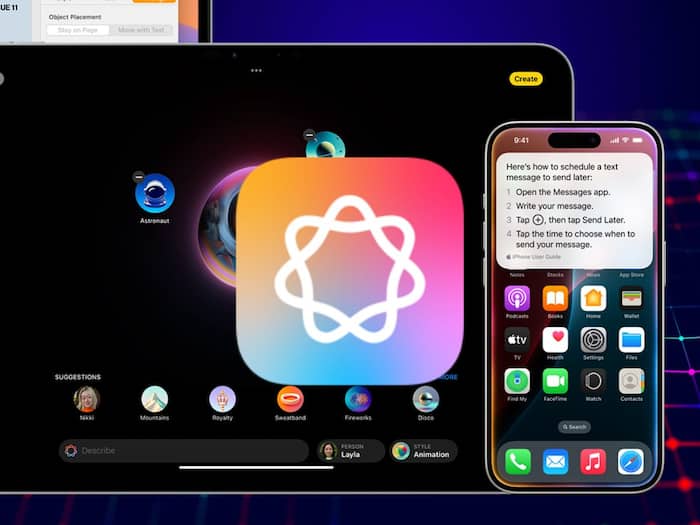
Apple launched the iPhone 16 series in September and along with that, the brand also introduced its AI prodigy Apple Intelligence. However, the AI tool was not dropped alongside the series because of the duration of development. Now, finally, after a long wait, Apple Intelligence features have been introduced to the masses with the iOS 18.1 update. The features that the users will get to see are a revamped Siri assistant, an improved Photos application, system-wide writing tools, and a lot more. In order to use the features, you will be supposed to enable them. Here’s a step-by-step guide to doing the same.  Also Read: Apple Watch health tracking could get better with watchOS 27; But Health Coach may get delayes
First things first, you need to get the iOS 18.1 update for the same. To do that, you can simply go to Settings, then head to General, and move to the Software update section. Here, if the update is available, you just need to download and install it. Once installed, you can follow the below-mentioned steps to enable Apple Intelligence on iPhone: Also Read: iOS 27 may add Grammarly-like AI Grammar checker
Note: To use the writing assistance features like rewrite, proofread, and more, you will be supposed to change the keyboard language to English (US). Also Read: Apple Siri to feature auto-chat deletion feature like Messages app?

Once you receive the notification, you can tap on the review all the new intelligence features that are available. You can also select the categories of the notifications that you want Apple Intelligence to summarise.

Don't Miss Out the Latest Updates. Subscribe to Our Newsletter Today!
