Written By Divya
Published By: Divya | Published: Jul 09, 2026, 06:20 PM (IST)
 Meta AI Can Generate Images Using Your Instagram Profile; Here's How to Disable It


Written By Divya
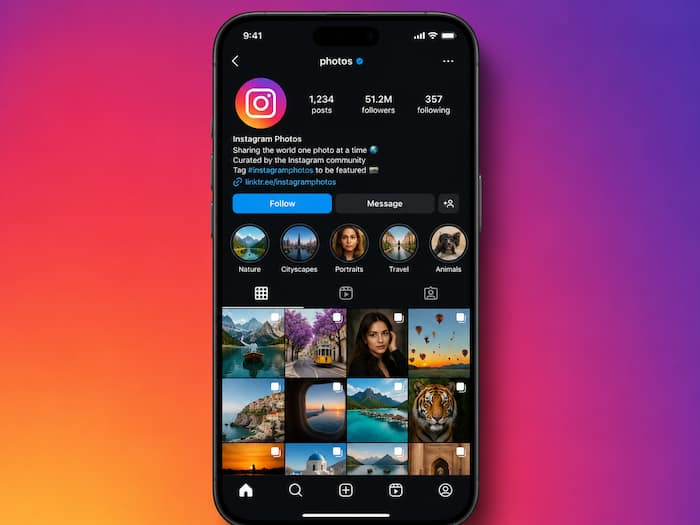
Meta has introduced a new AI image feature, and instead of being excited about it, many are actually complaining about it. The latest rollout of Muse Image, Meta now lets everyone generate AI images by referencing public Instagram accounts. Which means, Instagram will let anyone use your Instagram username in a prompt (if your account is public) and Meta AI may generate images based on your photos on your profile.  Also Read: Meta's next AI Glasses may continuously record what you see and hear; It already raises privacy concerns
Meta says Muse Image is designed to make AI image generation more personalised. Instead of describing a person in words, users can simply mention a public Instagram account while creating AI images. Also Read: Meta launches Muse Image AI generator: New image tool raises privacy concerns over Instagram photos
The feature uses public posts, profile photos and reels as references. What’s even more alarming is that Instagram won’t even notify if someone will use your public profile for the AI generation. Also Read: WhatsApp Username rollout in India on hold, gets more time to respond to government
Still, the feature is not available to all at the moment as it is rolling out gradually. However, if your account is public, taking precautions and a simple change in your settings is a good idea.
If your account is public and you don’t want Meta to use your content – images, reels and videos – for the AI generation, then just follow these steps:
The names of these settings may vary slightly depending on your app version, and the feature is still rolling out in some regions.

If you want stronger privacy, then there’s another option. Turning off the AI reuse setting limits future image generation, but it doesn’t stop people from viewing your public posts. If you want stronger protection, switching your Instagram account to Private is currently the most effective option. That way, only approved followers can access your photos and reels, reducing the chances of your content being used as AI reference material.

Don't Miss Out the Latest Updates. Subscribe to Our Newsletter Today!