


Written By Divya




Before doing anything else, check for system updates. It ensures you get the latest features, bug fixes, and security patches right away.


Enable Touch ID for quick unlocking and secure payments. Also set a strong password for better protection.
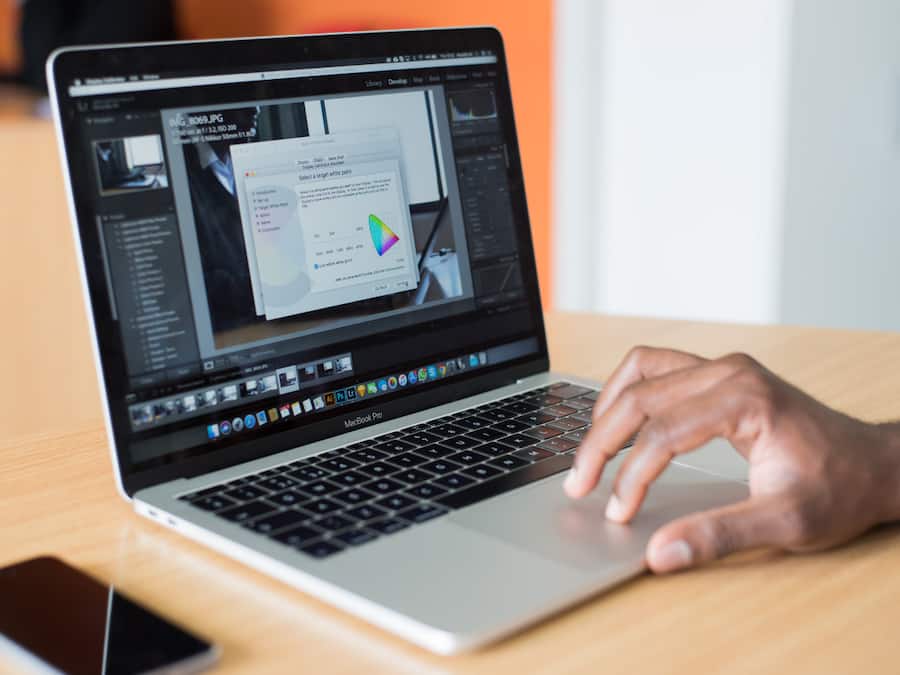
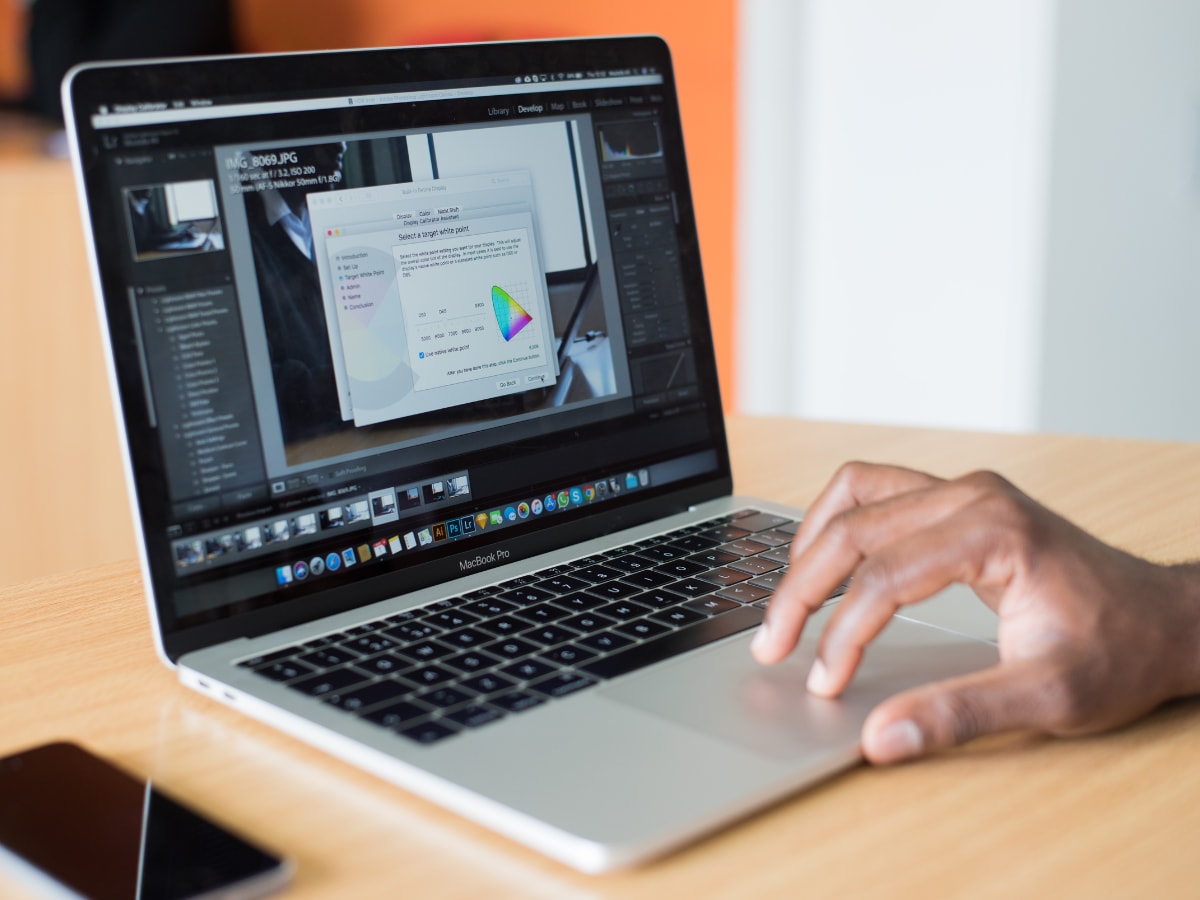
Go to trackpad settings and explore gestures like swipe, pinch, and Mission Control. These make navigation much faster once you get used to them.


Remove apps you don’t need from the Dock and add the ones you use often. It keeps your workspace cleaner and easier to access.


Sign in with your Apple ID and enable iCloud for photos, files, and notes. It helps keep everything synced across your Apple devices.


Enable battery optimisation and low power mode if needed. This helps improve long-term battery health and daily usage.


Download apps you actually need — browser, office tools, and any work apps. Avoid installing too many unnecessary apps early on.


Review permissions for apps, enable FileVault, and check privacy settings to keep your data safe from the start.

Don't Miss Out the Latest Updates. Subscribe to Our Newsletter Today!
