


Written By Divya
Published By: Divya | Published: Dec 10, 2025, 06:48 PM (IST)


Written By Divya
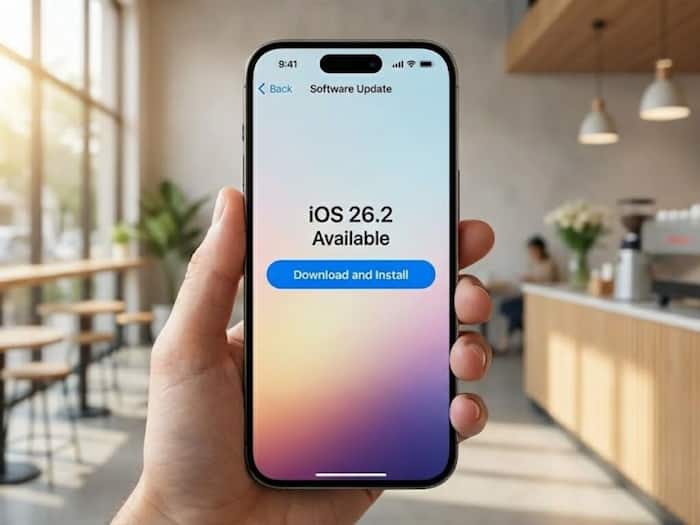
Apple has started rolling out the iOS 26.2 update, and many iPhone users are wondering whether the jump to iOS 26 is now necessary. The update arrives at a time when both Apple and Google have been sending cyber-threat notifications globally, warning users about highly targeted spyware attacks exploiting new vulnerabilities. With that context, Apple’s latest software push has become more important than usual.  Also Read: Apple iOS 26.4 Beta 1 adds video playback in Podcasts, RCS testing: Check what’s new
So, if you’ve been postponing the update, here’s what to know before deciding. Also Read: How to move from iPhone to Android using Apple’s new iOS 26.3 tool: Quick steps
Until recently, iOS 26 was classified as an optional upgrade. But Apple has now shifted it to a “recommended” update, signalling that users should move from iOS 18 to iOS 26 sooner rather than later. Also Read: Apple Music will soon help you find concerts happening near you
Apple is still offering security patches on iOS 18, but according to multiple reports, that support may stop in the coming months. And with Apple flagging new security threats, the advice is simple: update if your device supports it.
iOS 26 introduces several security-focused additions, including:
The new iOS 26.2 build further patches security issues and polishes the features introduced earlier.
Here’s the full list of compatible devices:
If your iPhone is on this list, you’re eligible for iOS 26 as well as the new iOS 26.2 update.
Before updating, back up your iPhone to iCloud or your computer. Then follow these steps:
Depending on your connection and model, the process may take anywhere between 30 minutes to a couple of hours.

Yes. With active security threats and Apple pushing iOS 26 as the recommended path, updating is the safer option. If your device supports iOS 26, there’s very little reason to stay back on older software now.

Don't Miss Out the Latest Updates. Subscribe to Our Newsletter Today!
