


Written By Divya
Published By: Divya | Published: Nov 18, 2025, 09:25 PM (IST)


Written By Divya
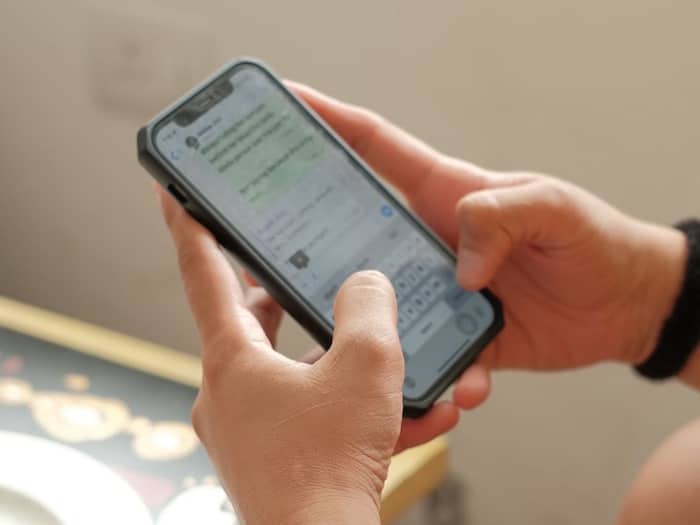
We’ve all been there when you just need to send a quick message to someone, maybe a delivery guy, a shop, a cab driver, or a one-time work contact. But saving their number forever in your phone book? Not really required. Thankfully, WhatsApp gives you a few easy ways to message someone without adding them to your contacts.  Also Read: WhatsApp may SOON never let you miss a birthday again
Here’s how you can chat without saving the number in the simplest way possible. Also Read: WhatsApp Username rollout in India on hold, gets more time to respond to government
WhatsApp has an official tool called Click to Chat, and it works with any phone number. Here’s what to do: Also Read: Meta under fire in India: Government issues notice over child abuse ads on Instagram
This is the easiest universal method and works on Android, iPhone, and even WhatsApp Web.
If you’re on Android, WhatsApp gives a small hidden shortcut. Here’s how:
Apart from these, there is even another simple trick. If you use the Google Phone app, then simply head to the app, type the number you want to contact and then you’ll see a small WhatsApp icon next to the call button. Simply tap it, and the WhatsApp chat opens instantly. Many people don’t realise this shortcut exists – but it works great if you often message unknown numbers.
Yes, your voice assistant can open a WhatsApp chat without saving the number. Try saying:

It will directly open a chat window so you can type or dictate your message.

Don't Miss Out the Latest Updates. Subscribe to Our Newsletter Today!
