


Written By Divya
Edited By: Divya | Published By: Divya | Published: Dec 15, 2025, 03:40 PM (IST)


Written By Divya
No matter how advanced tech has become in the 21st century, language barriers still seem to be one of the problems in day-to-day life. It becomes even more prominent, especially when you are on a trip where a different language is the biggest hurdle. However, tech keeps trying to quietly fix in the background. And now, Google Translate is taking another step in that direction.  Also Read: Google Play gets PC games section, trials for paid titles, and more
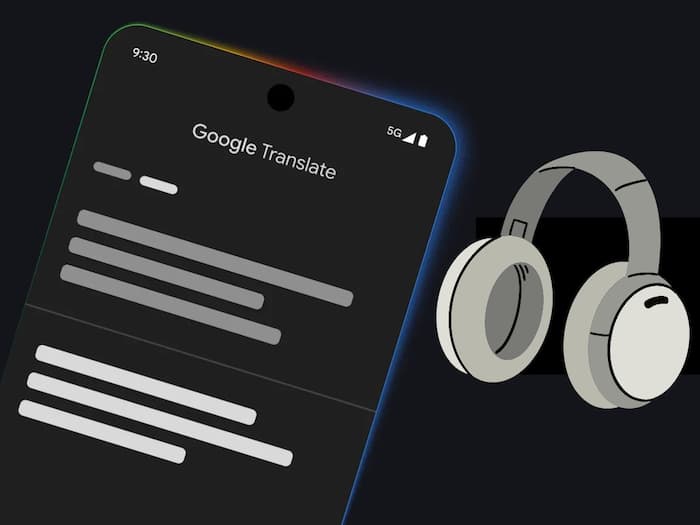
Google has started rolling out a new real-time headphone translation feature in beta, turning regular headphones into a live translation tool. So, how will it help you? The new feature lets Google Translate play spoken translations directly into your headphones while someone else is speaking. Instead of showing text on the screen, the app listens to the source language and delivers the translated audio in real time. Also Read: Gmail Tricks That Can Save You Time Every Day
According to Google, the translation tries to preserve tone, pacing, and emphasis, so you can follow conversations more naturally and understand who is speaking. Interestingly, it supports over 70 languages and works with any wired or wireless headphones.
Trying out the latest real-time translation with headphones is fairly simple. Here’s what to do:
This works well for live conversations, speeches, lectures, or even when listening to content in another language while travelling.
Alongside the headphone feature, Google is also improving translation quality using Gemini AI. The focus here is context. Instead of translating phrases word-for-word, Translate now understands idioms, slang, and local expressions better.
For example, phrases like “stealing my thunder” are translated by meaning, not literally. This update is rolling out in India and the US and currently supports English translations into nearly 20 languages, including Hindi, Spanish, German, Japanese, Arabic, and Chinese. It’s available across Android, iOS, and the web.
Google is also expanding language practice features inside the Translate app. You now get clearer pronunciation feedback, speaking tips, and a new streak counter to track consistency. These learning tools are expanding to nearly 20 more countries, including India.

At the moment, the feature is rolling out in beta on Android devices in India, the US, and Mexico. Google has confirmed that iOS support and wider availability will arrive in 2026. That means you will need to wait a little longer.

Don't Miss Out the Latest Updates. Subscribe to Our Newsletter Today!
