


Written By Divya
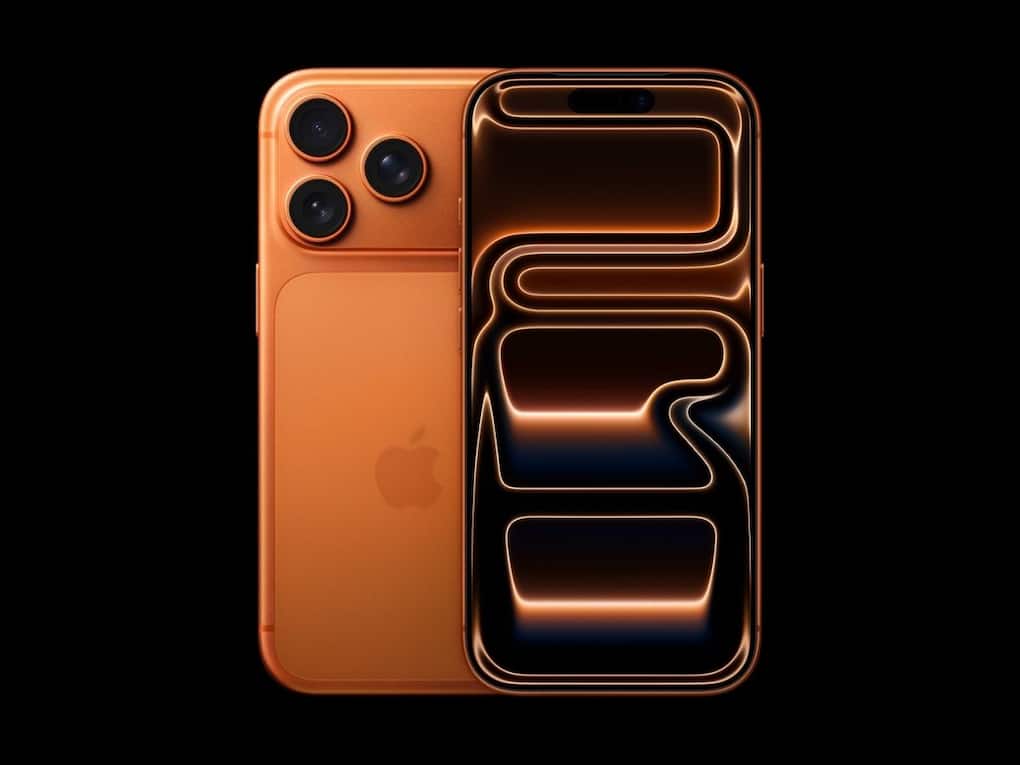
The iPhone 17 series comes with a new Camera Control button – designed to make photography faster and easier. Placed on the lower-right side of the phone, it gives instant access to the Camera app, zoom, exposure, and other quick settings.  Also Read: iPhones price hike expected soon! Should you buy one right now?
While it sounds useful, not everyone is happy with it. Many users have found that a light squeeze while lifting the phone or pulling it out of a pocket is enough to launch the Camera unintentionally. In some cases, it even triggers Visual Intelligence when users are simply trying to answer a call. This is because the button sits exactly where most people naturally grip the phone, making it easy to press without realising. The result? Unwanted photos, missed touches, and random camera launches. Thankfully, the fix is quick and reversible. Also Read: iPhone 18 Pro: 8 reasons it could cost more than iPhone 17 Pro
If you’re also tired of accidental camera launches, here’s how to take control – literally!
If you prefer not to use the feature at all, you can disable it in a few steps:

If you like the shortcut but want to avoid misfires, you can make it more deliberate:


