


Written By Divya
Published By: Divya | Published: Oct 20, 2025, 08:05 PM (IST)
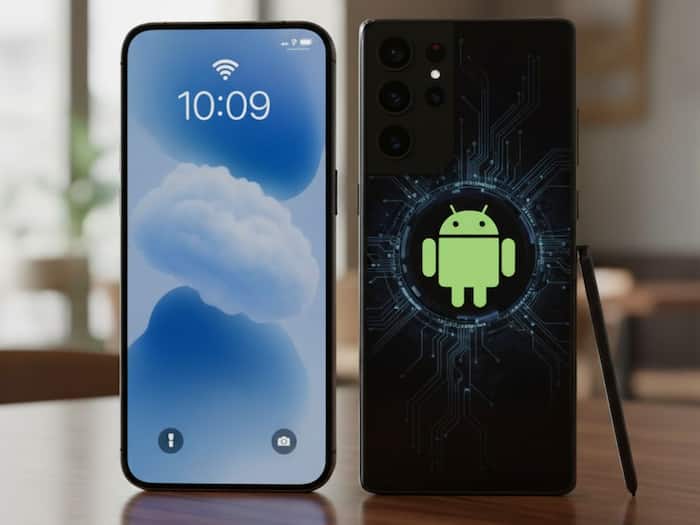
 iPhone or Android, Here’s the Easiest Way to Share Your Wi-Fi Password


Written By Divya
We’ve all been there when a friend comes over, asks for your Wi-Fi, and you realise you don’t remember the password. Or worse, it’s a long mix of random letters you don’t want to type out. If you’ve got an iPhone and your friend using an Android (or the other way around), it can feel like a tricky situation.  Also Read: Apple's Hide My Email feature reportedly fails to hide users' real email addresses
But there’s actually a quick way to share your Wi-Fi without the struggle. Wondering how? Check this quick trick. Also Read: Apple iPhone 18 Pro supplier details reportedly leaked after Tata Electronics cyberattack
iPhones don’t directly share Wi-Fi passwords to Android phones with a single tap (like they do between iPhones), but there’s an easy workaround. Also Read: Samsung Galaxy Z Fold 8 Ultra may outshine Galaxy S26 Ultra
If you want to make it easier, you can also generate a QR code. Open the Shortcuts app or use any free QR code generator website, paste your Wi-Fi details, and let them scan it – no typing required.
Android makes this process even simpler. Just follow these steps:

If you switch devices often or manage multiple networks, it’s a good idea to save your Wi-Fi details in your password manager such as Google Password Manager.

Don't Miss Out the Latest Updates. Subscribe to Our Newsletter Today!
