



Written By Shubham Arora
Published By: Shubham Arora | Published: Apr 09, 2026, 05:06 PM (IST)
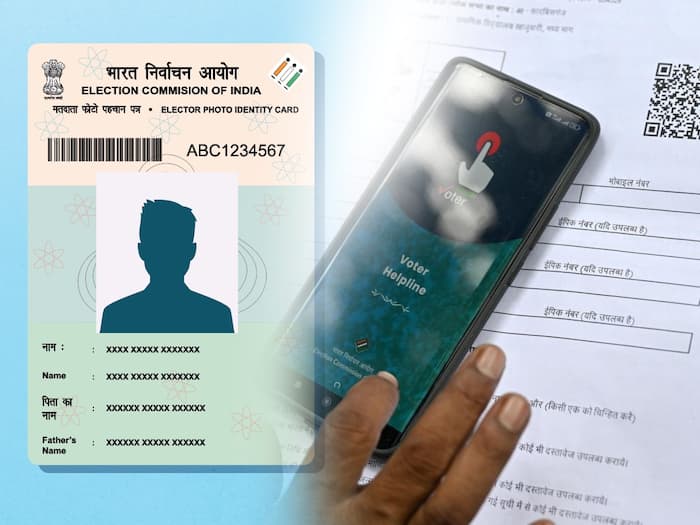
 Voters can check their name online on the Election Commission of India website before elections.


Written By Shubham Arora
With elections coming closer, one basic thing you should check is whether your name is on the voter list. A lot of people assume that having a voter ID is enough, but that’s not the case. If your name is not there in the list, you won’t be able to vote.  Also Read: Lok Sabha elections results 2024: How, where to watch vote counting live
The Election Commission of India has made this process simple. You can check everything online in a few minutes, without going to any office. Also Read: Lok Sabha Election 2024: How to apply for voter ID card online | All you need to know
The voter list is just a record of all eligible voters in your area. It includes your name, age, address, polling booth, and your EPIC number. Also Read: Lok Sabha Elections 2024: Here's how to check your name in voter's list online
Your name has to be on this list. If it’s missing, your voter ID alone won’t help.
After that, you will get three ways to search your details.
If you have your voter ID nearby, just use this.
Step 1: Put your 10-digit EPIC number
Step 2: Select your state
Step 3: Enter the captcha
Step 4: Click search
If everything is correct, your details will show up.
If you don’t have the EPIC number, you can search like this.
Step 1: Enter your name
Step 2: Add your age or date of birth
Step 3: Select gender
Step 4: Choose your state (district is optional)
Step 5: Enter captcha and search
You’ll get a few results. Just find your name and check the details.
You can also try using your mobile number.
Step 1: Enter your number
Step 2: Verify it with OTP
Step 3: Click search
This works only if your number is already linked with your voter ID.

If you don’t find your name, you can call 1950 or contact your local election office. You can also update your details online through the same website. It hardly takes a few minutes to check, but skipping this step can create problems on voting day.

Don't Miss Out the Latest Updates. Subscribe to Our Newsletter Today!
