


Written By Divya
Published By: Divya | Published: Nov 12, 2025, 12:14 AM (IST)


Written By Divya
 Also Read: Oppo Find X9s Review: The Flagship That Gets Everyday Use Right
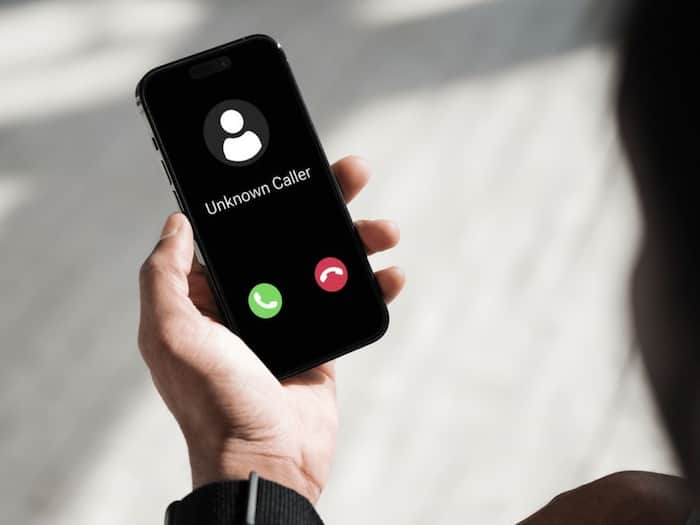
We’ve all been there when you’re in the middle of work or relaxing after a long day, and your phone lights up with yet another spam call. Sometimes it is from some fake loan offers, while mostly it is like “you’ve won a prize” scams. Thankfully, most Android smartphones come with built-in options to block and report spam calls easily. And even if not that, there are a couple of other tricks to tackle this. Also Read: Android 17 officially released: Google rolls out major update with AI features, Bubbles and Wear OS 7
Here are some ways to stop annoying spam calls on your Android phone. Also Read: Hidden Android features most users never use on their smartphones but should try once
If your phone uses the Google Phone app (found on most Android devices like Nokia, Motorola, OnePlus, and Pixel), you can block spam calls directly through it. Here’s how:
You can also block specific numbers by long-pressing the recent call and choosing Block/report spam. Once blocked, calls from that number will automatically be sent to voicemail.
Samsung’s One UI adds an extra layer of protection with Smart Call, powered by Hiya. It identifies and blocks potential spam automatically. To enable it:
If you’re using a phone with MIUI, ColorOS, or Realme UI, these brands have their own built-in spam filters. For MIUI, simply go to Phone, then Settings and visit the Blocklist. Here, find the Blocked numbers, and toggle on Block spam calls.
For Oppo/Realme, go to the Settings app, Block and filter and then head to the Block unknown or spam numbers.


Don't Miss Out the Latest Updates. Subscribe to Our Newsletter Today!
