


Written By Deepti Ratnam
Written By Deepti Ratnam
Edited By: Deepti Ratnam| Published By: Deepti Ratnam| Published: Jun 16, 2026, 11:04 PM (IST)


Smart Lock keeps your phone unlocked in trusted conditions like home or when connected to a smartwatch. It reduces the need to enter PIN or fingerprint repeatedly. However, it still maintains basic security outside trusted zones. It balances convenience and safety.
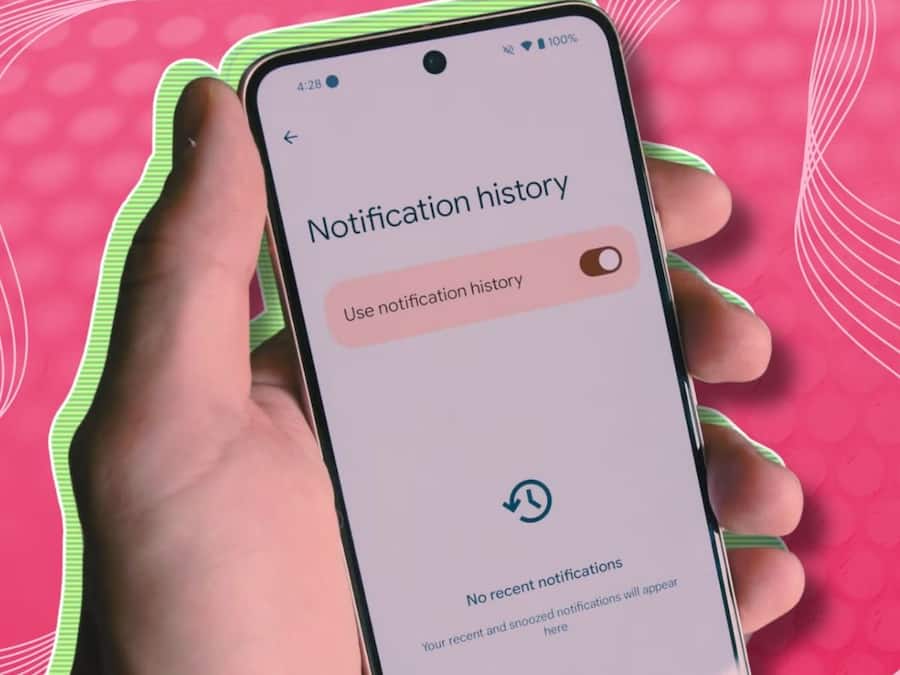
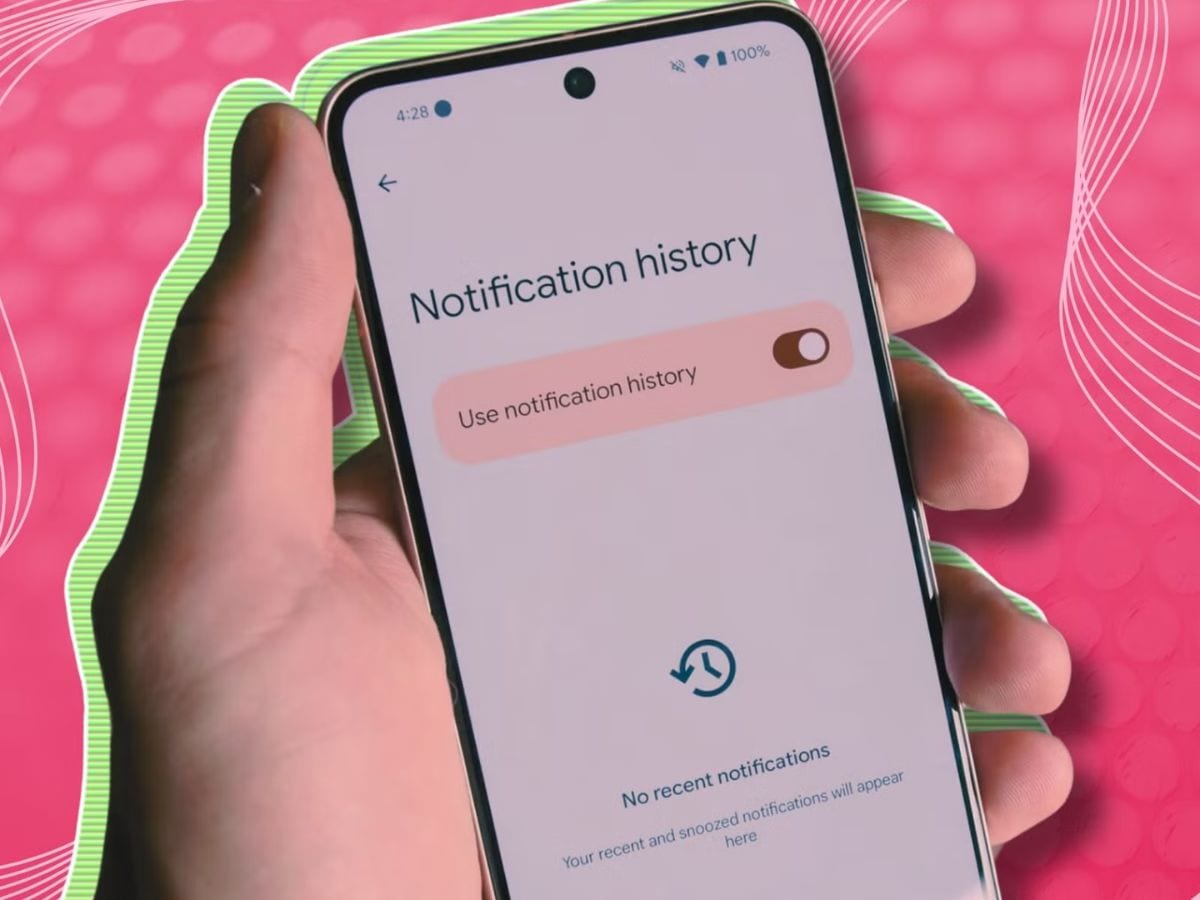
Notification history allows you to view all recently dismissed notifications. If you accidentally clear an alert, you can still find it here. It stores app alerts for a limited time. This feature ensures you never miss important updates.
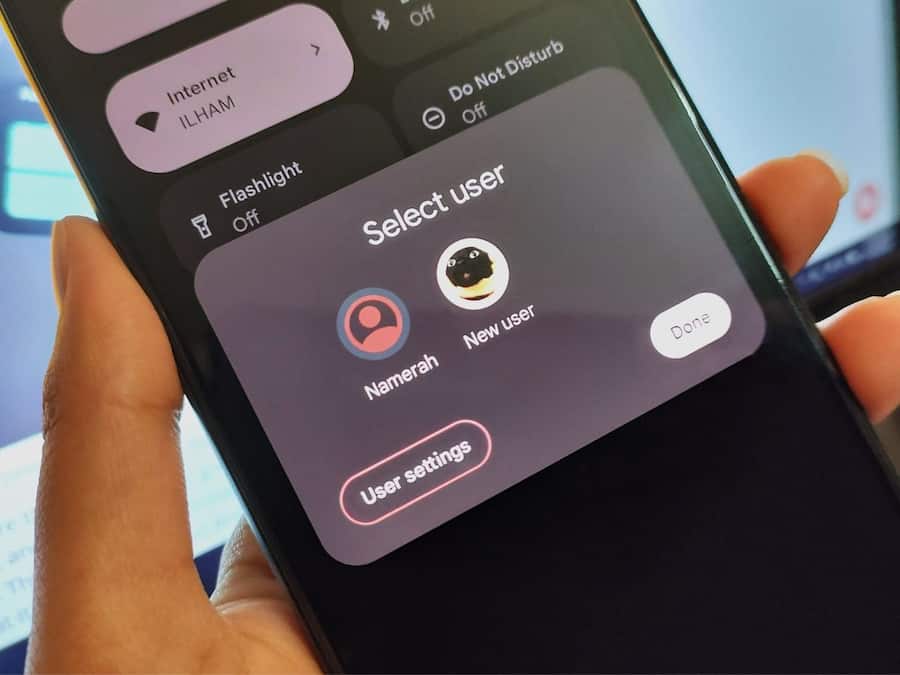
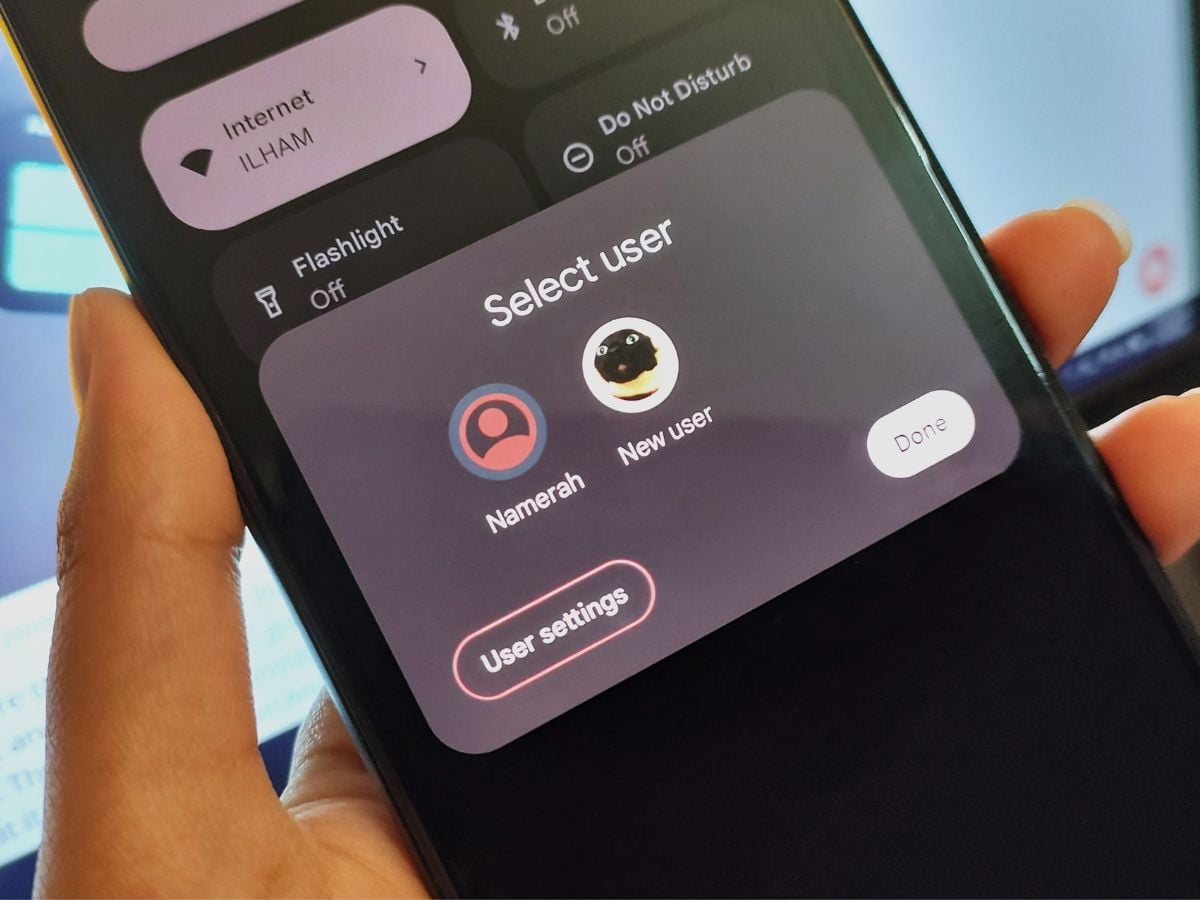
Guest mode creates a separate profile on your phone for temporary users. It keeps your personal apps, photos, and data safe. You can switch back to your main profile anytime. This feature is useful when sharing your phone with others.
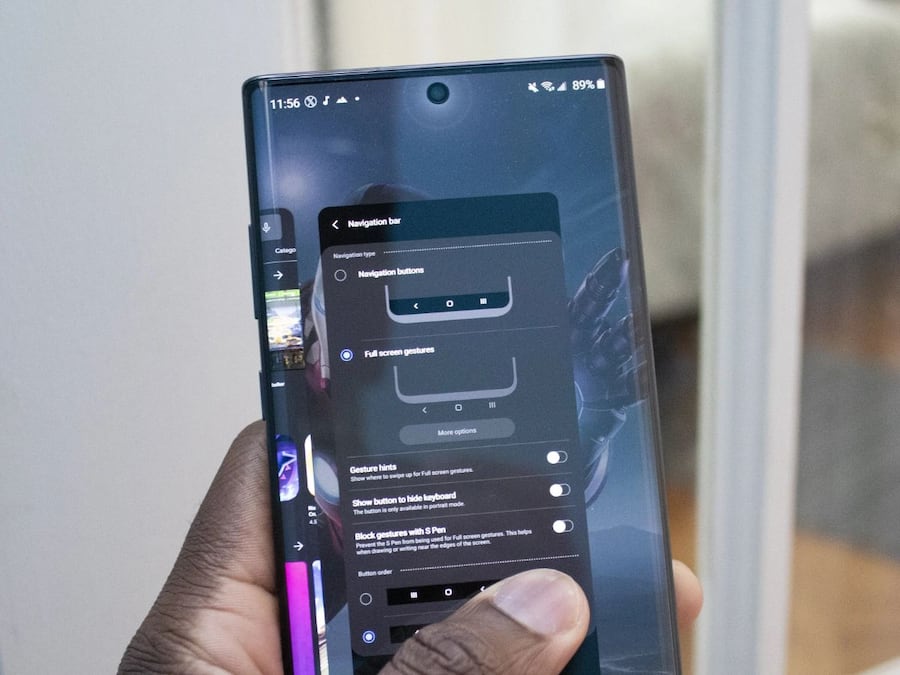
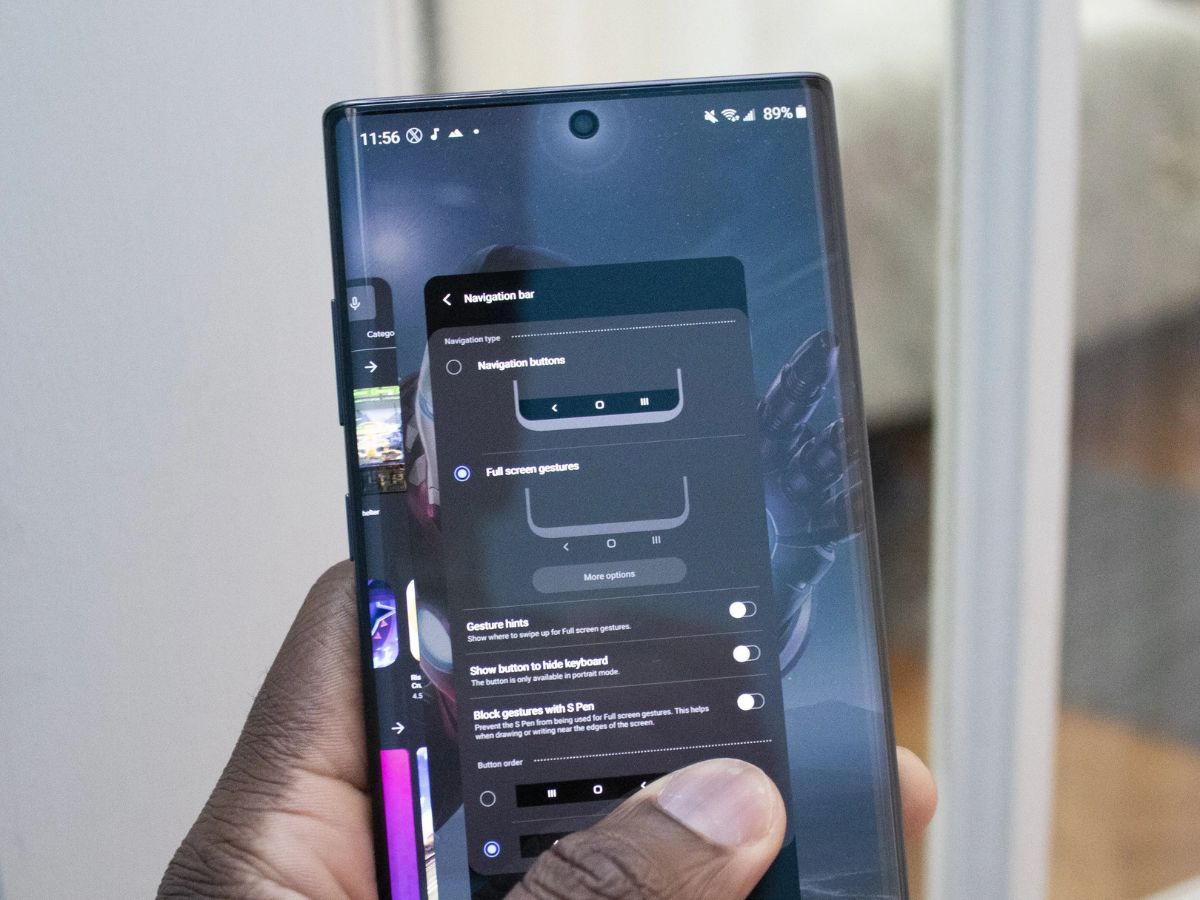
This feature lets you switch between the last two apps instantly. You just swipe on the navigation bar or use a gesture depending on your phone. It saves time compared to opening recent apps manually. It improves multitasking speed during regular usage.
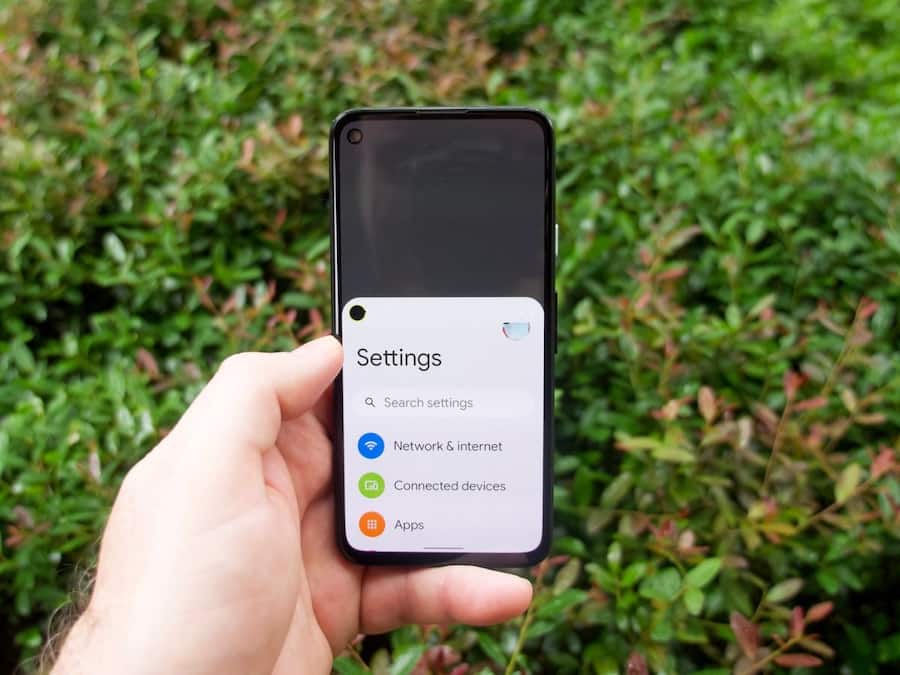
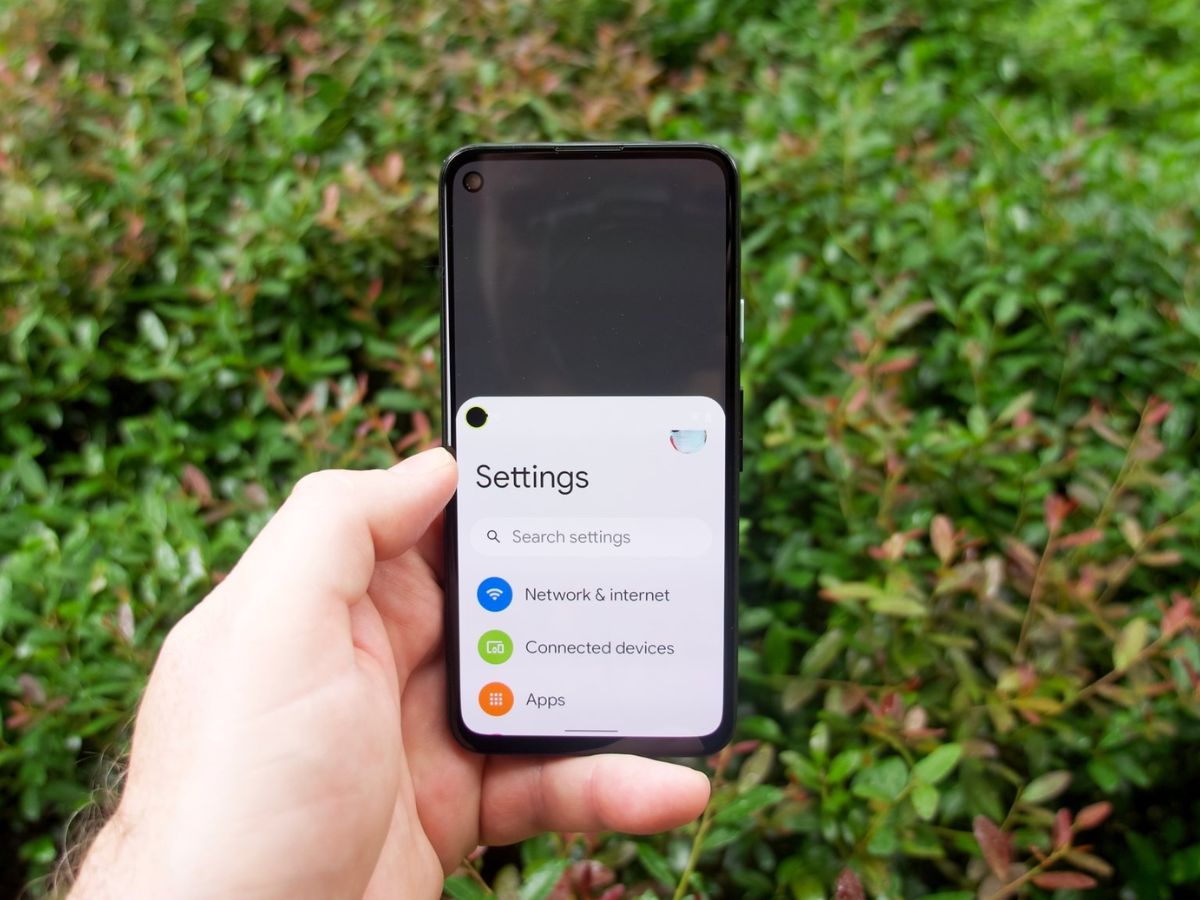
One-handed mode reduces the screen size for easier single-hand use. It is helpful for large smartphones where reaching the top screen is difficult. The interface shifts downward for better accessibility. This feature makes daily usage more comfortable and safe.
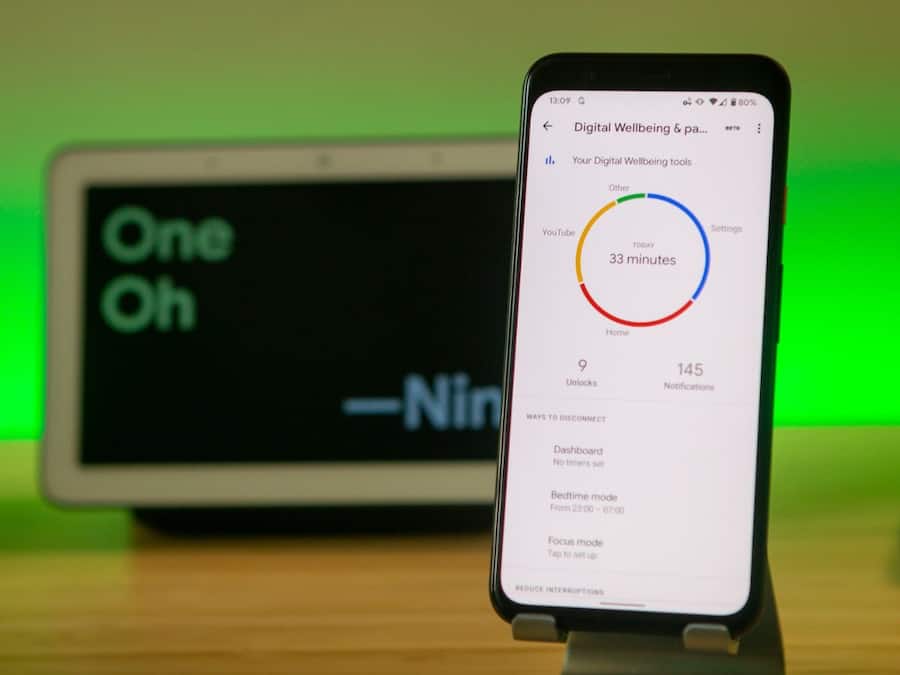
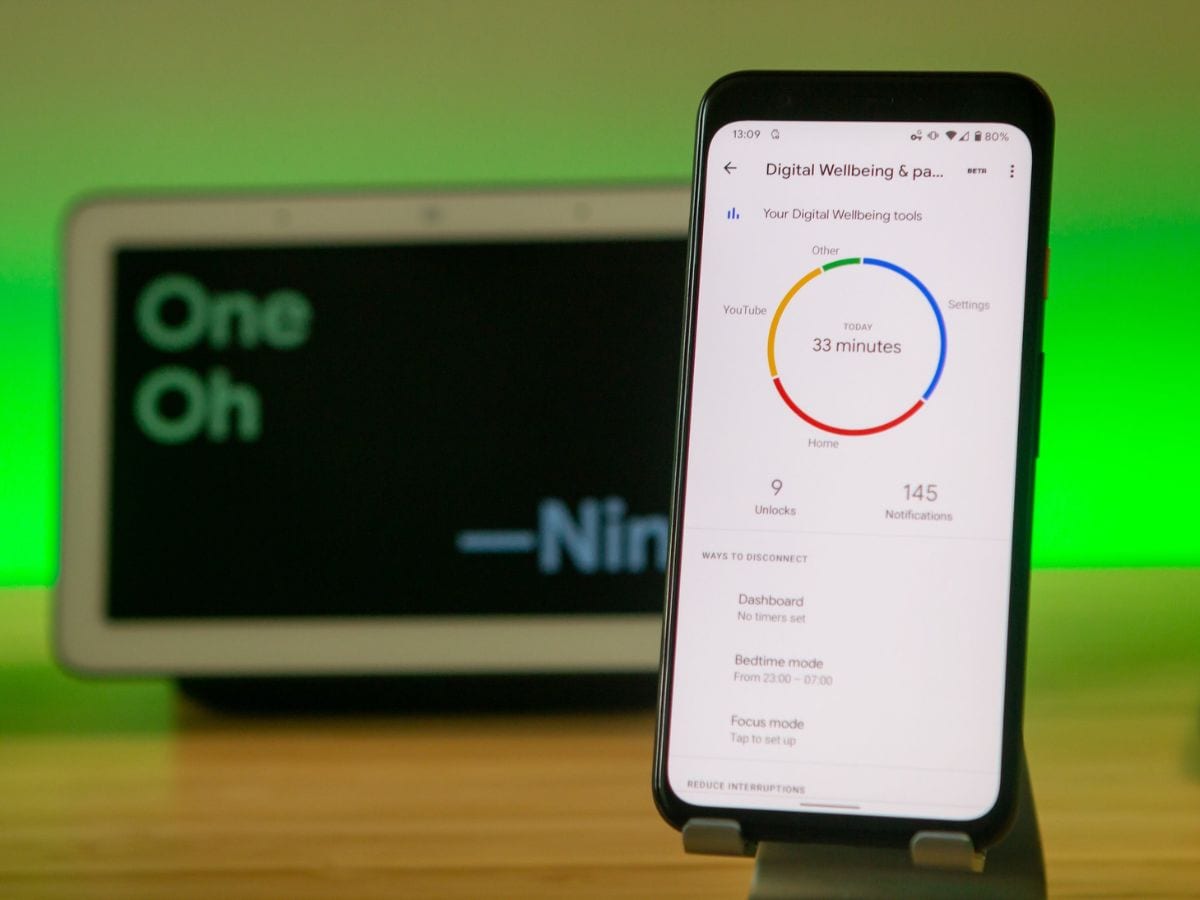
This feature shows how much time you spend on your phone and individual apps. It helps track usage patterns and reduce unnecessary screen time. You can also set timers for apps to control usage. It is useful for improving digital habits and focus.
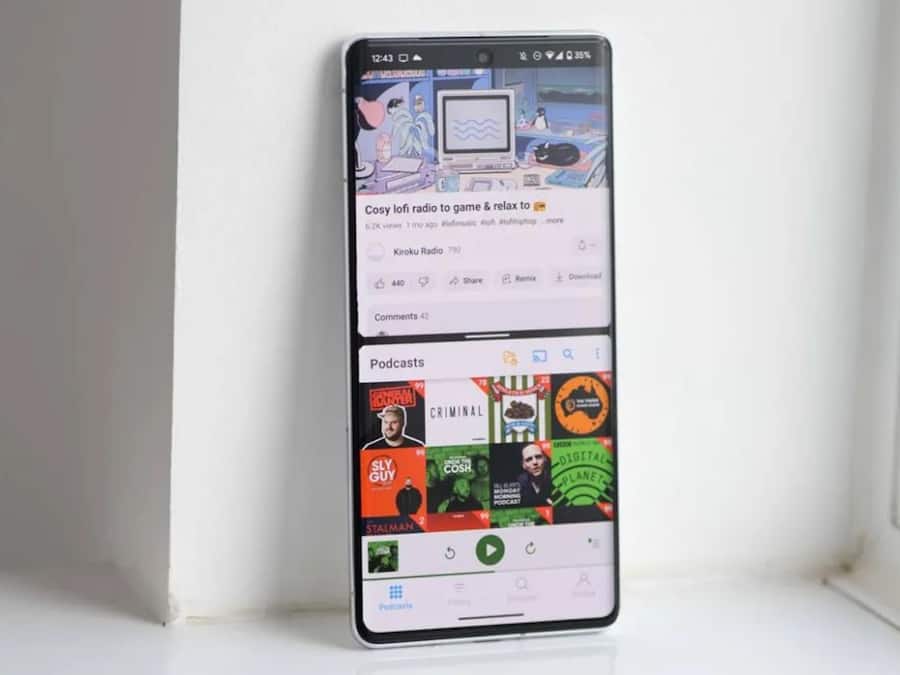
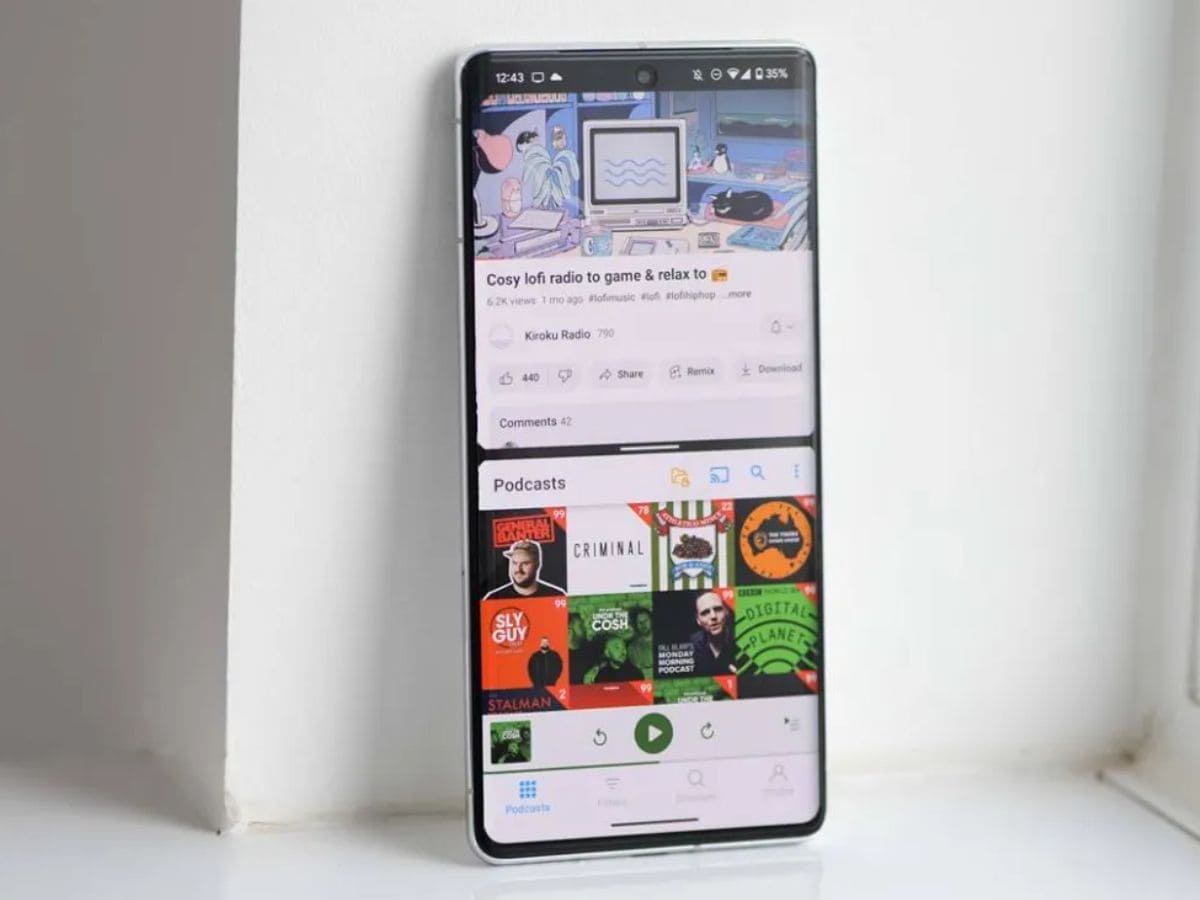
Split screen allows you to use two apps at the same time on one display. You can watch videos while chatting or browse and take notes together. It helps improve multitasking without switching between apps. This feature works best on larger screens for smoother use.
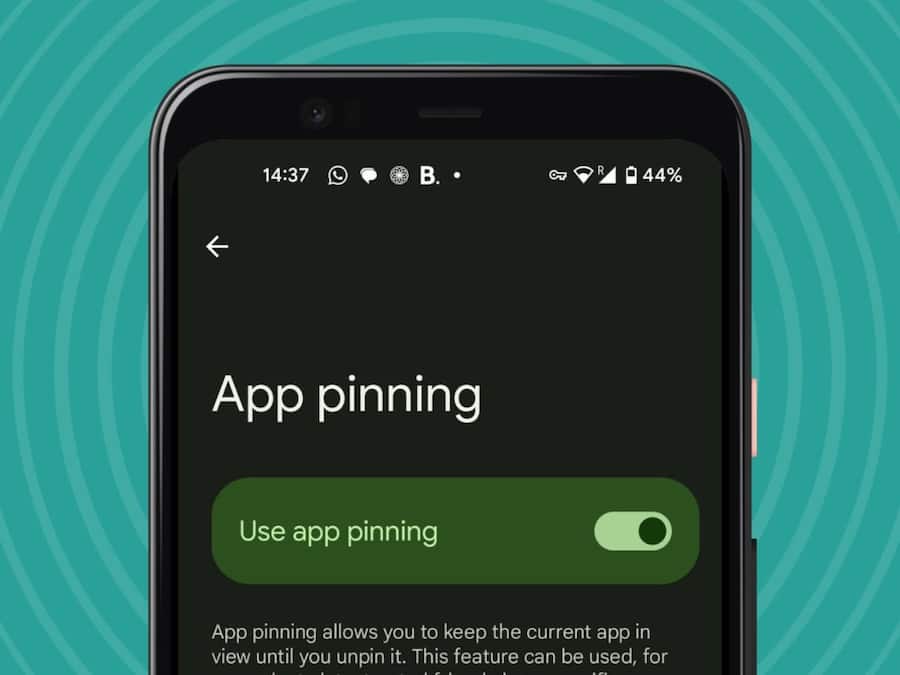
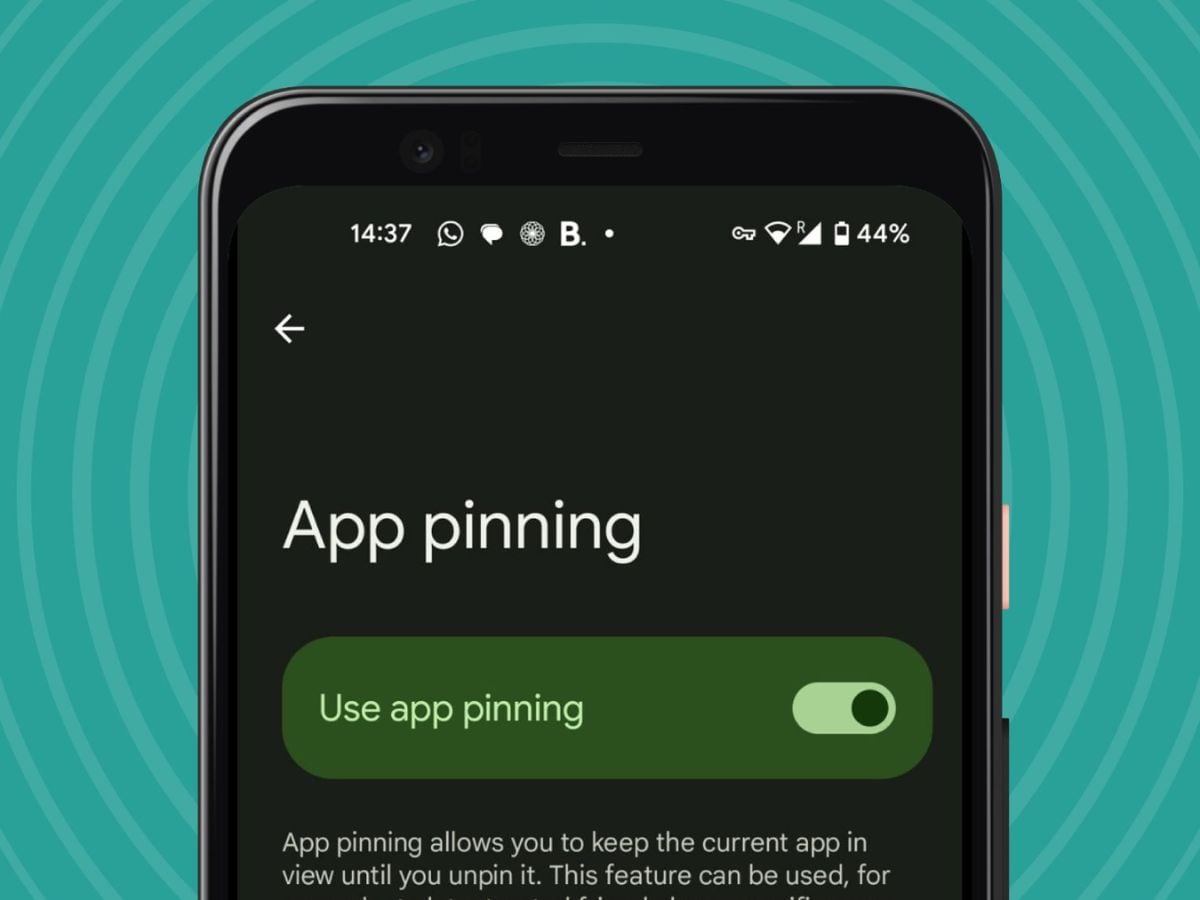
App pinning lets you lock a single app on the screen so others cannot open anything else on your phone. It is useful when you give your phone to someone for a short time. Once enabled, the user cannot exit the pinned app without your unlock method. This feature improves privacy and control in shared usage situations.

Don't Miss Out the Latest Updates. Subscribe to Our Newsletter Today!
