


Written By Divya




Go to Privacy settings and limit who can see your last seen and online status. It helps avoid unwanted tracking of your activity.
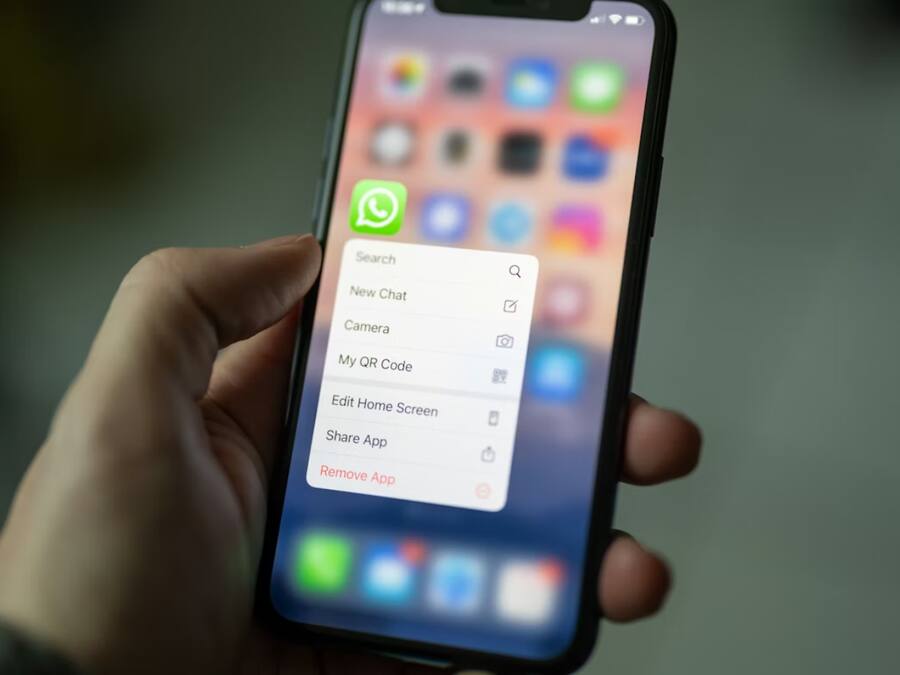
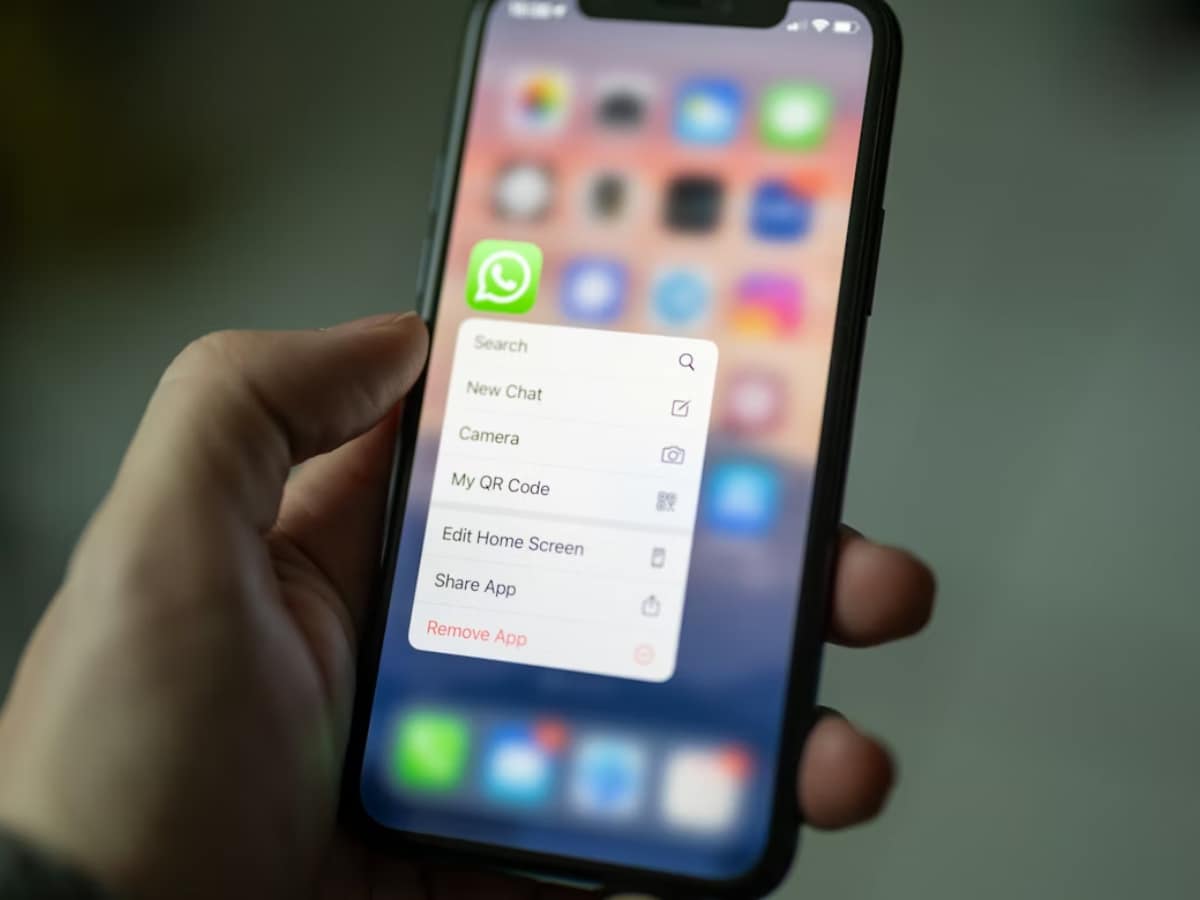
Disable read receipts if you don’t want others to know when you’ve seen their messages. Keep in mind, you won’t see theirs either.


Use Chat Lock to secure personal conversations with a password or biometrics. Locked chats stay hidden from the main chat list.
Set your profile photo visibility to “My Contacts” or specific people. This prevents unknown numbers from seeing your display picture.
Change group privacy settings so only your contacts (or selected people) can add you. This helps avoid random group invites.

Add a PIN for extra security. Even if someone gets your SIM, they won’t be able to access your WhatsApp account easily.
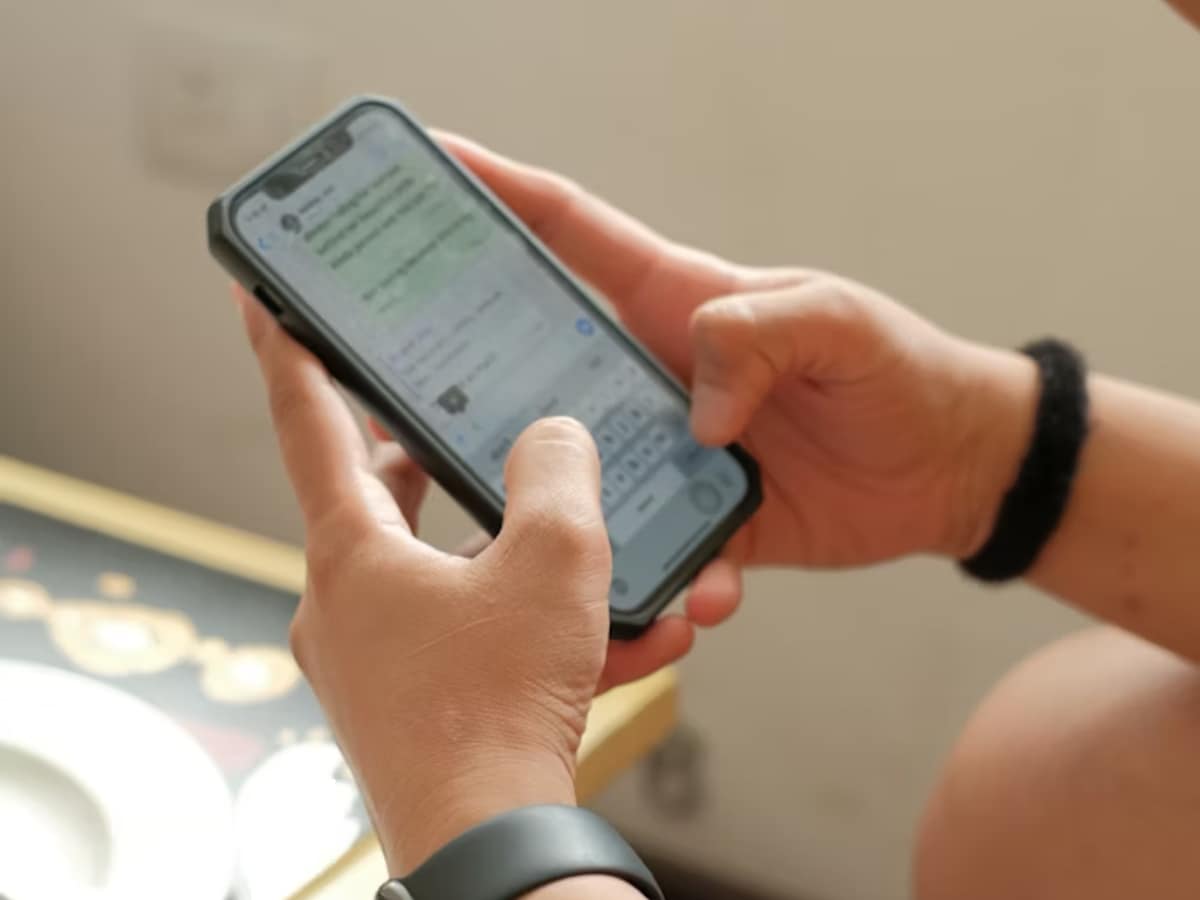
Check camera, microphone, and storage permissions regularly. Only allow access when needed to avoid unnecessary data sharing.
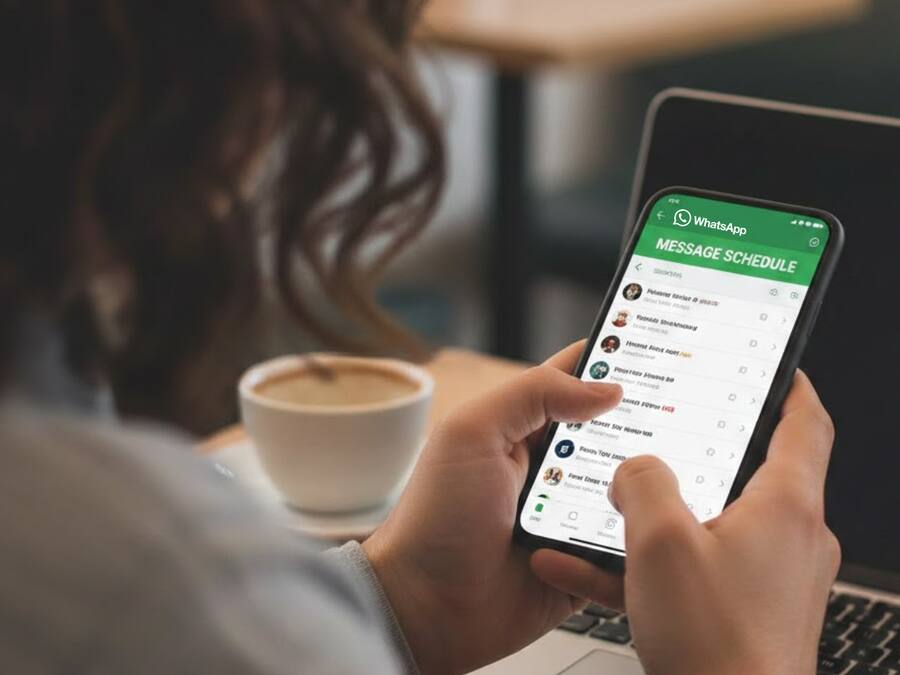
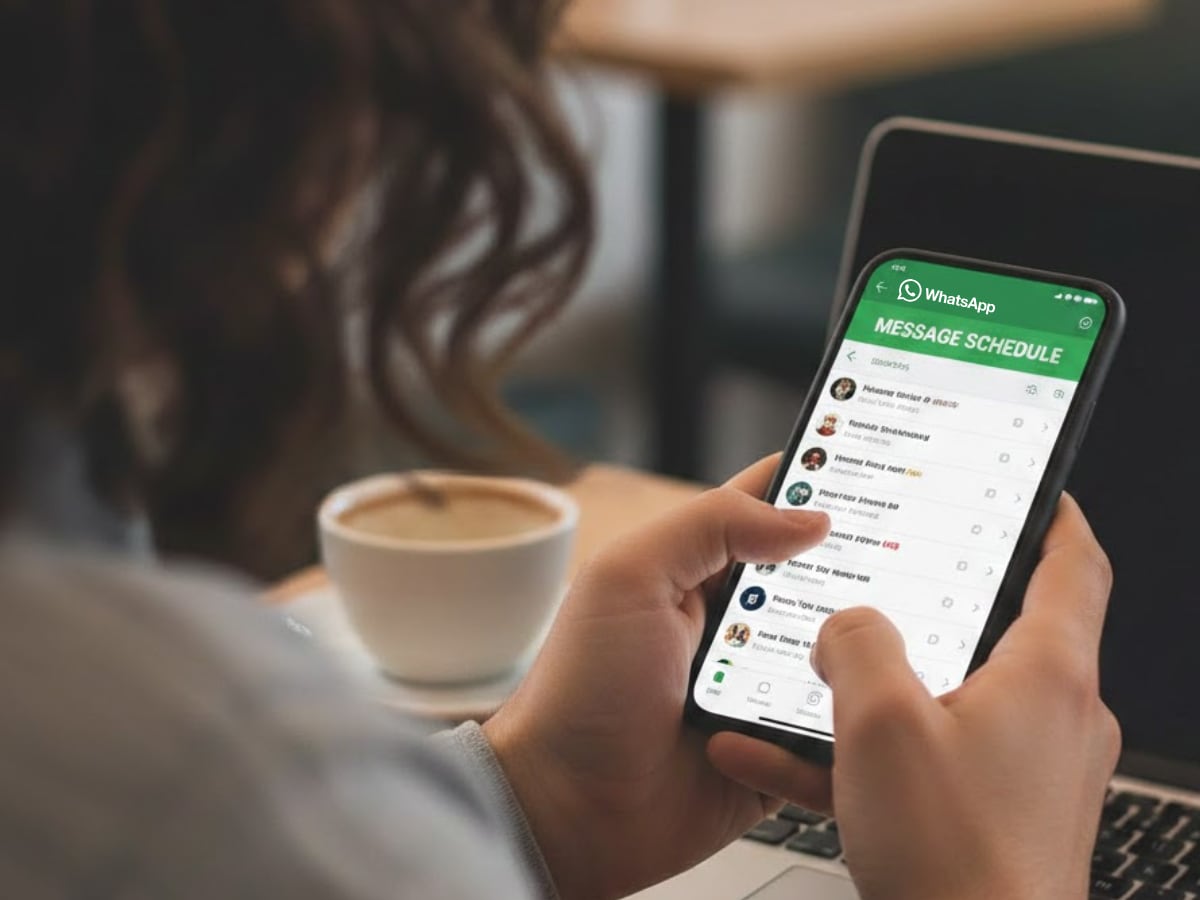
Turn on disappearing messages for chats where you don’t want messages to stay forever. It helps keep conversations temporary.

Don't Miss Out the Latest Updates. Subscribe to Our Newsletter Today!
