
Written By Deepti Ratnam


Written By Deepti Ratnam
Edited by Deepti Ratnam |Published: Aug 10, 2026, 09:36 AM (IST)
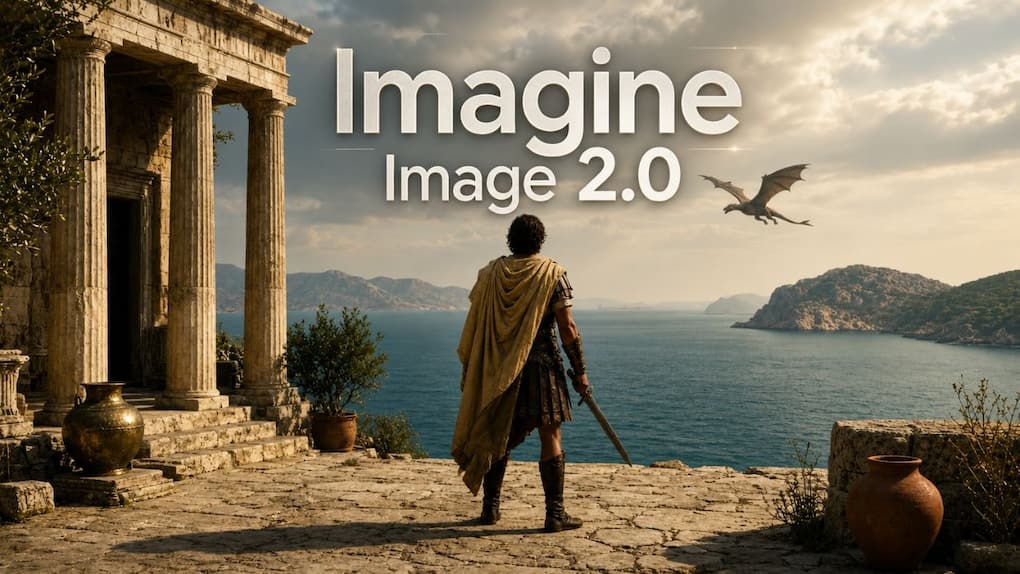
 xAI Imagine Image 2.0 is here with smarter image generation and editing
Elon Musk’s artificial intelligence firm xAI has unveiled its new AI image generation and editing model, Imagine Image 2.0. The new model is not just for creative experiments, but also for professional and real-world image generation.
Also Read
Also Read
Also Read
Imagine Image 2.0 is now available as the new Quality Mode on Grok. It’s accessible via Grok’s iOS and Android applications and on the web. xAI has also announced that API support will be included in future, enabling developers to integrate the model that generates images for their apps and workflows.
xAI is entering into large-scale direct competition with the major image generation firms like OpenAI, Google and Meta.
xAI states that Imagine Image 2.0 has been designed to produce images suitable for professional applications. The company claims the model can be more precise when it comes to following specific instructions and provide a higher level of quality when creating images with specific layouts, typography and text.
The model might be helpful for making posters, presentations, ads, social media graphics, product images, and more.
Generating text has long posed a difficult challenge for AI models that create images. Imagine Image 2.0 advances this aspect by generating more legible text and managing intricate formats better. The company also says the model has the ability to keep valuable parts from various generations and edits.
The one thing that makes the new model large is its image editing capability. Unlike a typical photographing system, when a user wants to make a small modification to an image, Imagine Image 2.0 lets the user modify a portion of an image, rather than creating an entirely new image.
With the Magic Wand tool, you can select specific areas and work on them without affecting the rest of your image. A segmentation feature has also been provided so that it provides the user with a choice of precise areas of an image to edit.
Background removal is another handy functionality. The users can cut out the background from any image and export the subject with a transparent background and then use it in other designs.
Multi-reference editing is also possible with the model. Now, users can even upload up to 5 images in one generation, which would otherwise require the merging of various images prior to editing.
Imagine Image 2.0 also comes with a Smart Resize feature. It enables the user to choose another aspect ratio, and then the AI enlarges the image to fit the new frame.
This might be helpful for creators who have a similar visual they need in various formats. For instance, a landscape post design can be reshaped into a vertical 9:16 format for Instagram Stories or Instagram Reels.
xAI will also be launching templates to simplify the image creation process. These templates are focused on certain use cases and enable the user to begin with an already defined workflow instead of building detailed prompts from the ground up.
The templates include photo editing options, professional headshots, product photography, icons, game assets and more. The user can input the necessary information and use the set workflow to create the final image.
This method might help make Imagine Image 2.0 more user-friendly for individuals who are not adept at composing elaborate AI prompts.
Currently available on the web, iOS and Android via Grok, it’s offered as the new Quality Mode in Grok’s Imagine platform.
xAI has not yet made API access available, but says it will make it available in the future. Developers will be able to utilize Imagine Image 2.0 in their applications and professional workflows once it becomes available.

xAI is helping to transform Imagine Image 2.0 into a professional image creation tool with improved text generation, accurate editing, multiple image references and pre-designed templates. The launch also comes as a sign of competition in the booming AI image generation market which is being worked on by OpenAI, Google and Meta.


