
Written By Deepti Ratnam


Written By Deepti Ratnam
Edited by Deepti Ratnam |Published: Jul 05, 2026, 01:09 PM (IST)
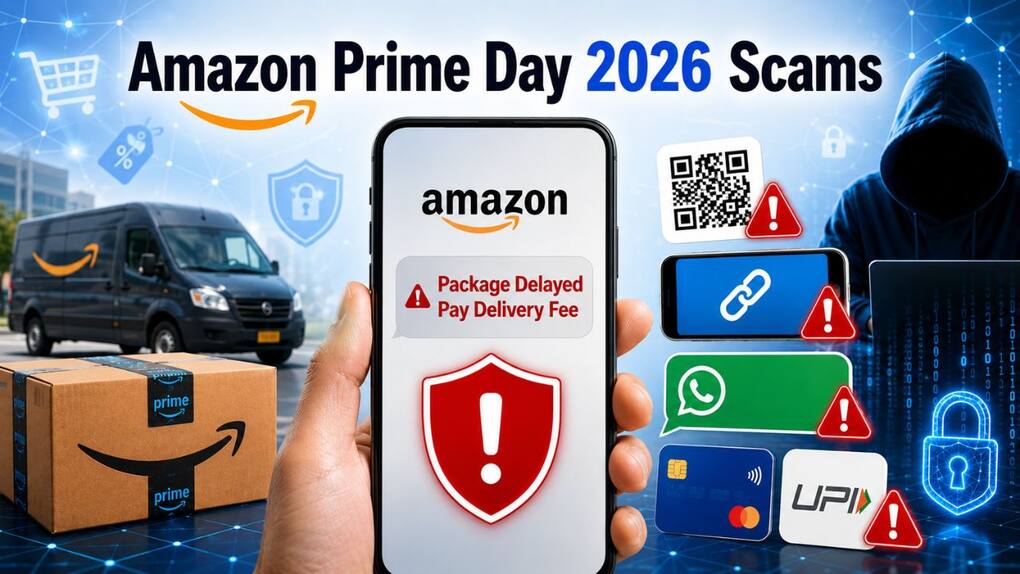
 Amazon Prime Day scam: How to identify fake delivery messages
Amazon Prime Day Sale 2026 is finally live and buyers are looking for deals and discounts across several product categories. The e-commerce site is offering massive price cuts on smartphones, smart TV’s, laptops, fashion, home appliances, and thousands of products. Thousands of shoppers are placing orders during the sale hence delivery notifications are increasing on devices. Unfortunately, this is also one of the best times for scammers to target frequent buyers as they become more active during Prime Day Sale.
This is the best time when online scams typically rise and fraudsters exploit consumers and buyers. These fraudsters are well aware with the fact that people are expecting deliveries and make it easier to trick them with fake messages, WhatsApp texts, emails, and phone calls. These texts are related to appear to related to their orders. Your single click on a fraudulent link or any payment made via fake QR code can result into money loss along with stolen personal details.
If you are also one of the buyers who are shopping during Amazon Prime Day sale 2026, then here are some of the most common delivery scams that you need to be aware of. In addition, take these steps to stay safe.
When large online shopping events happen, like Amazon Prime Day or Black Friday, millions of people shop online, providing an opportunity for cybercriminals. Since people are waiting for their packages, they are likely to receive notifications about their orders. This is the time when then receive fake delayed delivery, verification, payment problem, or a refund.
This sense of urgency is used by scammers to get people to act without verifying the authenticity of the message. They are typically trying to obtain credentials for logging in, banking details, card information or direct monetary.
Amazon delivery scams are cons that exploit the Amazon delivery system.
Amazon delivery scams are a form of online scam where the identity of the scammer is disguised as being from Amazon or a delivery service. They reach out to consumers via SMS, WhatsApp, email, social media or phone calls, and say that there’s a problem with an order.
It’s one of the most frequent scams during online sales. An SMS and/or WhatsApp message can be sent to you that your parcel will be delayed or not delivered due to an incomplete address.
Most of the time the message will contain a link leading to a fake website that closely resembles Amazon. Information such as account numbers and personal banking details, or card information, can be taken if you enter your account password, etc.
Scammers send fake payment message
Some fraudsters indicate that your payment was not processed, or that you must pay a small delivery charge for your package to be sent.
Some offer a refund and send a payment request or QR code. When it has been approved, it becomes an approved transfer of funds from your bank account, rather than transferring money.
If someone is claiming to give you a true refund, there should never be a demand for up-front payment.
QR code scams
Scammers might request you to scan the QR code to verify delivery, get cashback or fill out address verification.
If the code is scanned or the payment request is approved, then the payments will be made.
Take time to check the use of a QR code before scanning.
Phishing calls purporting to be from the customer service team
One of the other popular tricks is that callers pretend themselves to be executives of the Amazon customer service. They might tell you that there is something wrong with your order and request your OTP, debit card information, UPI pin or internet banking details.
Keep in mind, that a legitimate customer support representative will not request confidential banking details or OTPs.
Scams involving remote access apps
To get the victim to install screen-sharing or remote access programs, some scammers claim delivery is needed.
These apps, if installed, can enable fraudsters to see what you’re doing on your screen, enter into your sensitive data, make banking transactions without you knowing it, and more.
Install apps from official app stores only if you are 100% sure.
While there are more and more convincing fraudulent messages sent, there are a number of warning signs.
Be cautious if a message creates unnecessary urgency or asks you to make an immediate payment. You should be suspicious if a link is not included in the Amazon.com site, if it has a spelling mistake or poor grammar, if the link contains an unexpected attachment, or if the message is from a number you don’t know.
Any demand for your OTP, debit card number, CVV, UPI PIN or Internet banking password is another tip-off. Amazon does not request users to provide this information via SMS, WhatsApp, email or phone.
| Genuine Amazon message | Vs Scam message |
| Appears in Amazon app | Comes from unknown number |
| No OTP request | Asks for OTP |
| Official amazon.in link | Strange URL |
| No random delivery fee | Demands payment immediately |
Cybersecurity experts say that scammers frequently use big events like Black Friday as an opportunity to woo consumers as they are busy expecting information about their purchases. Because consumers are busy during major shopping events, they will expect news about their purchases, fake messages can appear more credible.
Always verify your order through the official Amazon app
Please double check the order in the official Amazon app
If you get any communication regarding your delivery, don’t follow the link right away.
On the other hand, you can open the official Amazon app or visit to the Amazon’s official website and check the order history. If you have a real delivery update or payment or shipping delay, this is usually evident in your account.
Amazon recommends that customers only check their orders on the Amazon app or web and not with anybody pretending to be from Amazon who asks for an OTP, password or banking information.
Make sure you avoid opening any email that you didn’t expect.
Don’t click on the link, download any attachments or scan a QR code. You can also delete the message if it seems suspicious. In addition, you can report on Amazon’s customer support about the phishing attempt.
If you’ve entered your Amazon password in a suspicious site, change your password and if there is two factor authentication, activate it.
Another major step is to immediately call your bank if in case you have shared banking information or your card details.
Keep a close eye on recent transactions and report any that are suspicious or unauthorized transactions as quickly as possible.
The quick action can minimise the risk of further financial losses.

In the event that you may have clicked a dubious link, reset your Amazon account password right away and log out of all devices you’re logged in to if you have that option. Call your bank immediately to report. Also watch out for suspicious activity on your account and if you notice any fraudulent activity, report it to the National Cyber Crime Reporting Portal.