



Written By Shubham Arora
Published By: Shubham Arora | Published: Apr 08, 2026, 12:51 PM (IST)
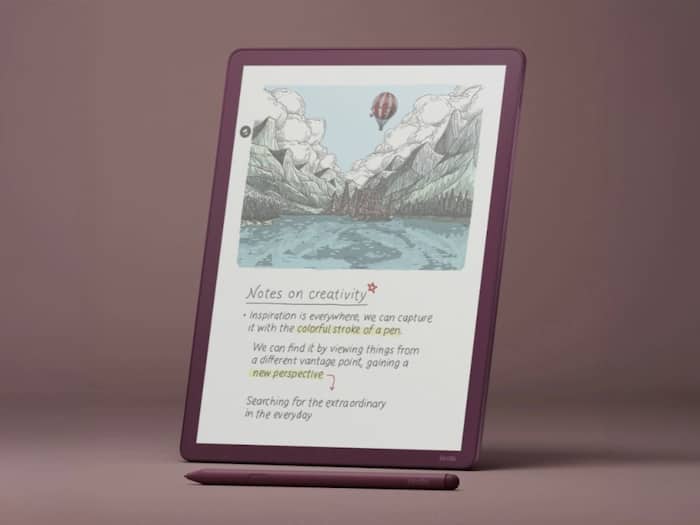
 Amazon rolls out new Kindle update to fix lag and battery issues from previous version.


Written By Shubham Arora
Amazon has rolled out a new update for its Kindle devices, but this one isn’t exactly a fresh release. It’s more of a fix for the last update that didn’t go as planned. The earlier version, 5.19.3, was quietly pulled after users started reporting issues like lag, battery drain, and slower page turns.  Also Read: Best vacuum cleaner under Rs 30000 in India 2026 with strong suction and smart features
Amazon has now released version 5.19.3.0.1 to fix the issues from the previous update. It is already reaching supported devices, including newer Kindle models and the Kindle Scribe. Also Read: Headphones for video editors under Rs 15000: Best options for clear audio and editing precision
The previous update was released only a few days before it was taken down. Amazon didn’t officially explain why it was removed, but user feedback made things clear.
A lot of users had complained that their devices started feeling slower after the previous update. Page turns didn’t feel as smooth as before, the UI had some lag, and a few users also noticed higher battery drain. These are basic things you rely on while using a Kindle, so even small issues were easy to notice.
The new version carries almost the same release notes as the previous one. One of the key changes continues to be improved support for PDF files transferred via USB.
Sideloaded PDFs are a bit easier to use now. You can highlight text, add notes, and move through pages more smoothly. On the Kindle Scribe, you can also write directly on these PDFs.
Apart from that, this update mainly focuses on fixing the earlier problems and making things run normally again. There aren’t any big new features included.
The update is being rolled out gradually and should install automatically if your Kindle is connected to Wi-Fi. Users can also download it manually from Amazon’s website if they don’t want to wait.
If your device was already running the earlier 5.19.3 version, this update should fix the issues without needing any extra steps.
Right now, the focus is clearly on fixing what went wrong earlier. Some early feedback suggests that the main issues have been addressed, but it will take a bit of time to see how it performs across all devices.

Since you can’t roll back a Kindle update once it’s installed, users who faced problems earlier didn’t have much choice but to wait. This update is essentially meant to sort that out and bring things back to normal.

Don't Miss Out the Latest Updates. Subscribe to Our Newsletter Today!
