



Written By Shweta Ganjoo
Published By: Shweta Ganjoo | Published: Feb 22, 2024, 04:41 PM (IST)
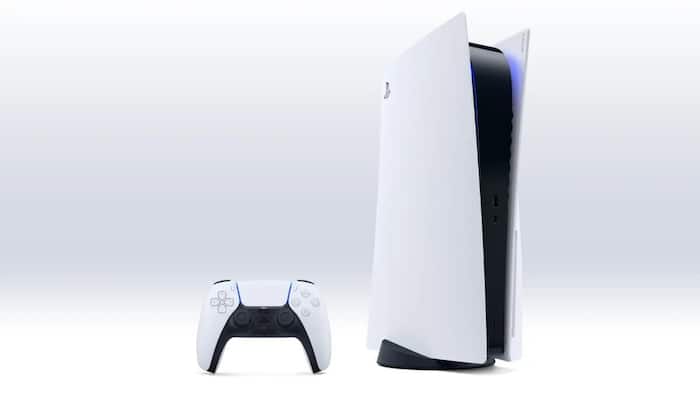
 Representational Image


Written By Shweta Ganjoo
PlayStation update: Sony has made major changes to PlayStation accounts. The company has announced support for password-less sign-ins for PlayStation accounts. With this development, PlayStation users will be able to sign into their accounts using passkeys.  Also Read: Spider-Man’s phone choice sparks debate after Brand New Day trailer
For the unversed, a passkey is a password replacement that provides faster, easier, and more secure sign-in to accounts PlayStation Accounts. Instead of passwords, passkeys lets users sign in through their mobile device or computer using alternate methods such as fingerprint, face scan or a PIN. Also Read: How I recovered my WhatsApp chats after losing everything in one click
Login to your PlayStation account hassle-free with passkeys arriving later today! Keep an eye out for updates. Also Read: Starfield PS5 release date is finally official, and it brings a 'big update' too
Login to your PlayStation account hassle-free with passkeys arriving later today! Keep an eye out for updates. pic.twitter.com/BAmh64EwHR
— Ask PlayStation (@AskPlayStation) February 21, 2024
Step 1: Sign in to your PlayStation account.
Step 2: Now, go to Security and enable Sign in with Passkey.
Step 3: Now, select Create a Passkey option.
Step 4: Next, choose how you want to create a passkey, and then follow the on-screen instructions to complete the setup.
Step 1: Navigate to the sign-in screen on your PlayStation 5 console, PlayStation 4 console or connected device.
Step 2: Tap the Sign-in with Passkey option.
Step 3: When you try to sign in, you will be prompted to use your saved passkey to sign in.
Step 1: Sign in to PlayStation account.
Step 2: Next, go to Security section and then select Manage Passkeys.
Step 3: Now, select Create a Passkey option.
Step 4: Now tap Create on This Device or Create on Another Device option.
Step 5: Follow the on-screen instructions to set up a new passkey.
Step 1: Sign in to your PlayStation Account.
Step 2: Go to Security and disable Sign in with Passkey.
Step 3: Create a password to sign in to your PlayStation account.

Step 1: Sign in to your PlayStation Account.
Step 2: Go to Security option and select Manage Passkeys option.
Step 3: Select Remove next to the passkey option you’re done.

Don't Miss Out the Latest Updates. Subscribe to Our Newsletter Today!
