


Written By Divya
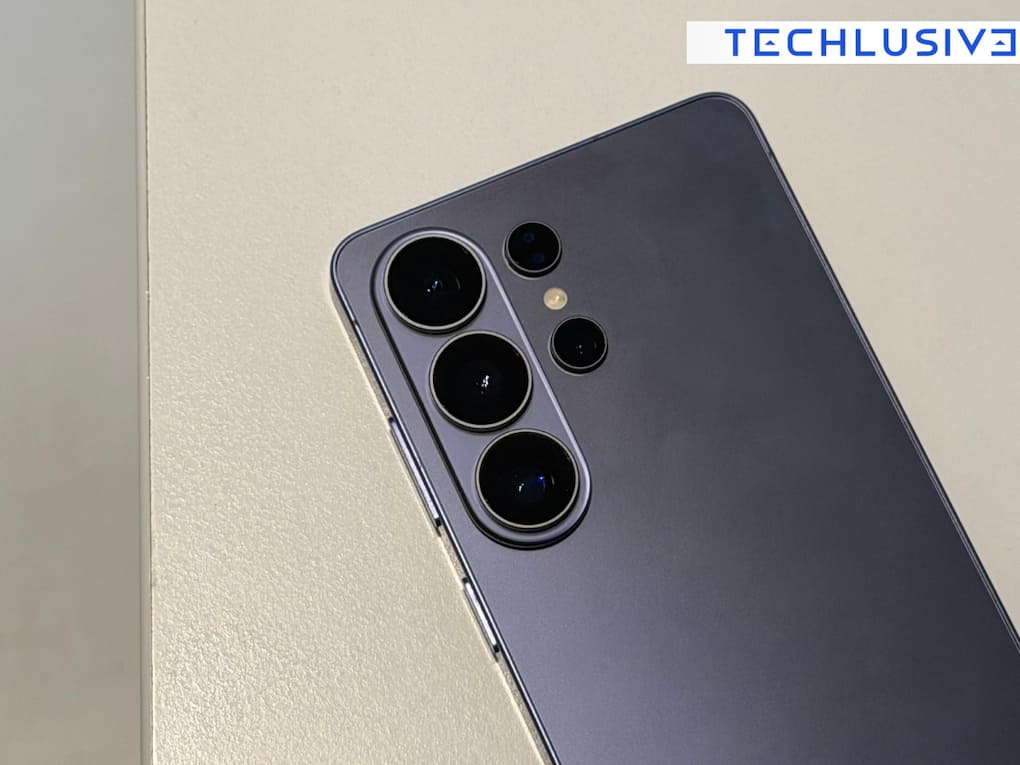
Samsung has finally solved one of the key issues for its users – file sharing with iPhone users. Whenever it is about sharing files between Android and the iPhone, it has always been slightly complex with links, apps or even third-party tools to finally share that file. However, it is changing now. With the latest update, the Samsung Galaxy S26 series now supports AirDrop-like sharing through Quick Share, making it easier to send files directly to iPhones, iPads, and even Macs.  Also Read: Apple reportedly launching new upgrade programme for iPhone, iPad, Mac, and Apple Watch on July 28
“Samsung is introducing AirDrop support to the Galaxy S26 series, making it easier for users to share content between devices using Quick Share,” the tech giant mentioned in a press release. Will you get it and how will it work? Know all the details. Also Read: After Samsung Galaxy Z Fold 8, all eyes on iPhone Ultra: 5 things to expect from Apple's first foldable
The AirDrop feature of the Samsung Galaxy S26 series has started rolling out from March 23 in Korea. However, it is expected to expand soon to more regions, which include Europe, Hong Kong, Japan, Latin America, North America, Southeast Asia, and Taiwan. There is no mention of India so far. Also Read: Samsung Galaxy Unpacked 2026: Everything announced beyond the new foldables and smartwatches
Samsung hasn’t exactly added Apple’s AirDrop, but it has made its Quick Share system compatible with it. That means your Galaxy device can now detect nearby Apple devices, and vice versa. Once enabled, you can send photos, videos, documents and any sort of file without the need of any extra app.
Once enabled in your region, you simply follow these steps:
Once the basic settings are enabled, you will be able to send a file. To do so,

It must be noted that the feature is not turned on by default, so you need to enable it manually. Also, both devices need to have visibility set to “Everyone.” It works only when devices are near each other.


