



Written By Deepti Ratnam
Published By: Deepti Ratnam | Published: Jan 28, 2026, 09:43 AM (IST)


Written By Deepti Ratnam
WhatsApp has finally introduced much-awaited feature on its platform, enhancing account security and privacy. The new feature is called Strict Account Settings, built to protect users who may be at risk of highly targeted cyberattacks. Cybersecurity has become one of the most important aspects in today’s scenario, and hence, everyone looks for one or the other way to stay protected in this digitalized world. WhatsApp not only reduces the online threats on its platform, but also comes up with advanced features that can protect its users, especially journalists, activists, and public figures.
As per WhatsApp, the Strict Account Settings work like a security lockdown that automatically applies the strongest privacy and safety controls.
The newly launched Strict Account Settings on WhatsApp is an optional advanced privacy mode that you can control by yourself if you want. It limits how others can interact with your WhatsApp account. As soon as the feature is enabled, it will reduce exposure to suspicious messages and unknown callers. In addition, it also reduces unwanted group adds and risky media files.
The tech giant has clarified that currently the feature is designed for a small group of users who believe they could be targeted by suspicious cyber campaigns. It means the feature is not meant for everyday users.
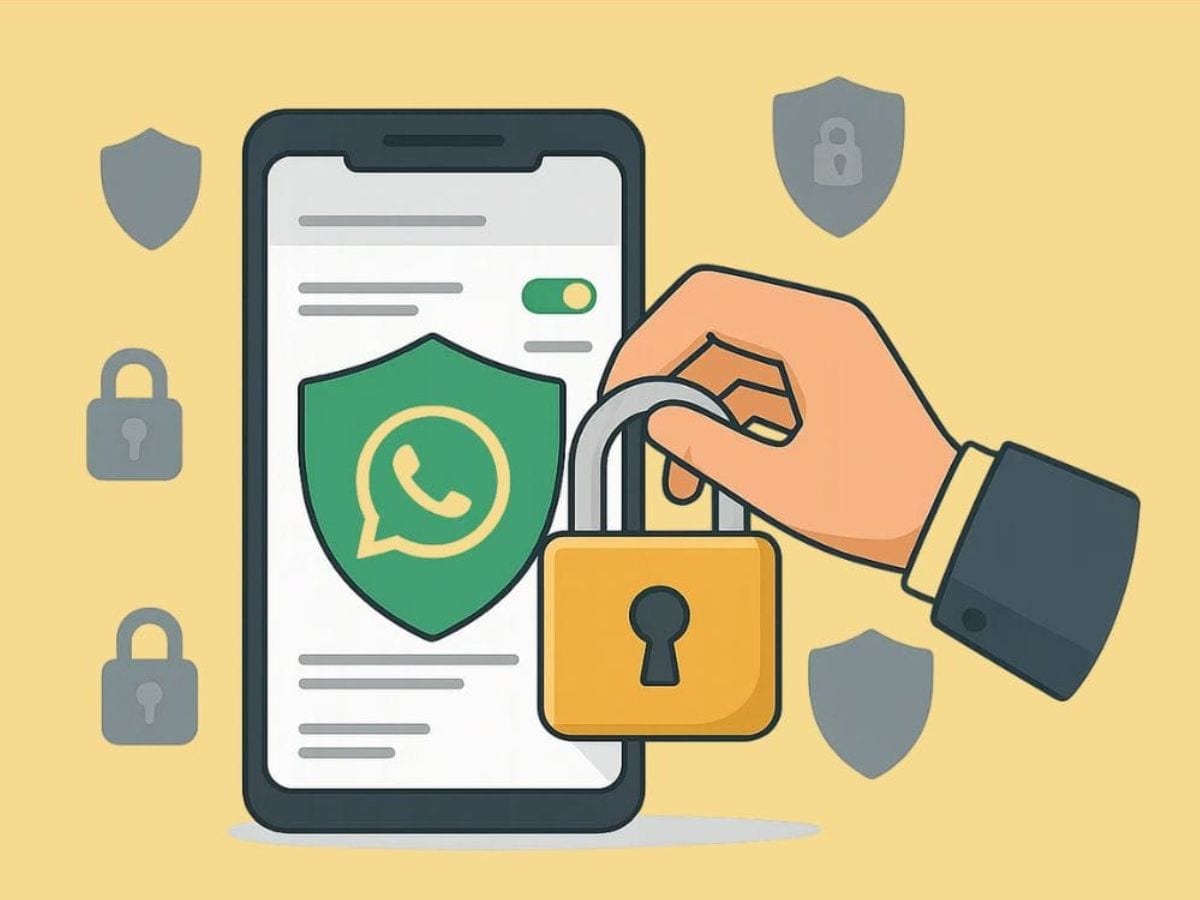
If you activate the Strict Account Settings on your WhatsApp, then the app will turn on several security measures at once. The two-step verification will be enabled and you will be protected from unauthorized logins. Another essential aspect of this feature is that security alerts are also locked and they cannot be disabled.
Talking about the attachments and media, it will also be blocked from unknown senders to reduce malware risks. The feature will also turn off the link previews. In addition, profile details such as last seen, online status, profile photo, and about information are restricted to contacts only.
Step 1: The first step is to open your WhatsApp account on your primary device or smartphone. One thing to keep in mind is that the feature cannot be enabled from WhatsApp web or desktop apps.
Step 2: The next step is to click on the Settings option.
Step 3: Now, go to Privacy section. After scrolling down you will find the Advanced section.
Step 4: The next step is to tap on Strict Account Settings.
Step 5: Toggle the switch to turn Strict Account Settings on.
As soon as you enable the feature, your WhatsApp will automatically lock your account to the most restrictive privacy and security settings.
Step 1: The first step involves opening WhatsApp and going to Settings.
Step 2: Then tap on Privacy option and then select Advanced.
Step 3: Now, open Strict Account Settings and click on View locked settings to see all applied restrictions.
Step 4: You can use the same toggle to turn the feature off if needed.
Why This Feature Matters

By introducing this feature, WhatsApp showcases that it has its main focus on protecting users from rare but serious cyber attacks. The tech giant is offering one tap solution and security lockdown with clear controls.

Don't Miss Out the Latest Updates. Subscribe to Our Newsletter Today!
