


Written By Deepti Ratnam
Published By: Deepti Ratnam | Published: Apr 15, 2026, 10:47 AM (IST)
 Gemini Personal Intelligence arrives in India: Context-based AI responses get a major upgrade


Written By Deepti Ratnam
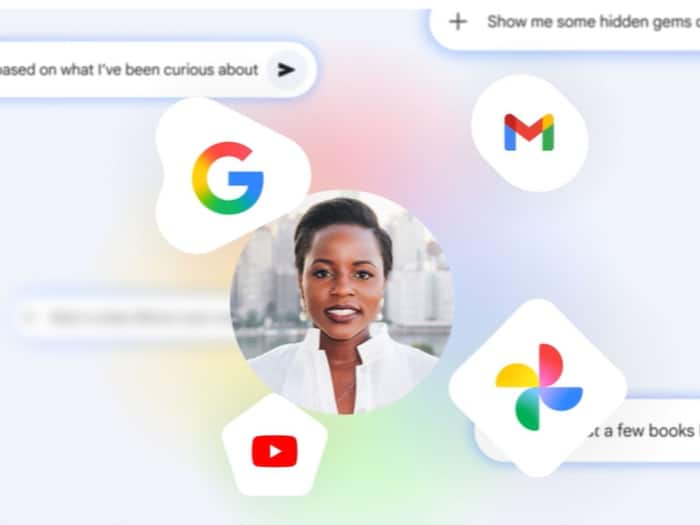
Google has finally started rolling out its new Gemini features, Personal Intelligence in India. The feature allows AI to enhance and provide highly-tailored responses to users. It will analyze your personal data across Google apps, including Google Drive, Google Photos, and Gmail, and will provide you with relevant and context-based answers. The Personal Intelligence in Gemini will connect with different apps to provide you with better results in one place.  Also Read: Google personal intelligence now available for free users, but there's a limitation
Google launched its Personal Intelligence feature in Gemini first in the United States in January 2026. The feature was not available in India at that time and its wider roll out happened on 14 April 2026. Gemini’s Personal Intelligence feature allows the AI assistant to use data from multiple apps. These apps include Gmail, Google Photos, YouTube, and Search. It will then provide you context-based answers, tailored to your needs.
As soon as you enable the feature, Gemini will combine information from these apps. This helps the feature to provide more detailed and useful answers. To understand this better, for example, it will check your emails, photos, and videos together to answer a single query.
One of the striking and main features of Personal Intelligence is that it provides context-based responses. This means, Gemini understands your activity across apps and then uses that data to send you accurate replies.
For example, if you are planning a trip, then Gemini can pull through your booking details from Gmail, or from your saved images from Photos, or from suggestions from YouTube. It will combine all these information and will show you in one response. This makes it easier for users to get everything in one place.
You can easily turn this feature on from the app settings. Follow this simple step-by-step guide and you are good to go
Step 1: The first step is to open the Gemini app on your device
Step 2: In next step, head straight to the settings section
Step 3: Now, locate Personal Intelligence option
Step 4: Select the apps you want to connect, like Gmail, Photos, YouTube.
Step 5: In final steps, confirm your choices and enable the feature.
Step 6: Once enabled, Gemini will start using connected app data to answer queries.
Google has started rolling Personal Intelligence in Gemini to selected users in India. It is available for subscribers of premium plans. More users will get the latest update in coming weeks.

Interestingly, Google has made the update optional, and hence, it is turned off by default. This means you will have full control over which apps you want to connect.

Don't Miss Out the Latest Updates. Subscribe to Our Newsletter Today!
