


Written By Deepti Ratnam
Published By: Deepti Ratnam | Published: Jun 16, 2026, 12:51 PM (IST)
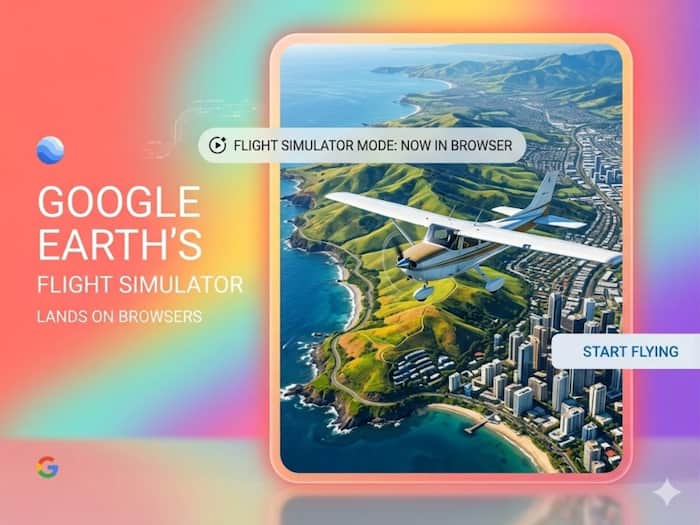
 You can now fly anywhere in the world with Google Earth's browser-based flight simulator


Written By Deepti Ratnam
Google has brought one of the most exciting features to its Earth on web browser. The tech giant has officially launched the Google Earth’s Flight Simulator for browser users. The hidden enhancement will allow user to virtually fly across the planet. For this, they don’t have to download the desktop application.
Google Earth Flight Simulator feature has already been available in the desktop version since 2007. However, the company finally made its way to the web version as part of Google’s broader effort to bring more advanced tools and capabilities online. Besides the flight simulator, the Mountain View-based company is also providing professional features to the web version. This includes:
If you are an aviation enthusiasts and casual explorers, then the browser-based flight simulator offers a unique way to experience Google’s Earth vast collection of satellite imagery along with 3D maps.
The addition of flight simulator of Google Earth web version means users no longer need to install Google Earth Pro on their computers to access the feature. Rather, they will be able to launch the simulator directly from a web browser. They can start fly over cities, oceans, mountains, and famous landmarks around the world.
Comparing to other flight simulator such as Microsoft Flight Simulator, Google’s product focuses more on exploration rather than realistic aviation training. Nevertheless, one of the biggest advantages of Google’s Earth is its extensive global mapping database. It allows players to fly almost anywhere on the planet.
Talking about the browser version, it retains the simple and accessible feature of the original simulator. In addition, it also makes easier for users to discover and enjoy at the same time.
Using Google Earth Flight Simulator is relatively simple. You just have to follow this step-by-step guide.
Step 1: The first step is to visit the Google Earth website.
Step 2: Now, select the Explorer Earth option.
Step 3: As soon as the map loads, you can then search for any location you want to explore frin the air.
Step 4: Once you choose the destination, open the Tools menu. This is where the flight Simulator option is available.
Step 5: Select the option and it will launch the simulator and will place the aircraft in the chosen area
Step 6: One thing to keep in mind is that by default the simulator displays an abstract map view.
Step 7: If you want to have more realistic experience then you can switch the basemap setting from Map to Satellite. This will allow you to experience photorealistic imagery while flying.
The Google’s Earth simulator comes with support of both mouse and keyboard controls. This will allow you to choose the control method that feels most comfortable. Flying can be challenging even if the controls are simple and straightforward. Make sure you have proper control on simulator because sudden movements or excessive speed can quickly send the aircraft spinning out of control.
This is one of the most important questions. Just like most of the flight simulators, crashing will end the current flight. This means, if your aircraft collides directly with terrain, your simulation will pause and start displays a crash message.
Luckily, you do not have to start from scratch. Google provides a restart option that immediately restores the aircraft to a safe altitude. This also allows you to continue flying without losing any progress.
All these features make the simulator accessible even for beginners who might need several attempts before mastering the controls.
The feature’s purpose is “mostly entertainment, not flight training,” Google says, but it’s still an immersive experience to explore the world.
As of now, the flight simulator can be accessed only via Google Earth online. It also employs simplified flight physics, rather than a realistic aerodynamic model. Also, 3D buildings and high resolution imagery is dynamically loaded as the user flies, meaning in some cases there may be a delay in terrain and/or buildings loading with slow internet connections.
Google has also admitted some known bugs such as graphics glitches on some below-sea-level maps when flying low and some map shortcuts are temporarily disabled while flying.
One of Google Earth’s longest running features is just that much more accessible when the flight simulator arrives on browsers. Until recently, many users didn’t even know about it because it was hidden in the desktop app.
Google is further cementing Google Earth’s place beyond a map application by putting it on the web. The new browser-based flight simulator is fun to use, whether users wish to make a virtual flight over their home city or take a tour around famous landmarks or simply to have a different view of the planet.

It might not come close to full-scale aviation simulators, but for those with an interest in exploring Earth from the air, it is a good way to have a lot of fun.

Don't Miss Out the Latest Updates. Subscribe to Our Newsletter Today!
