



Written By Deepti Ratnam
Published By: Deepti Ratnam | Published: Apr 16, 2026, 09:37 AM (IST)
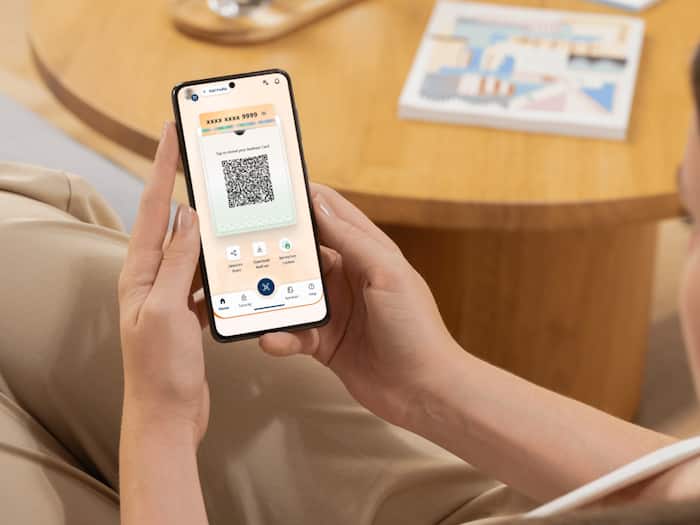
 Aadhaar profile 2026: Quick digital method to correct identity records


Written By Deepti Ratnam
People in India have an Aadhaar card as their official document, proving that they are citizens of the country. However, many people ignore their Aadhaar card details over time and they forget to get it updated. It can be problematic when your address is changed, or there are some small errors, or outdated information is printed on your Aadhaar card.  Also Read: Aadhaar card will not change format, govt rejects viral claim: Here’s the truth
All these details play an important role at the time of verifications. To avoid this, the Unique Identification Authority of India (UIDAI) is allowing Indian citizens to update their Aadhaar card details online for free. But this facility is only for a limited period. If your Aadhaar card was created 10 years ago, it is important to update it soon. Also Read: How to get Aadhaar card without OTP: Complete process guide
UIDAI is allowing users to update their Aadhaar card without any charges via official myAadhaar portal. The free service is valid till 14 June 2026. After that, you will be charged with a fee for Aadhaar update. This makes it a good time to update your details and review it, if needed. Also Read: Aadhaar card update rules 2026: Do you know you can change DOB and Gender only once in a lifetime
Keeping an updated Aadhaar card is mandatory as it contains all your important details and is linked to many services. Your card is linked to your banking, government benefits, and many other places hence it plays a key role. If your details are not correct, you might face delays or rejections in important tasks.
Over a long period, details like address and photo may change. Keeping your Aadhaar updated ensures smooth access to services.
Step 1: Go to the official myAadhaar portal.
Step 2: Use your Aadhaar number and OTP sent to your registered mobile number to log in.
Step 3: Once logged in, visit the dashboard, and select the option of Document Update.
Step 4: Enter your current information (name, date of birth, gender, address).
Step 5: Once all the information is accurate, check into the confirmation box and move on.
Step 6: Choose valid identity proof (POI) and address proof (POA) in the list.
Step 7: Add the necessary files with the help of such supported formats as JPEG, PNG, or PDF.
Step 8: Click on “Submit” to complete the update request
Step 9: Record the Service Request Number (SRN) to follow up on your update status.

Make sure your documents are clear and readable while updating your card. The name should match with the name on your Aadhaar card. If there is mismatch, then rectify it. The size of your file should be within the allowed limit and must be in formats like JPEG, PNG, or PDF.

Don't Miss Out the Latest Updates. Subscribe to Our Newsletter Today!
