Written By Divya


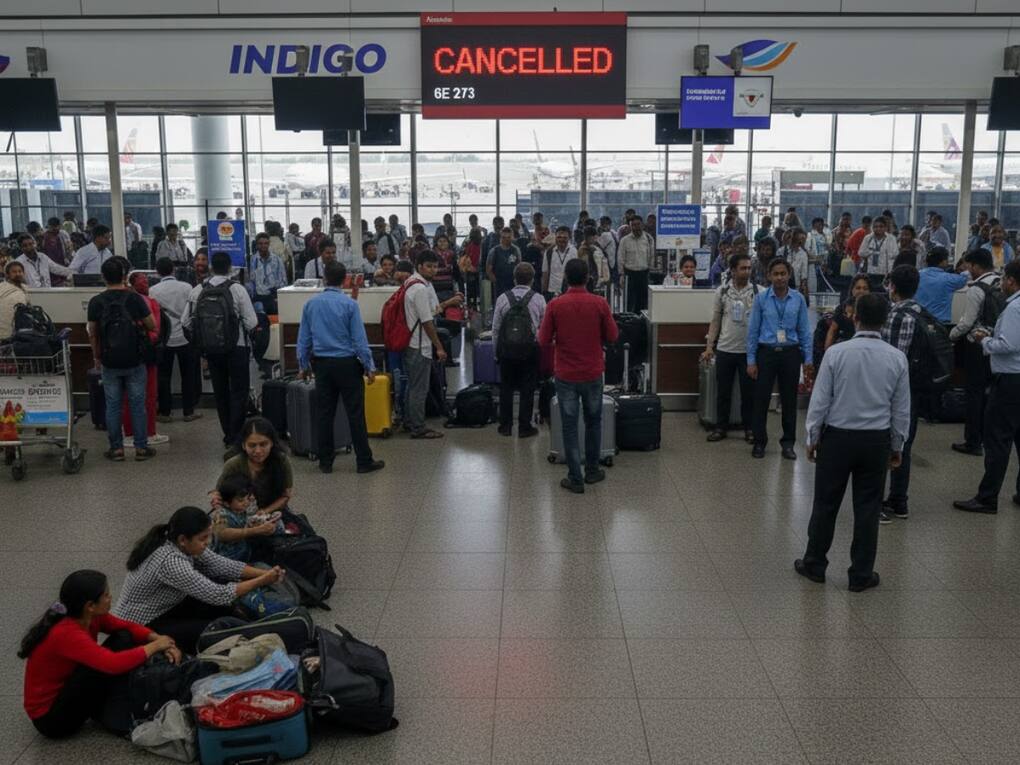
IndiGo passengers have been continuously facing issues with constant flight cancellations across major cities over the past few days. From Delhi and Bengaluru to Kolkata and Hyderabad, hundreds of flights have either been cancelled or delayed, leaving thousands of travellers stuck at airports with little clarity on when their next flight will take off.
If you’re travelling soon, here’s how to track your IndiGo flight status directly from the airline’s website or app.
Whether your flight is delayed, cancelled, or operating on time, the live status is available on IndiGo’s official website. Here’s how to check it using the website:
— Flight Number: You will have to enter your six-character flight code (starts with 6E) and travel date
— Route: If you are unaware of your Flight Number, then you can also select the departure city, the arrival city, and the date
After this, your live status will appear with scheduled time, revised time, terminal, gate details, and whether your flight is On Time, Delayed, Departed, Landed, or Cancelled. Delayed flights are usually highlighted for quick visibility.
The app is another quick option to check the Indigo flight status:
According to the airline, the disruptions are due to a mix of operational issues, including crew shortages due to updated rostering rules, technology-related delays, and ongoing adjustments in flight schedules.

IndiGo has reportedly told the regulator that it will scale down operations temporarily to stabilise its schedule, with normal operations expected by early February. Until then, more cancellations or delays may continue.