


Written By Shubham Verma
Published By: Shubham Verma | Published: Mar 20, 2023, 09:51 PM (IST)


Written By Shubham Verma
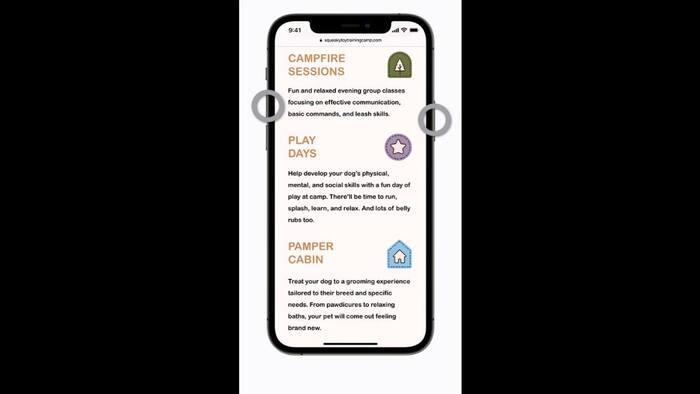
Your iPhone — just like other smartphones — lets you take a screenshot of webpages, emails, PDF files, chats, and other things that you think are important enough to be saved or shared with friends. To take a screenshot on your iPhone, you need to press the power button and volume up button together. But you can normally capture whatever is on the screen at a given time. So, how to capture a screenshot of a full webpage?  Also Read: iPhone 17 Pro price cut with over Rs 8000 on Vijay Sales make it a STEAL deal!

Instead of relying on a third-party app to take a full-page screenshot, iOS lets you use the screenshot functionality to take a scrolling screenshot. And it is very simple. But you must keep in mind that a scrolling screenshot works only with Apple’s first-party apps. Here is how to do it. Also Read: iPhone Fold price leak reveals possible over Rs 2 lakh starting price

Don't Miss Out the Latest Updates. Subscribe to Our Newsletter Today!
