



Written By Shubham Arora
Published By: Shubham Arora | Published: Sep 25, 2025, 01:50 PM (IST)


Written By Shubham Arora
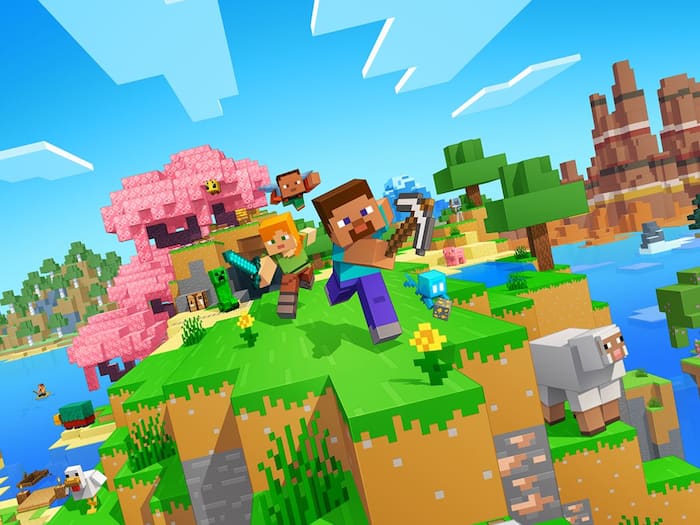
Minecraft fans have a reason to be excited – Mojang has rolled out the Minecraft Bedrock 1.21.120.23 beta and preview. This latest experimental build introduces fresh features while ironing out several bugs and performance issues. If you want to be among the first to try out what’s coming next, you can grab the beta across multiple platforms, including Xbox, PlayStation, Windows, and mobile devices.  Also Read: Minecraft 26.1 Snapshot 5 makes baby mobs look different, adds a new item
Here’s a quick guide on how you can download and install the Minecraft 1.21.120.23 beta and preview depending on your device. Also Read: Minecraft Rolls Out Its Final Update Of 2025 With New Mounts, Weapon, And Gameplay Tweaks
To get started, make sure you own a licensed copy of Minecraft Bedrock or have an active Xbox Game Pass. Also Read: Minecraft Down? Thousands Of Users Faced Issues With Login And Server Connections
There are two ways depending on whether you’re installing fresh or already have the preview.
Fresh Installation
Existing Beta Users
On mobile, the process varies slightly.
Android
iOS

With these steps, you can jump right into the Minecraft Bedrock 1.21.120.23 beta and preview no matter what device you’re on. Just keep in mind that this is a test build, so while you’ll get early access to new features, you may also encounter a few hiccups along the way.

Don't Miss Out the Latest Updates. Subscribe to Our Newsletter Today!
