


Written By Divya
Published By: Divya | Published: Mar 27, 2026, 11:09 PM (IST)
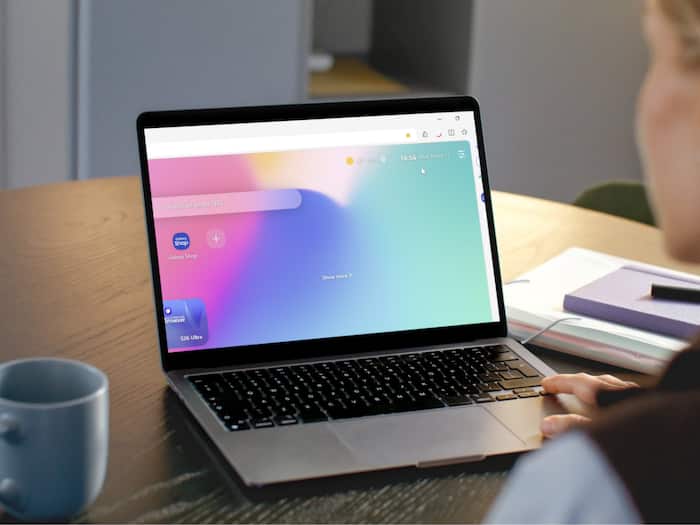
 Samsung Browser is on Windows now! Here is how it works and what is new


Written By Divya
Samsung is finally taking its browser beyond phones. The company has now launched the Samsung Browser for Windows, which means you can now use the same browsing setup across your phone and PC. So far, this browser has been mostly limited to Samsung smartphones. But now, Samsung seems to be focusing more on continuity, making sure your browsing doesn’t feel split between devices.  Also Read: Samsung Galaxy Book 6 Ultra, Pro launched in India with Copilot+ AI: Check price, specs, features
The highlight here is what Samsung is calling agentic AI. Instead of just showing search results, the browser tries to understand what you’re doing and help you move faster. Also Read: iPhone with 200MP to rival Samsung and Vivo? Here's what Apple planning
With Samsung Browser on Windows: Also Read: Google starts fixing Android Auto issues after users report connection problems
For example, if you’re planning a trip and have multiple tabs open, you can just ask the browser to build an itinerary. It reads what’s on your screen and pulls things together for you. It also works inside videos, so if you’re looking for a specific part, you don’t have to scrub through everything manually.
Another thing Samsung is clearly pushing here is cross-device flow. If you’re already using the browser on your phone, your activity carries over to your PC. Which means tabs you had open, tour browsing history, and even the saved bookmarks will be synced. So if you were halfway through reading something on your phone, you can continue it on your laptop without searching again.
The browser also connects with Samsung Pass, which basically handles your saved passwords and login details. It autofills them when needed, so you don’t have to keep entering credentials again and again.
The browser is available for:
But there’s a small catch. The AI features are not available everywhere yet. Right now, they’re limited to regions like the US and South Korea. A wider rollout is expected, but there’s no timeline yet.

So, should you care? Samsung isn’t just launching another browser here. It’s trying to build something that feels more connected and a little less manual.

Don't Miss Out the Latest Updates. Subscribe to Our Newsletter Today!
