Written By Divya


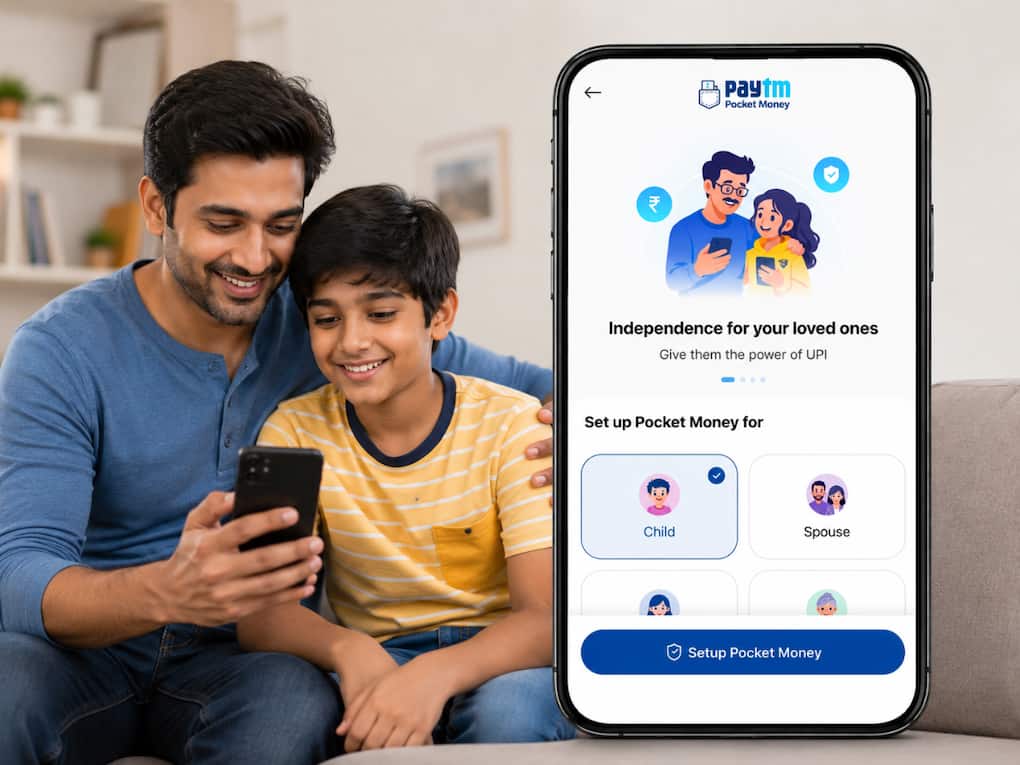
 No bank account? Paytm now lets teenagers make UPI payments independently (Image: AI generated)
Paytm Pocket Money: In this digital world, online payments have become a part of everyday life. Handling cash seems to be a task now. Even the teenagers are making payments digitally, whether it is about buying something to eat, booking a cab or splitting bills with friends. But there has always been one small issue – most of the teenagers do not have their own bank account, which is linked to UPI. Hence, they usually have to rely on parents’ or guardians’ phones, which means asking for OTPs or sending QR codes to complete the payment.
To solve the issue, Paytm has announced a new feature — Pocket Money, which will allow teenagers to make UPI payments using their own smartphone without needing a separate bank account. Instead, parents or trusted family members can allow access through the Paytm app while keeping spending controls in place.
The system works on NPCI’s UPI Circle framework, where payments are linked to a parent’s bank account but can still be used independently by teenagers for daily expenses. It can be considered as the digital pocket money!
That’s a very fair and obvious question that most of the parents or adults must be thinking. To our relief, Paytm says the feature comes with built-in controls that allow parents to decide monthly spending limits and track transactions in real time. Parents can also pause or revoke access instantly through their Paytm UPI PIN if required.
The app additionally shows a spend summary where transactions are automatically categorised. This can help families keep track of where money is being spent, whether it is on food, transport, shopping or recharges.
Paytm has also added safety restrictions under NPCI guidelines. During the first 30 minutes after setup, spending is capped at Rs 500. The first-day spending limit is restricted to Rs 5,000, while the overall monthly limit is capped at Rs 15,000. Plus, international payments and cash withdrawals are also blocked.

To set up the Paytm Pocket Money feature, just follow these simple steps: