


Written By Divya


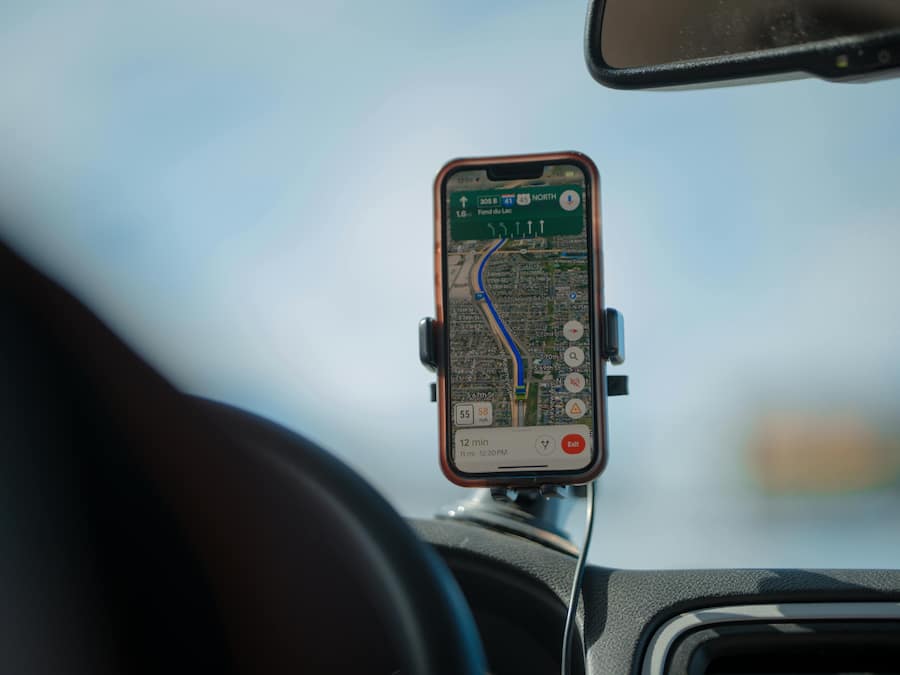
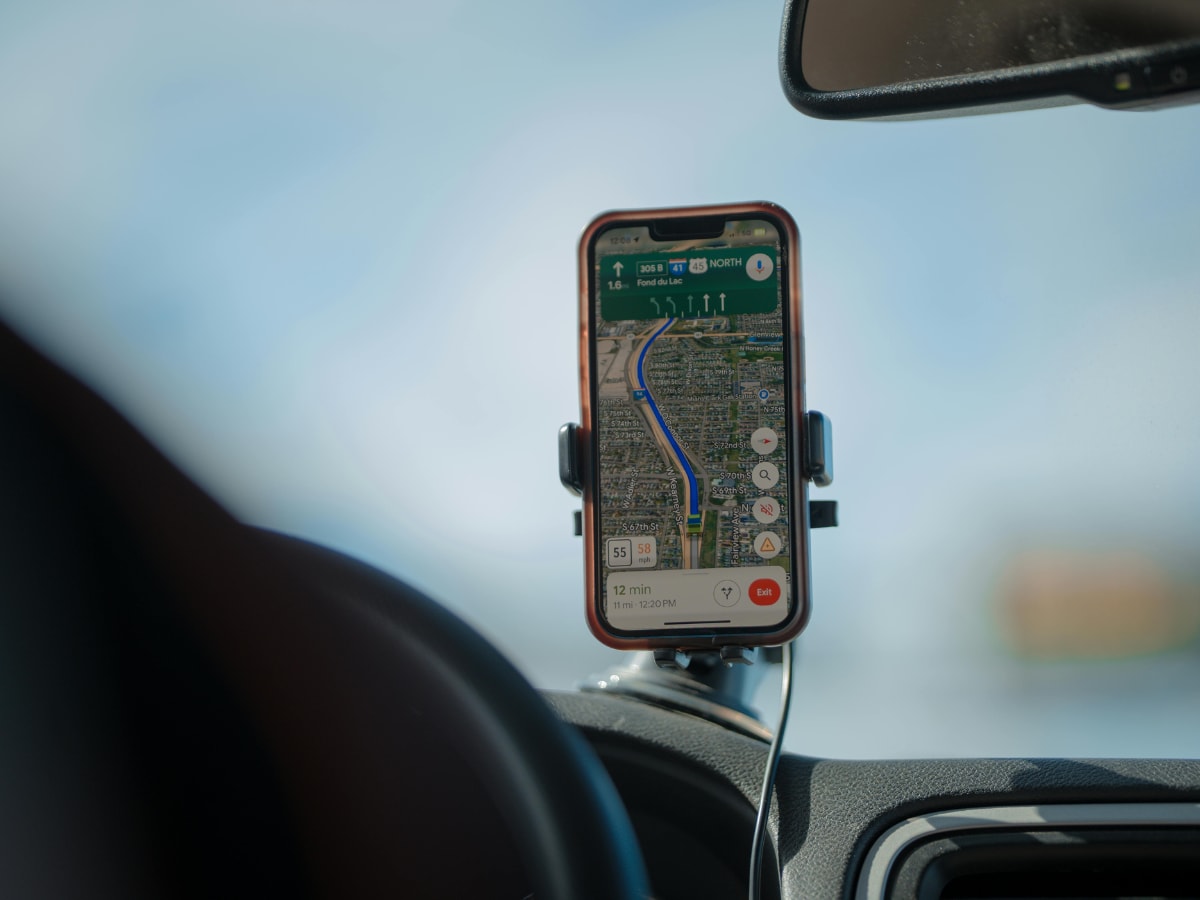
Keeping location always on allows apps to access GPS when needed, but modern phones limit usage unless an app actively requests your location.


Location can drain battery faster during navigation, delivery apps, or maps. But idle background apps rarely consume high power continuously.


Some apps ping your location for ads, check-ins, or activity data. Leaving location on means they may collect more frequent movement patterns.


Even with location on, apps only get access if you’ve allowed it. “While Using the App” limits unnecessary background tracking effectively.
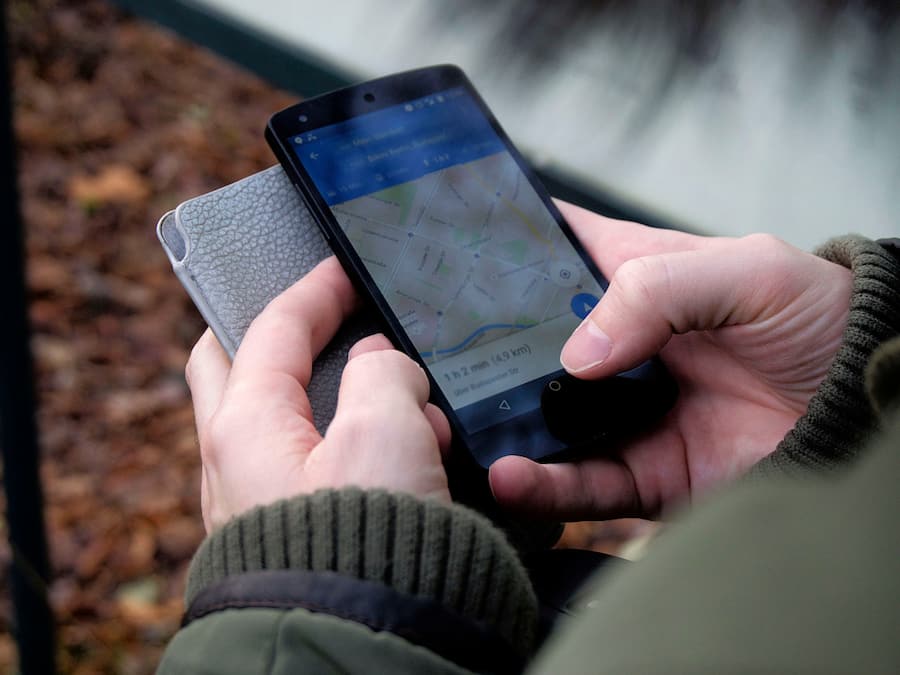
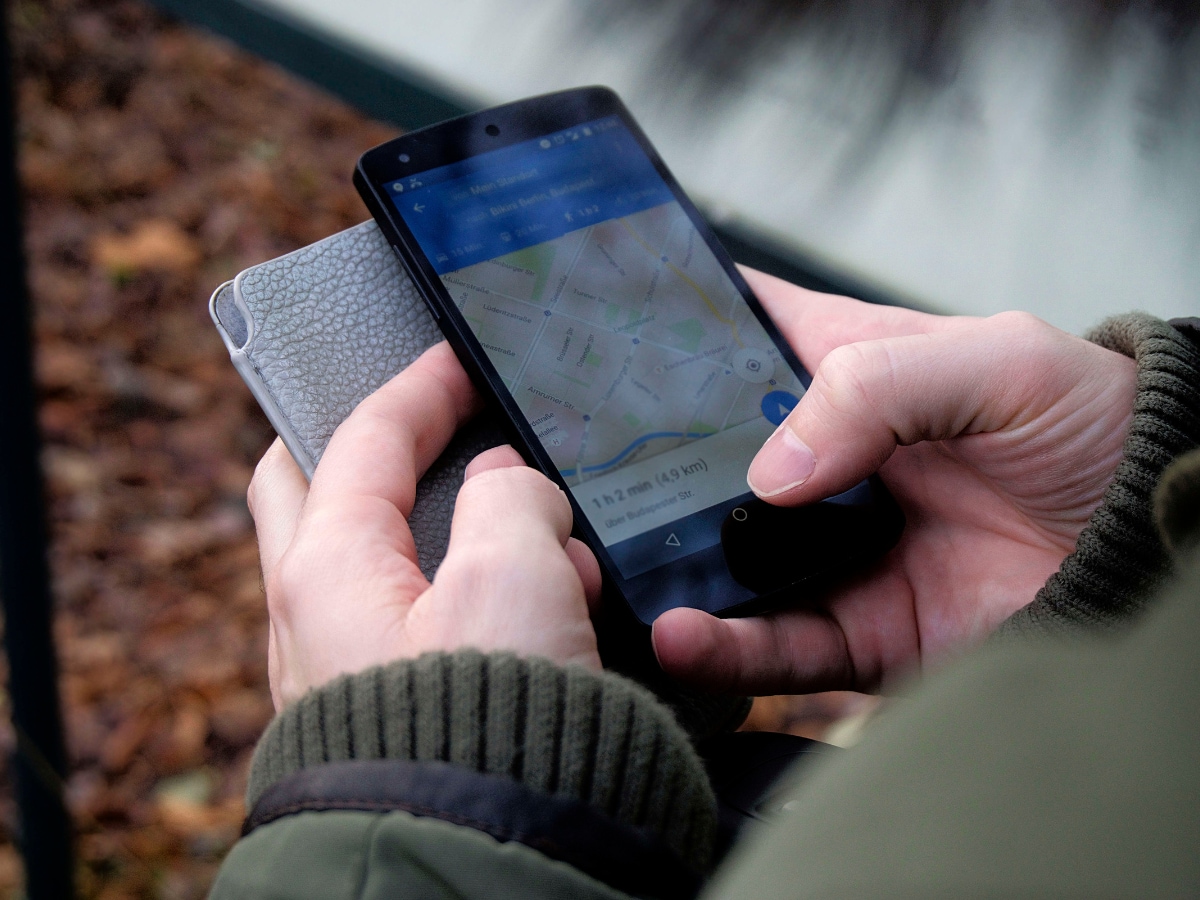
Always-on location increases data trails stored by apps and services. A leaked or misused location log can reveal routines or home details.


Enabled location improves weather alerts, ride-hailing accuracy, emergency calls, and device-finding features—making everyday tasks smoother and more reliable.
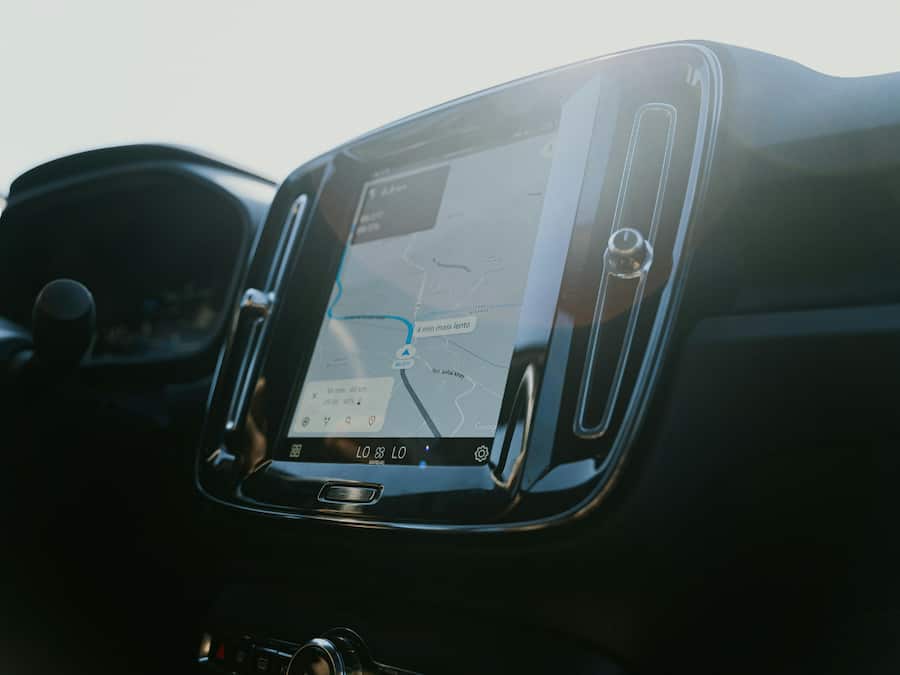
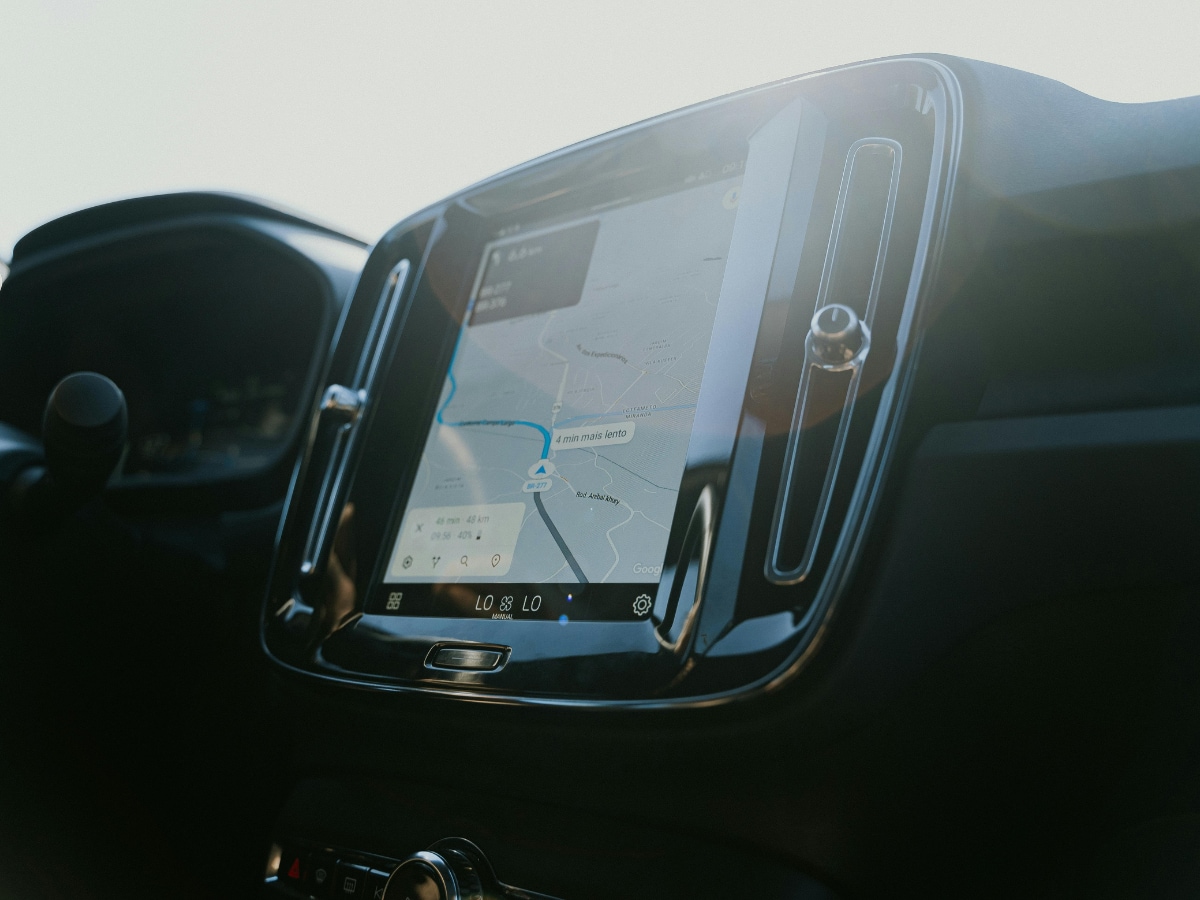
Fitness, maps, and social apps may run occasional background checks. These are usually minimal but can add up with too many enabled apps.
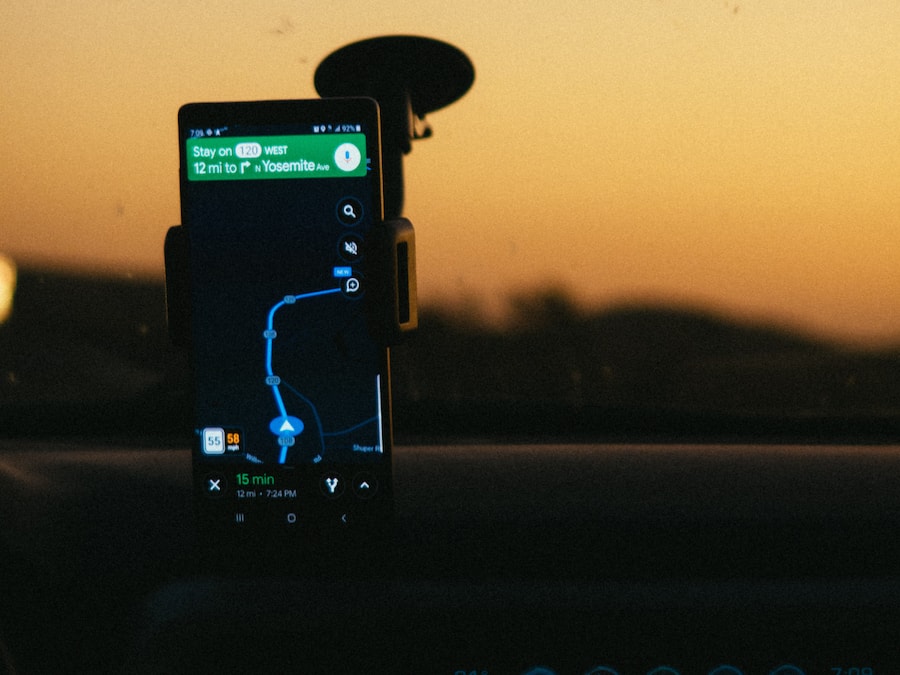
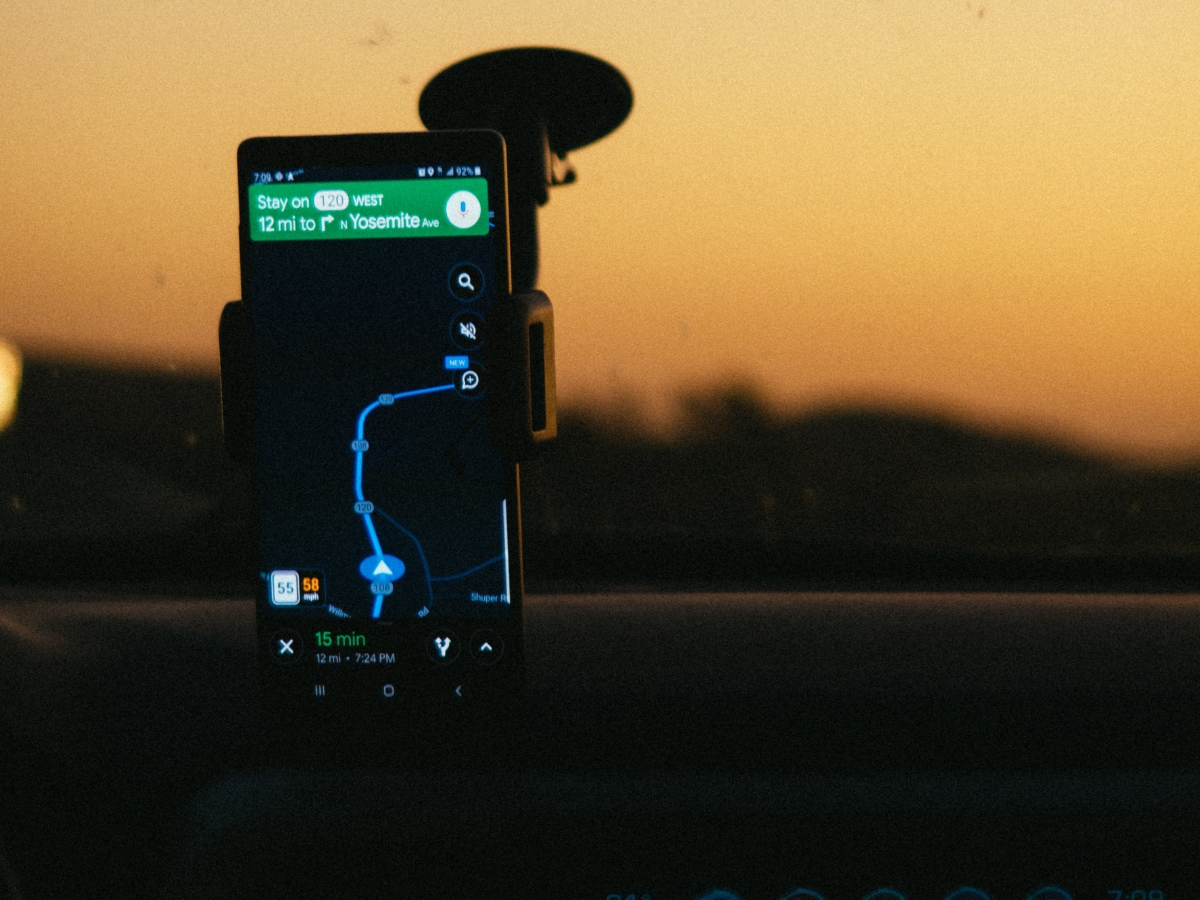
Keep location on but manage permissions. Disable access for apps that don’t need it and allow continuous tracking only for maps, rides, and safety tools.

Don't Miss Out the Latest Updates. Subscribe to Our Newsletter Today!
