
Written By Deepti Ratnam


Written By Deepti Ratnam
Edited By: Deepti Ratnam| Published By: Deepti Ratnam| Published: Sep 08, 2024, 09:01 AM (IST)
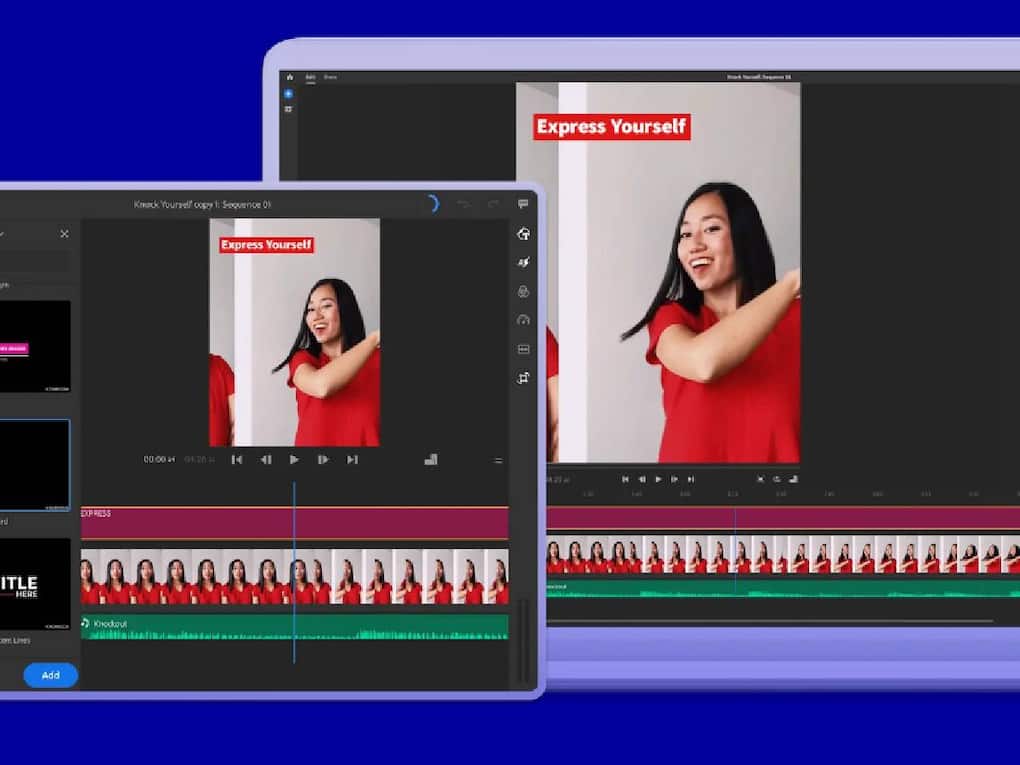
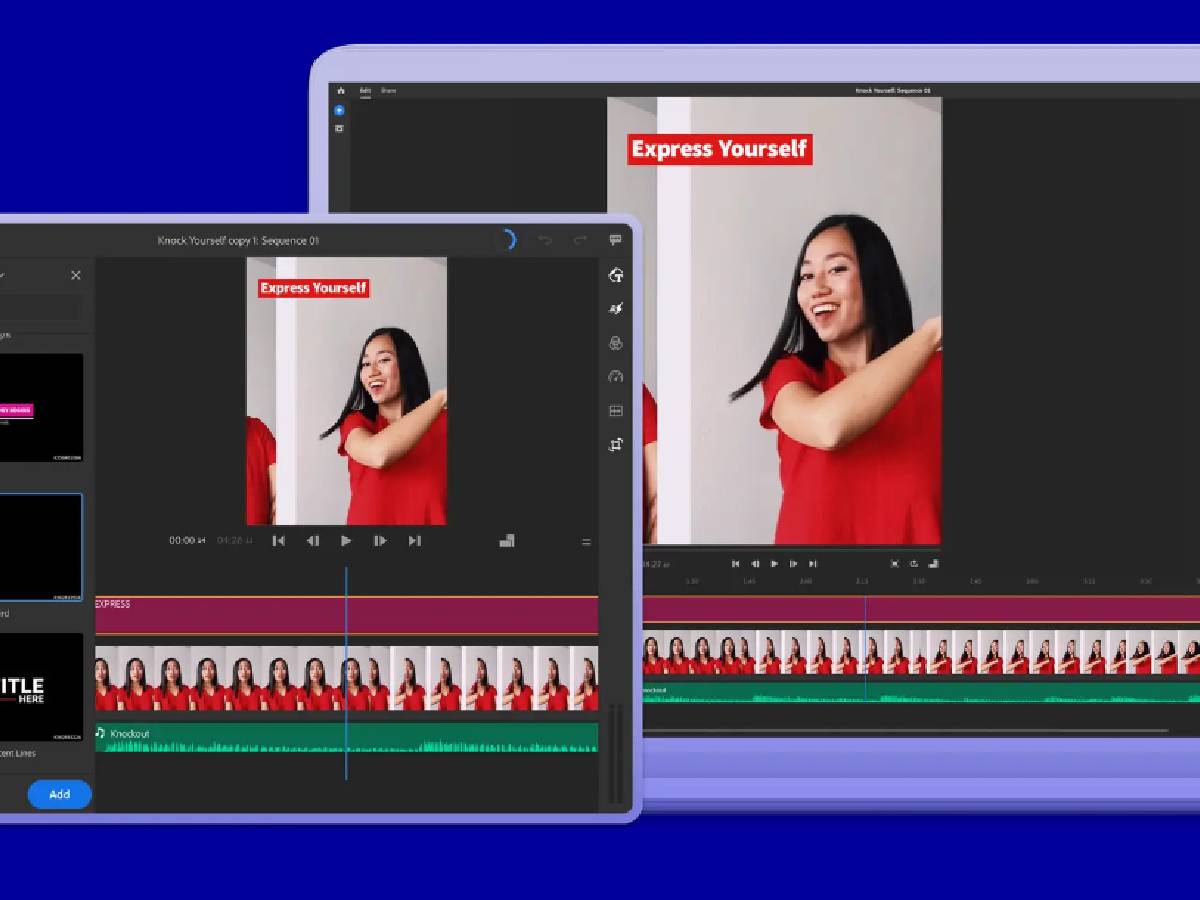
Adobe Premiere Rush is a powerful video editing app that offers a user-friendly interface and advanced features. It allows users to edit and share professional-looking videos quickly and easily. Premiere Rush offers a range of tools, including color grading, audio ducking, and chroma keying. It also integrates seamlessly with Adobe Creative Cloud, allowing users to access and share their files across devices.
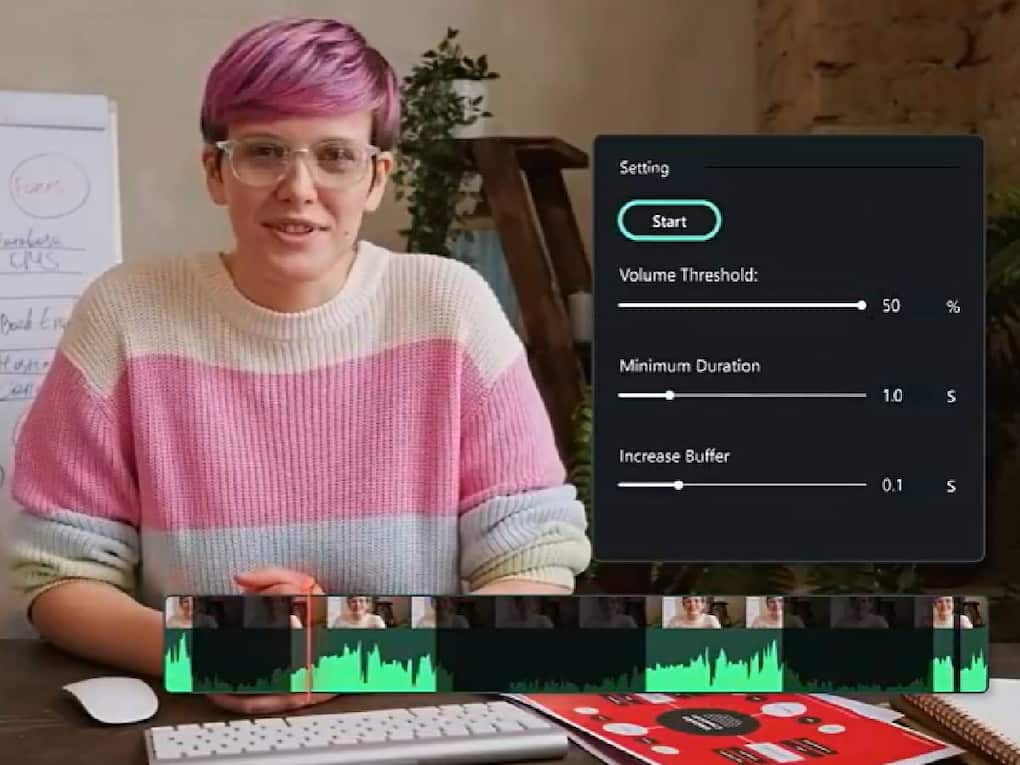
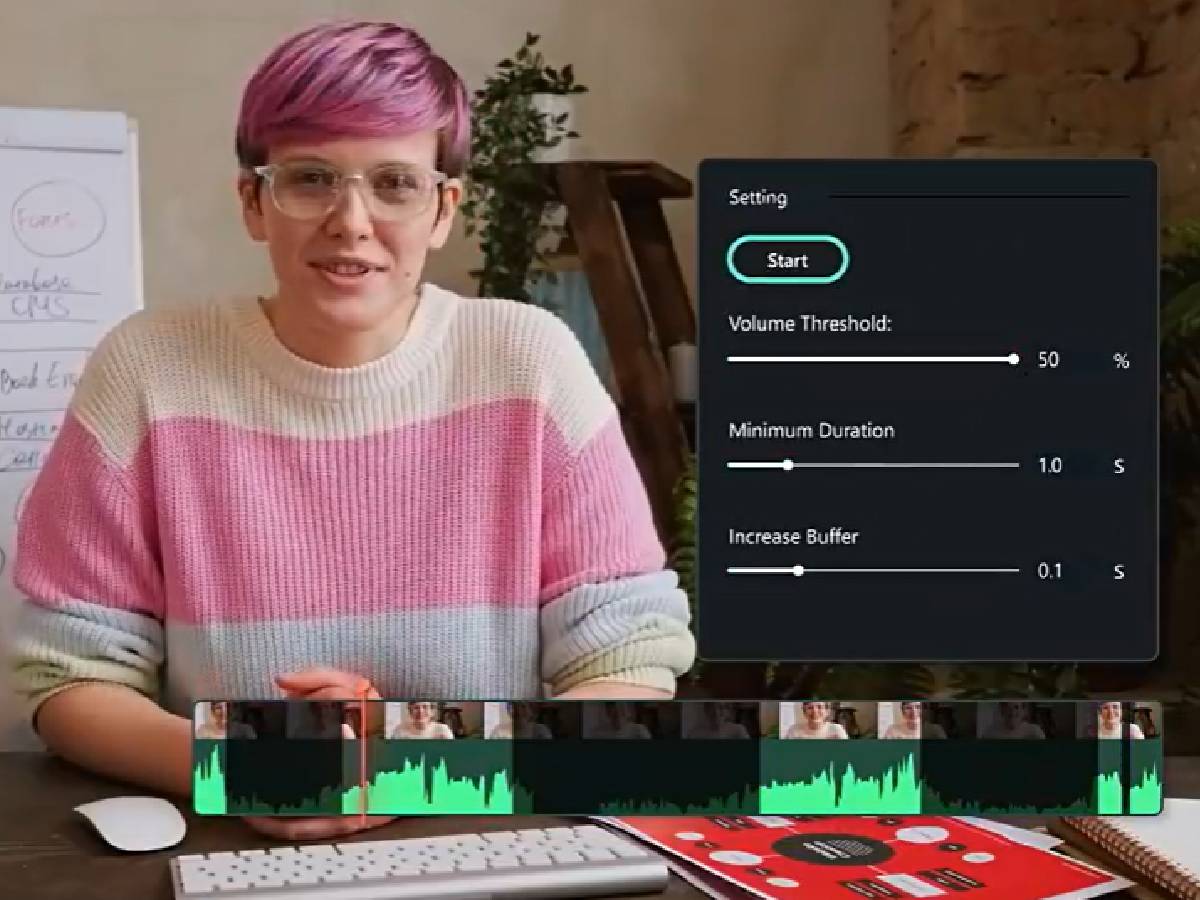
Filmora is a popular video editing software that offers a user-friendly interface and advanced features. It allows users to trim, split, and merge clips, as well as adjust speed and add music. Filmora also offers a range of effects, transitions, and color adjustment tools. Additionally, it supports 4K video editing and has a built-in media library. With Filmora, users can create professional-looking videos with ease and share them directly to social media platforms.
InShot is a feature-rich video editing app that offers a wide range of tools and effects. It allows users to trim, split, and merge clips, as well as adjust speed and add music. InShot also offers a chroma key feature, allowing users to remove backgrounds and add green screen effects. Additionally, it has a built-in audio editor and supports 4K video editing.
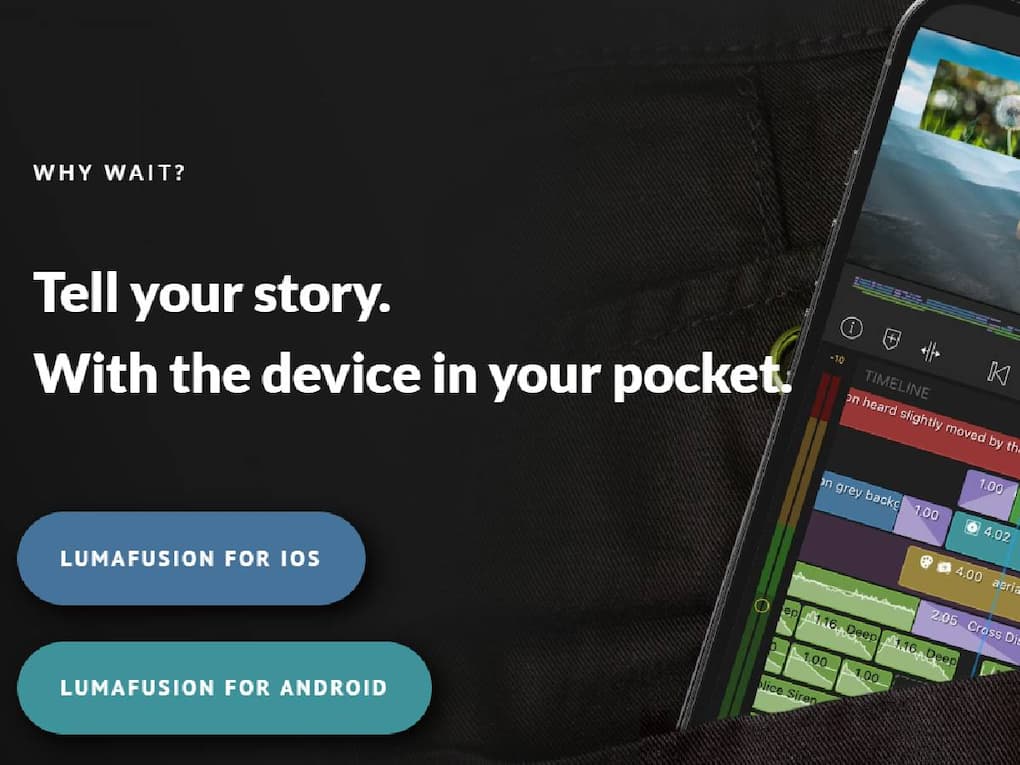
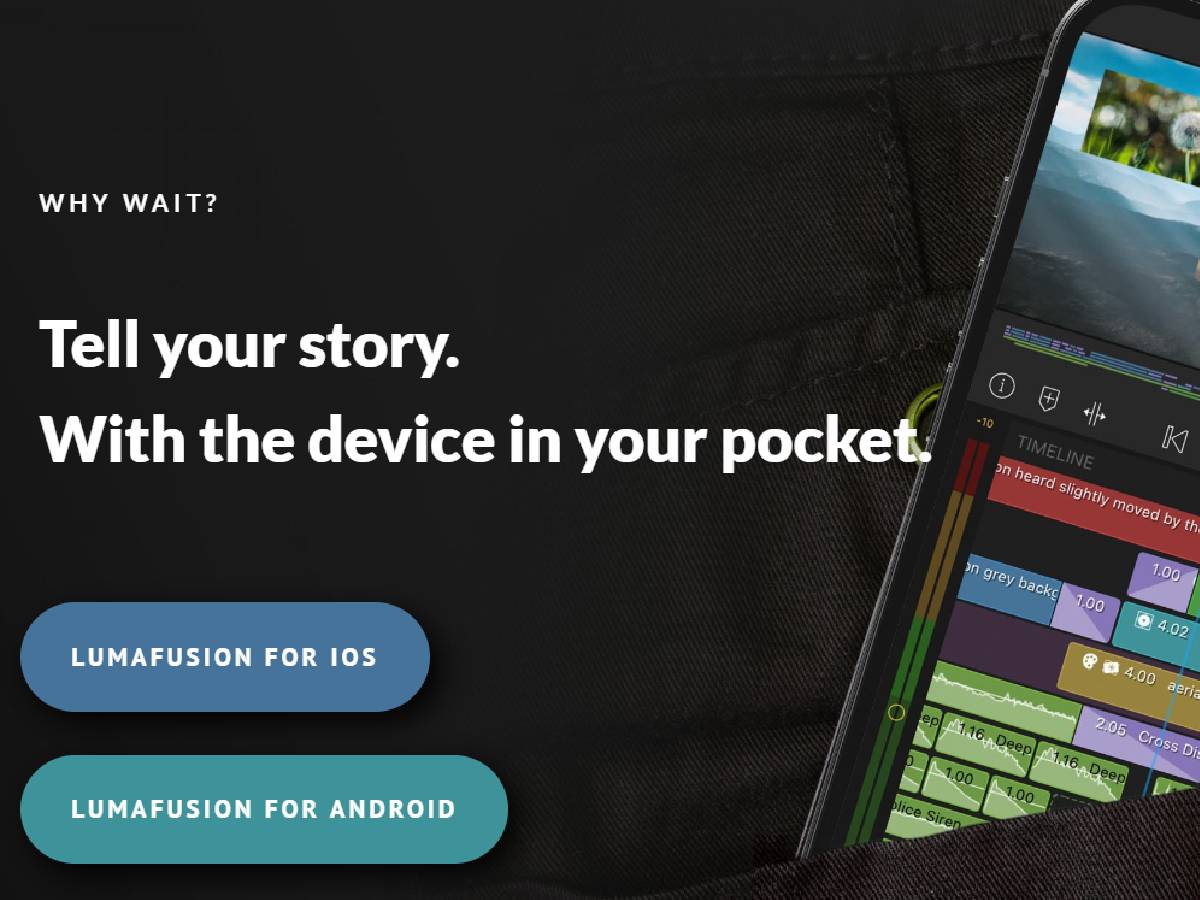
LumaFusion is a professional-grade video editing app that offers advanced features and a user-friendly interface. It allows users to edit and mix multiple video and audio tracks, as well as add transitions and effects. LumaFusion also offers advanced color correction and grading tools, making it a popular choice among mobile filmmakers. Additionally, it supports 4K and 60fps video editing, ensuring high-quality output.
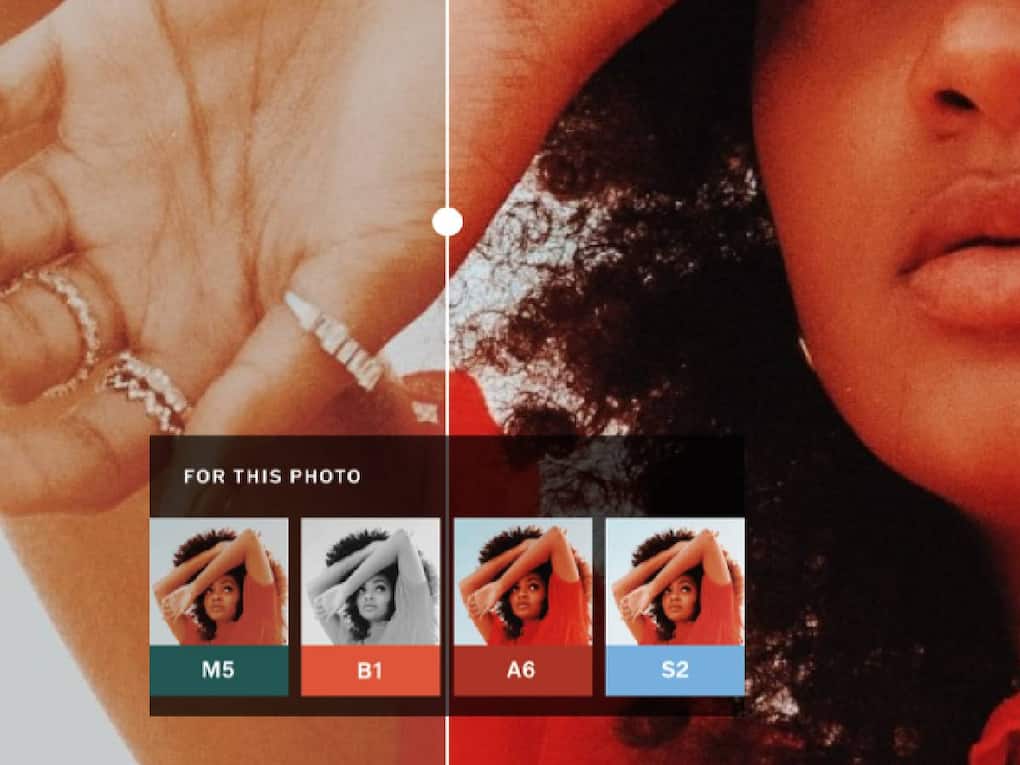
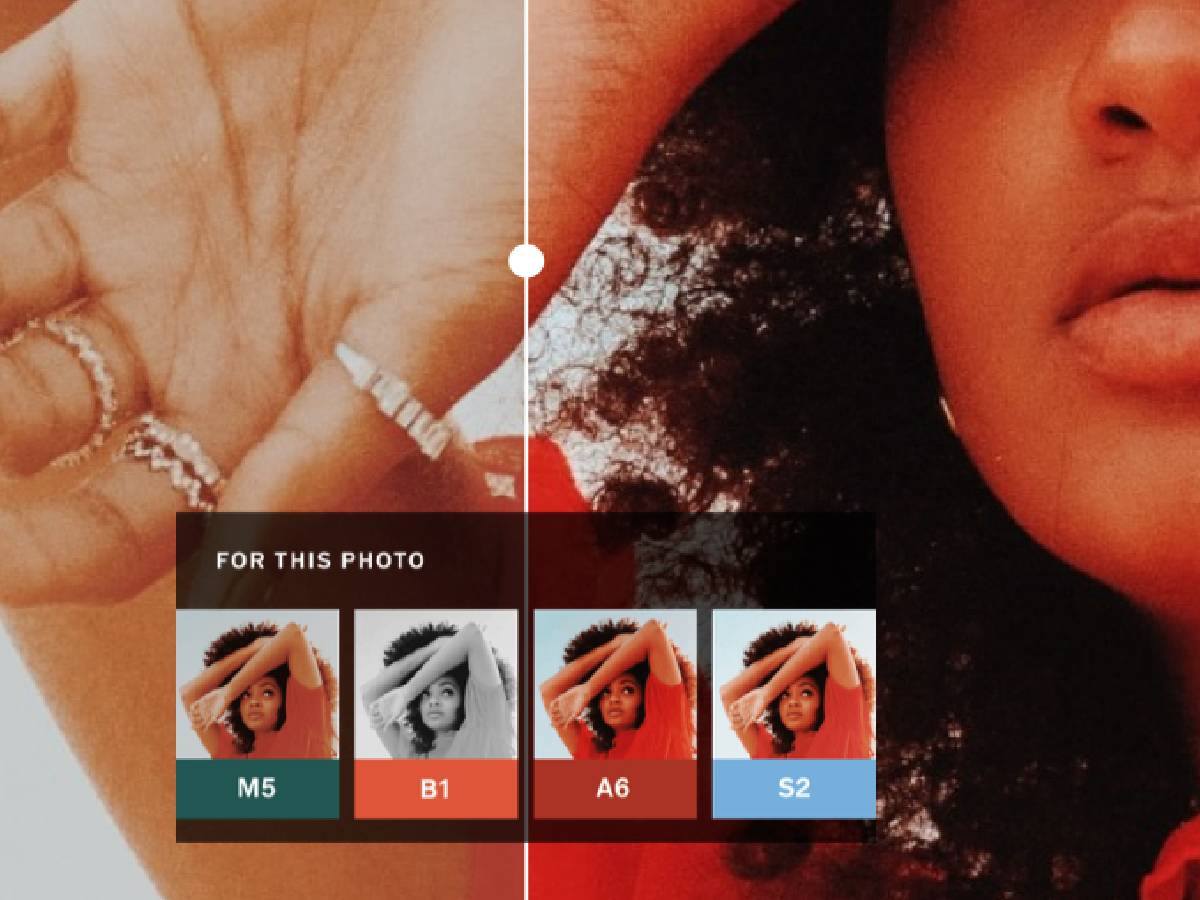
VSCO offers a range of presets and adjustment tools to enhance video color and texture. VSCO's video editor also features advanced settings for exposure, contrast, and saturation. Users can add music and adjust audio levels to create a cohesive visual and audio experience. With VSCO's video editor, creators can produce stunning, high-quality videos with a distinctive aesthetic.
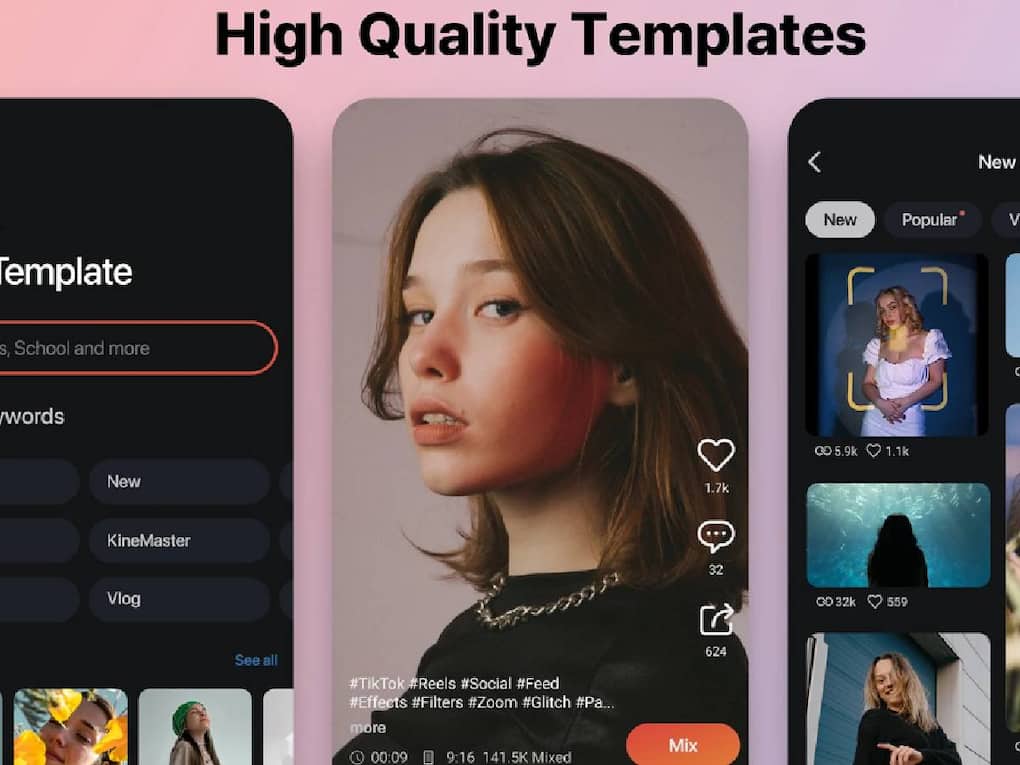
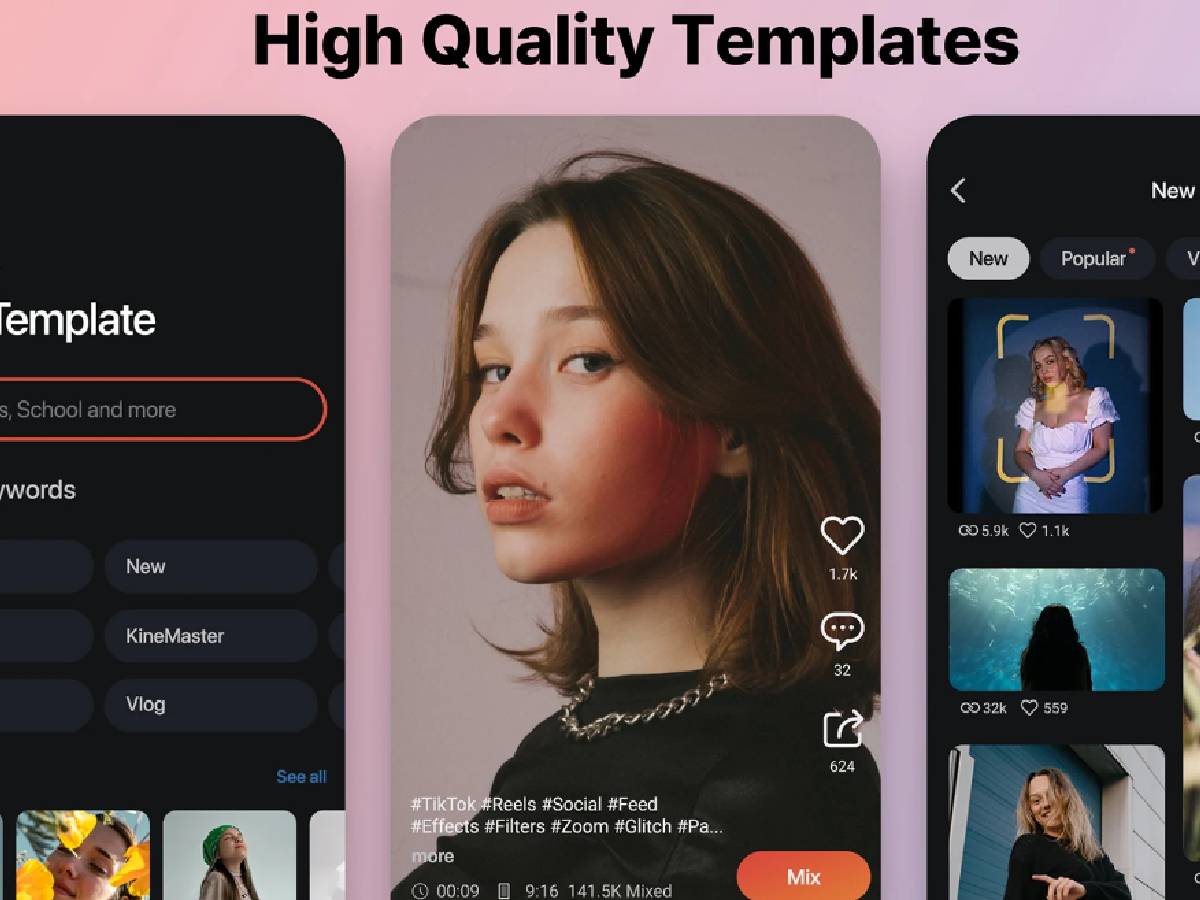
Kinemaster allows users to edit and enhance their videos with precision, adding text, images, and effects. KineMaster also supports color adjustment, speed control, and chroma keying. Additionally, it offers a wide range of assets, including transitions, music, and sound effects. With KineMaster, creators can produce professional-looking videos and share them directly to social media platforms.
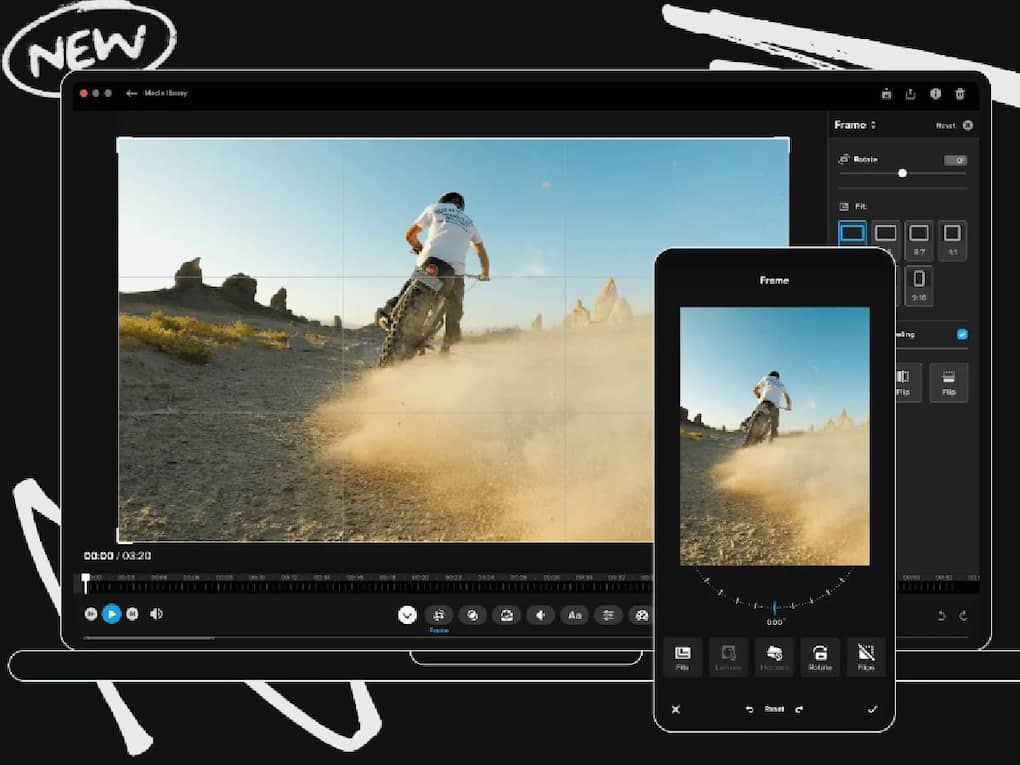
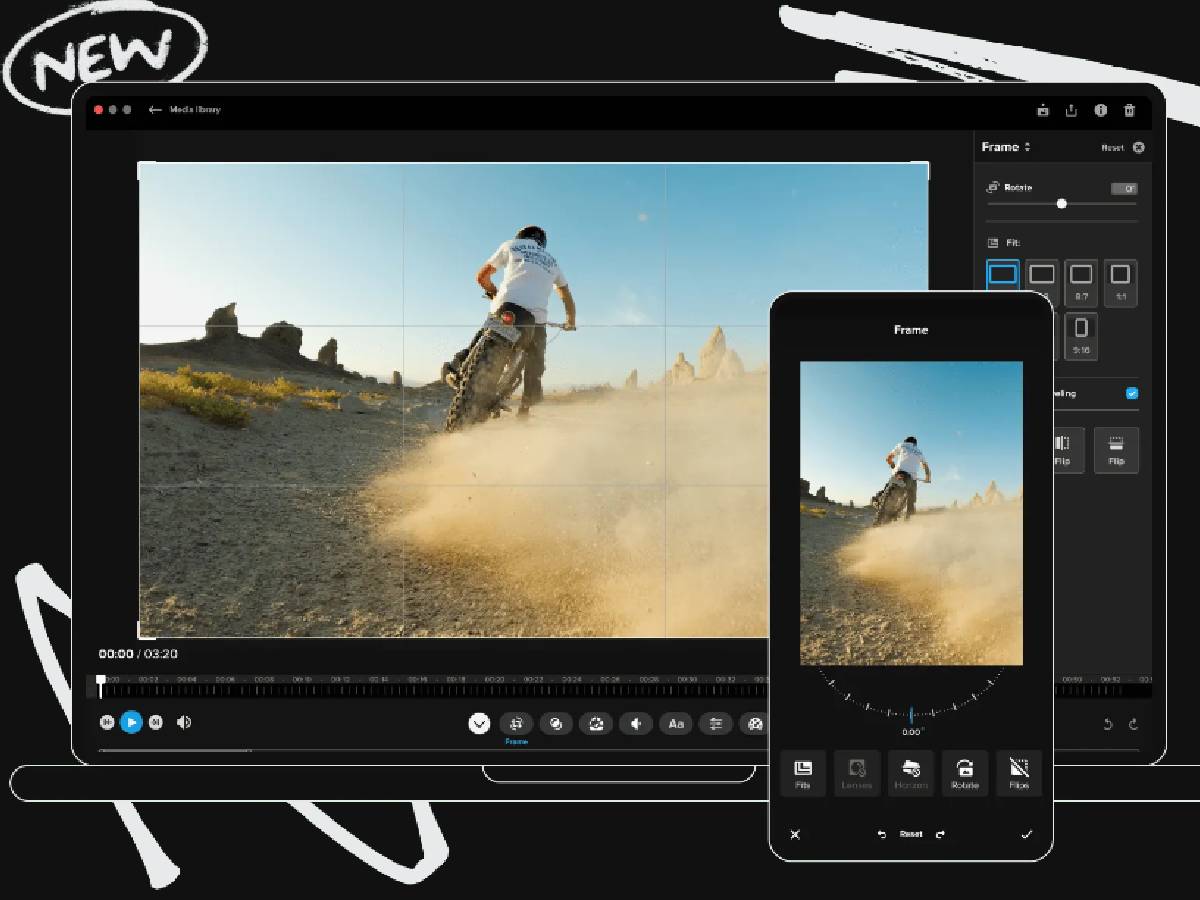
GoPro Video Editor is a user-friendly editing software that allows users to import and edit footage from their GoPro cameras. It offers a range of features such as trimming, cutting, and merging clips. The editor also includes advanced tools like color correction and audio adjustments. GoPro Video Editor also features a library of templates and presets to create stunning videos.
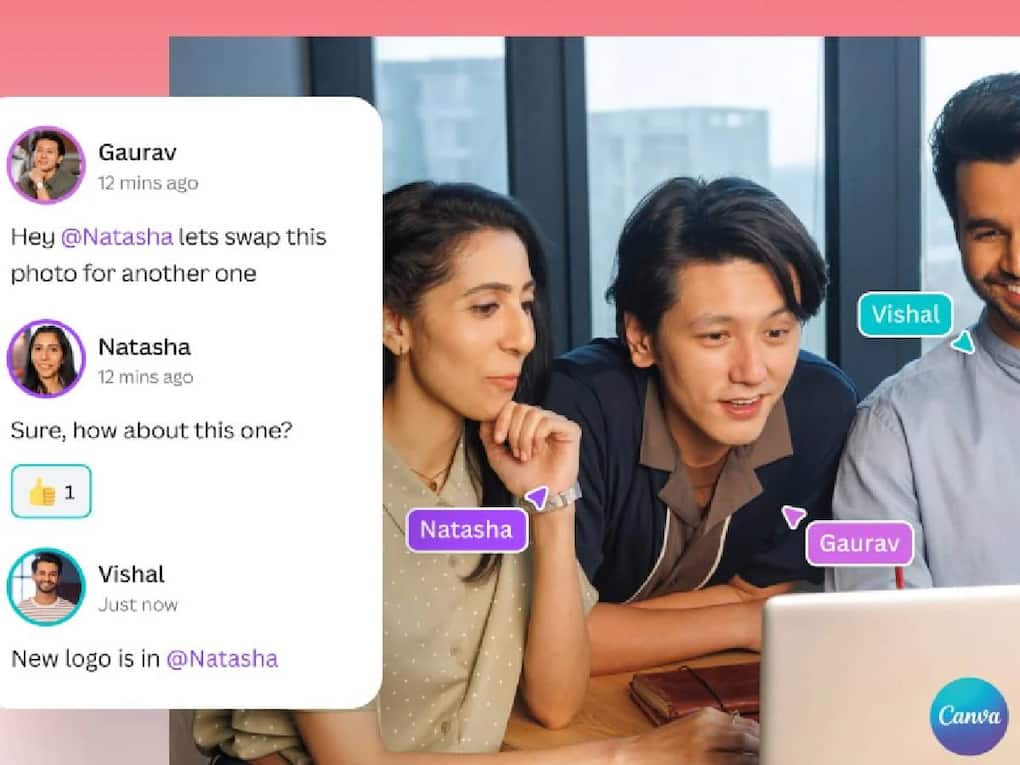
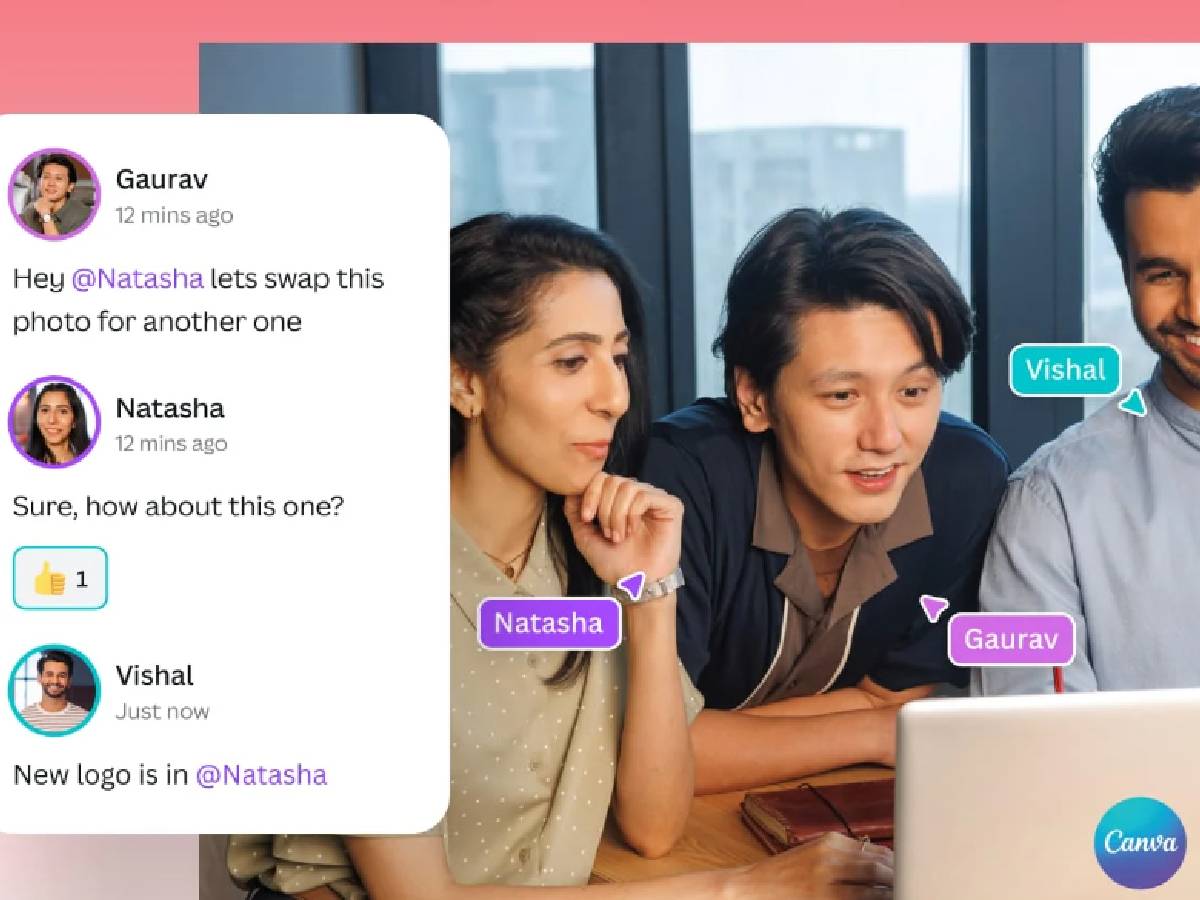
Canva Video Editor is a versatile and user-friendly video editing tool that allows users to create professional-looking videos in minutes. It offers a vast library of templates, graphics, and fonts to customize videos. Canva's drag-and-drop interface makes it easy to add text, images, and music to videos.


