
Written By Divya


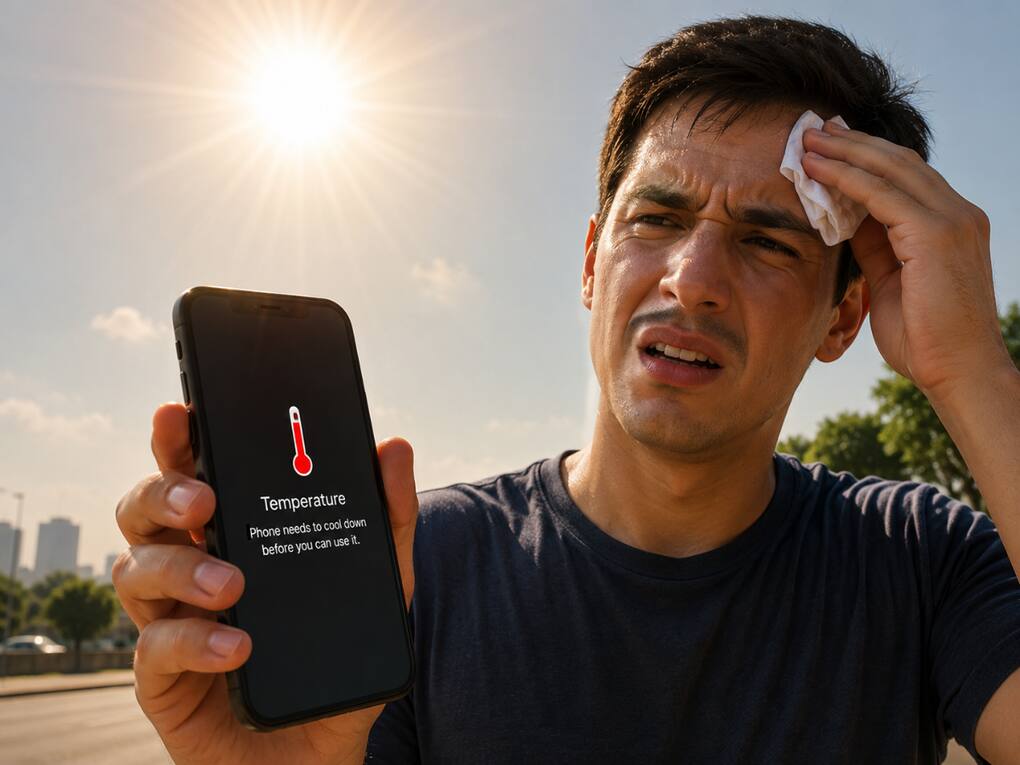
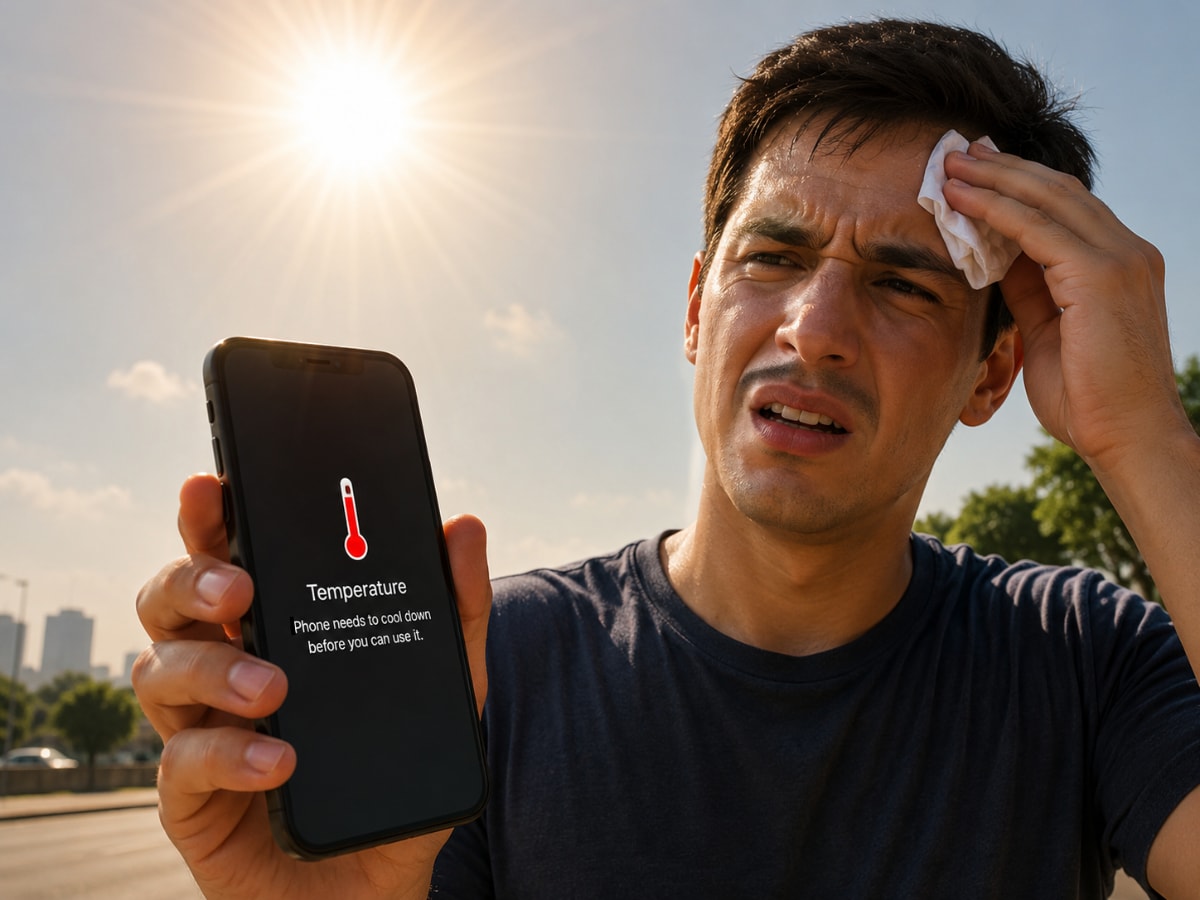
I’ve noticed phones heat up extremely fast under direct sunlight, especially inside cars or near windows. Even a few minutes outside in peak summer can push temperatures up quickly and slow down performance.
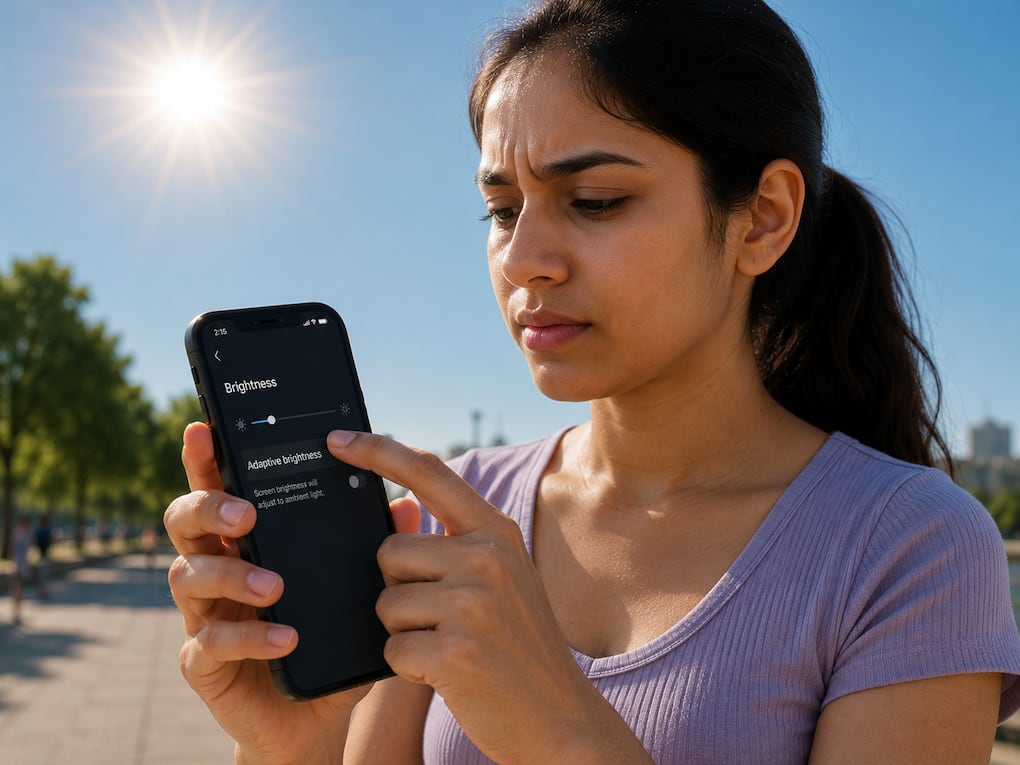
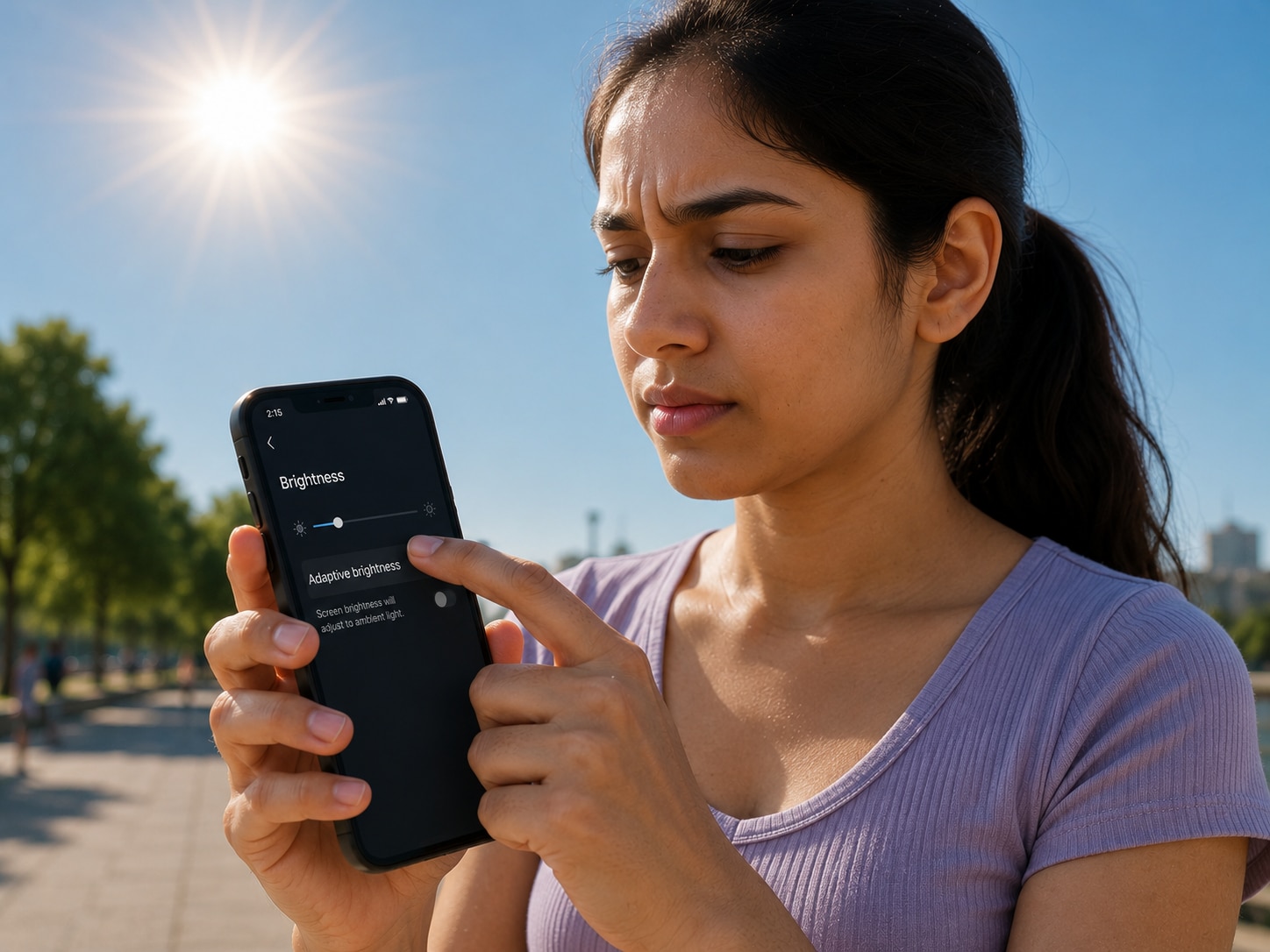
High brightness, 5G usage, camera recording, and gaming all heat up the phone together. During extreme summer days, lowering brightness and giving the phone small breaks actually makes a noticeable difference.
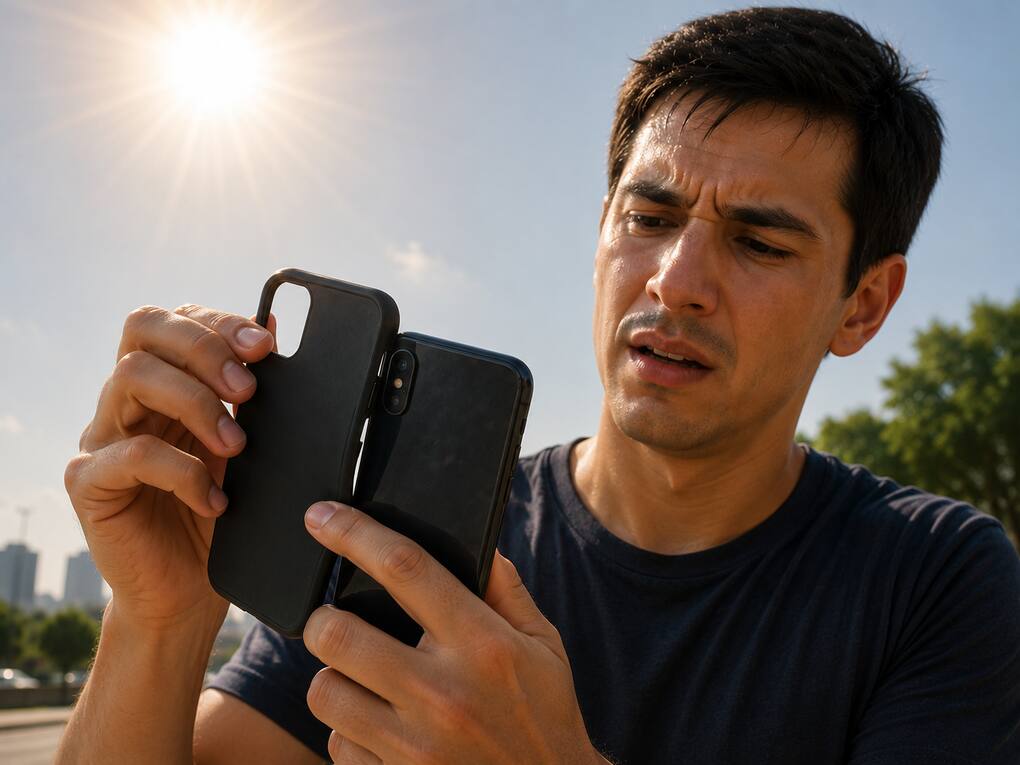
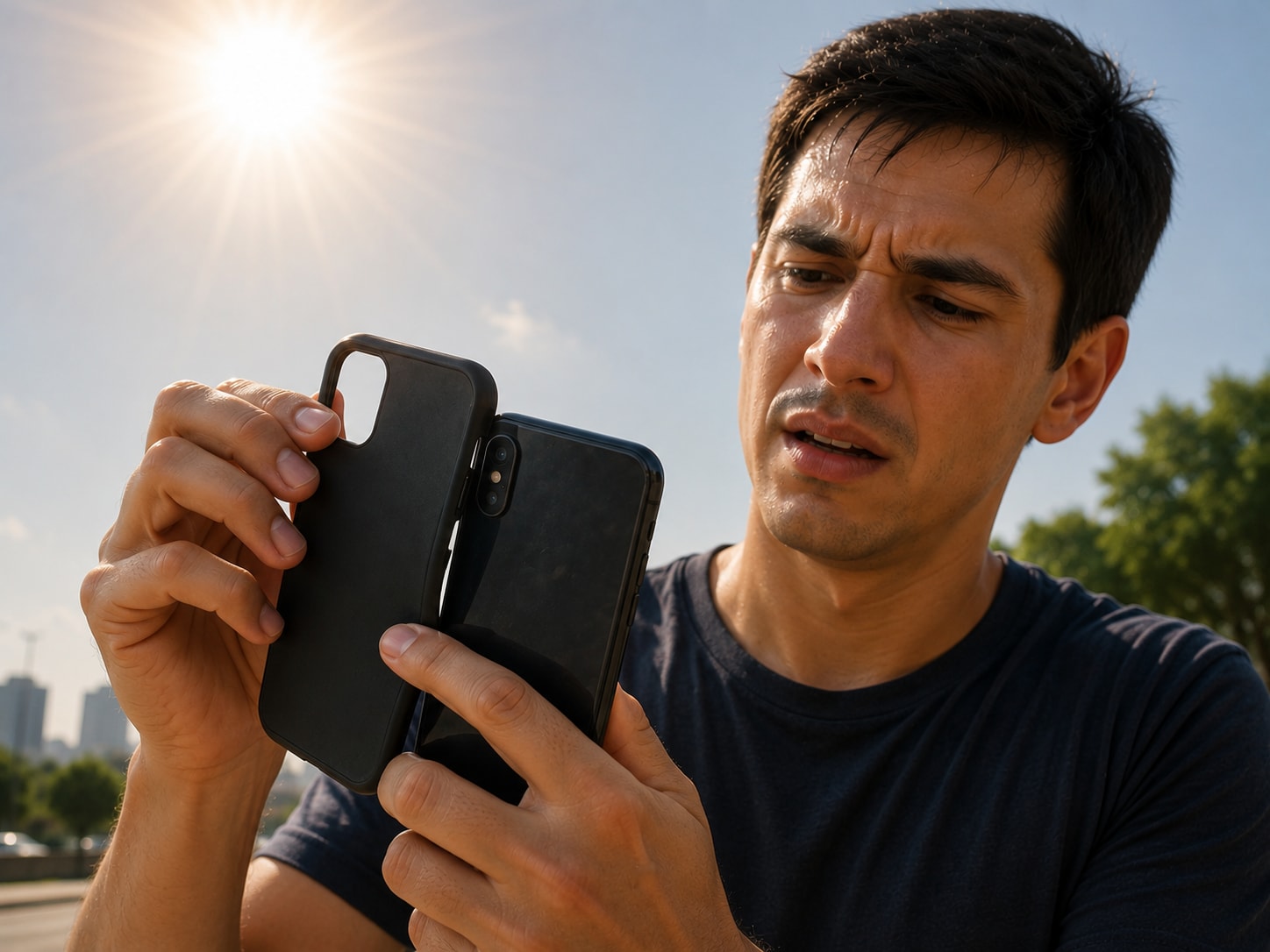
Heavy cases trap heat more than we realise. Whenever my phone starts getting too warm during gaming, charging, or video calls, removing the cover for a while genuinely helps it cool faster.


This is probably the biggest reason phones overheat. Charging already creates heat, and gaming pushes the processor harder too. Doing both together makes the temperature rise much faster than normal.
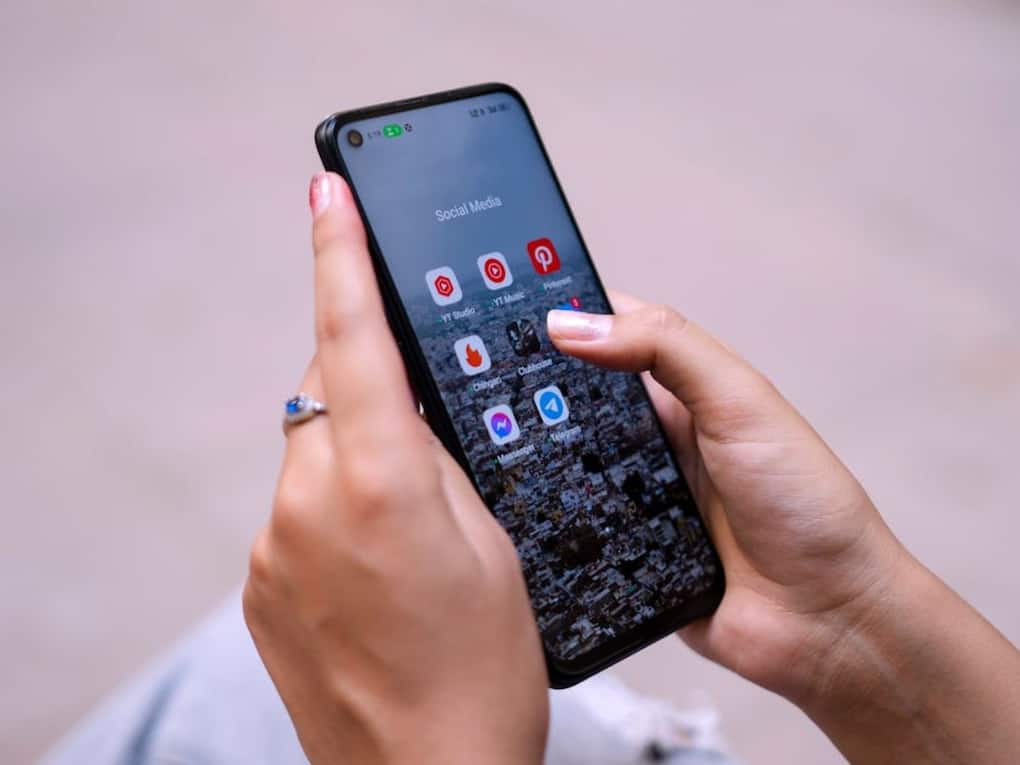
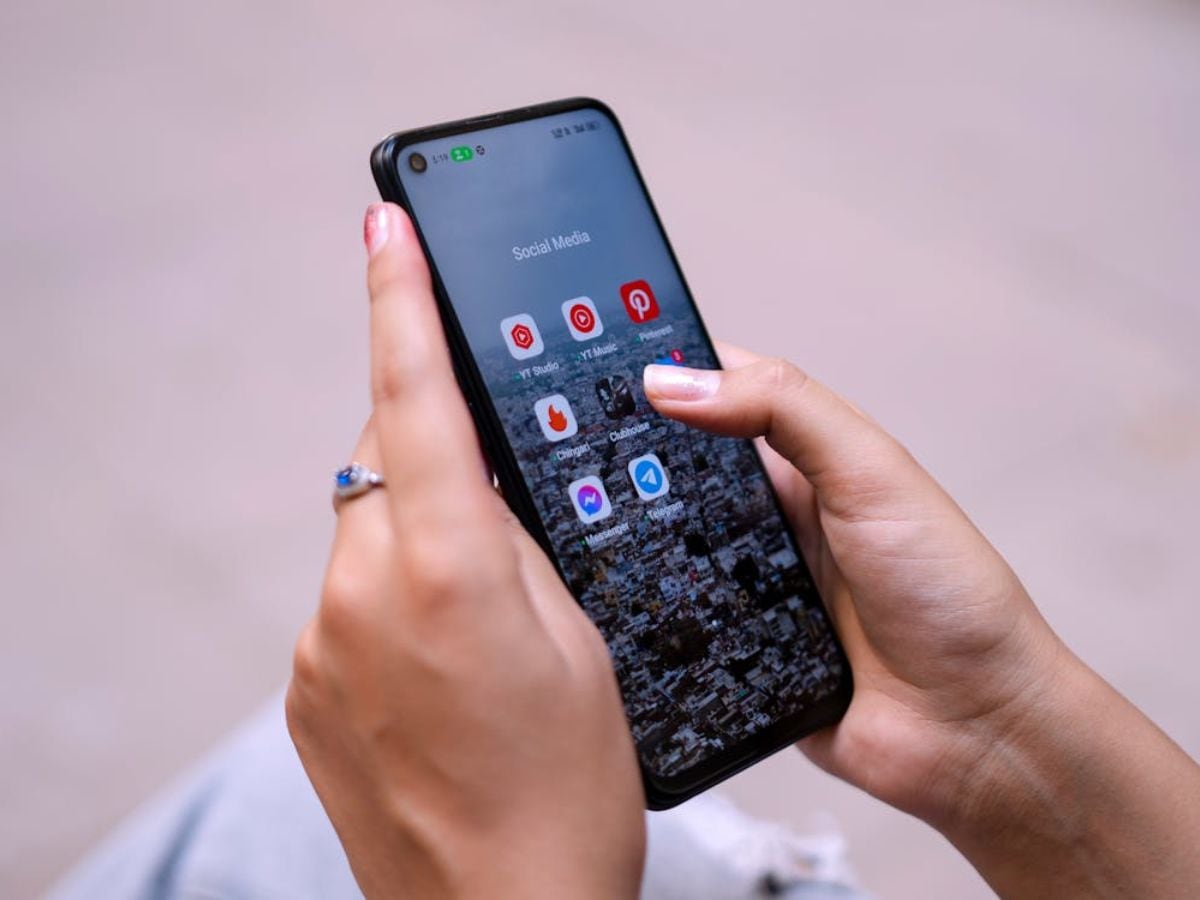
Sometimes the heating isn’t just weather-related. Too many apps running in the background quietly use processing power and battery. Restarting the phone or clearing apps often helps reduce unnecessary heat.
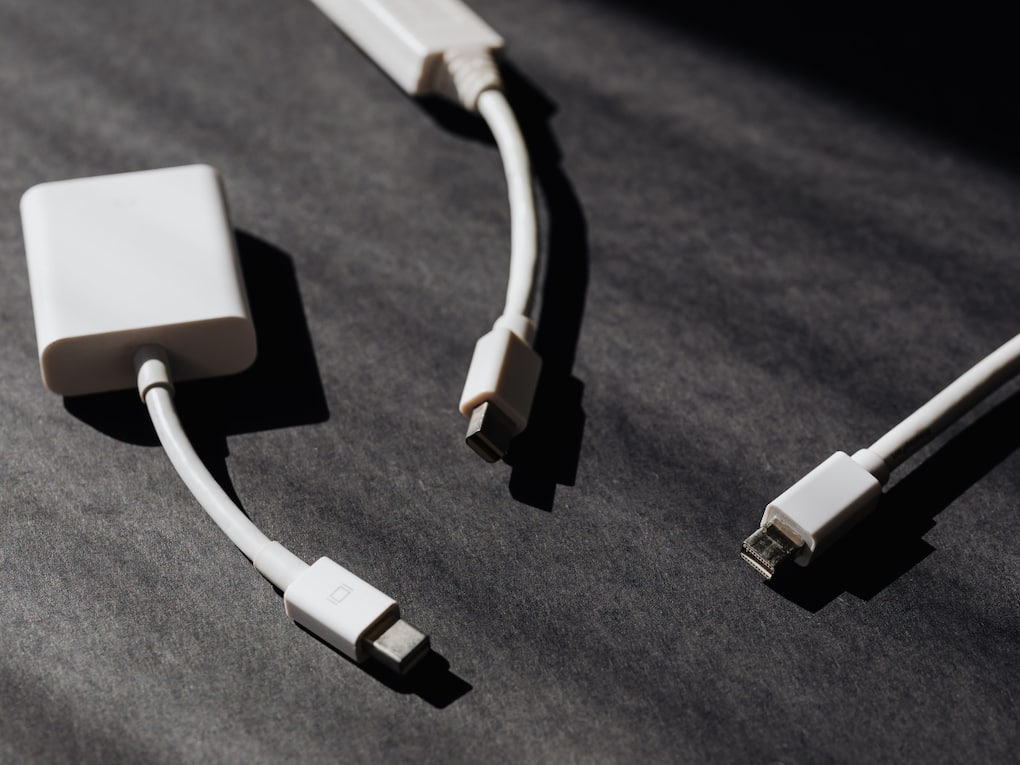
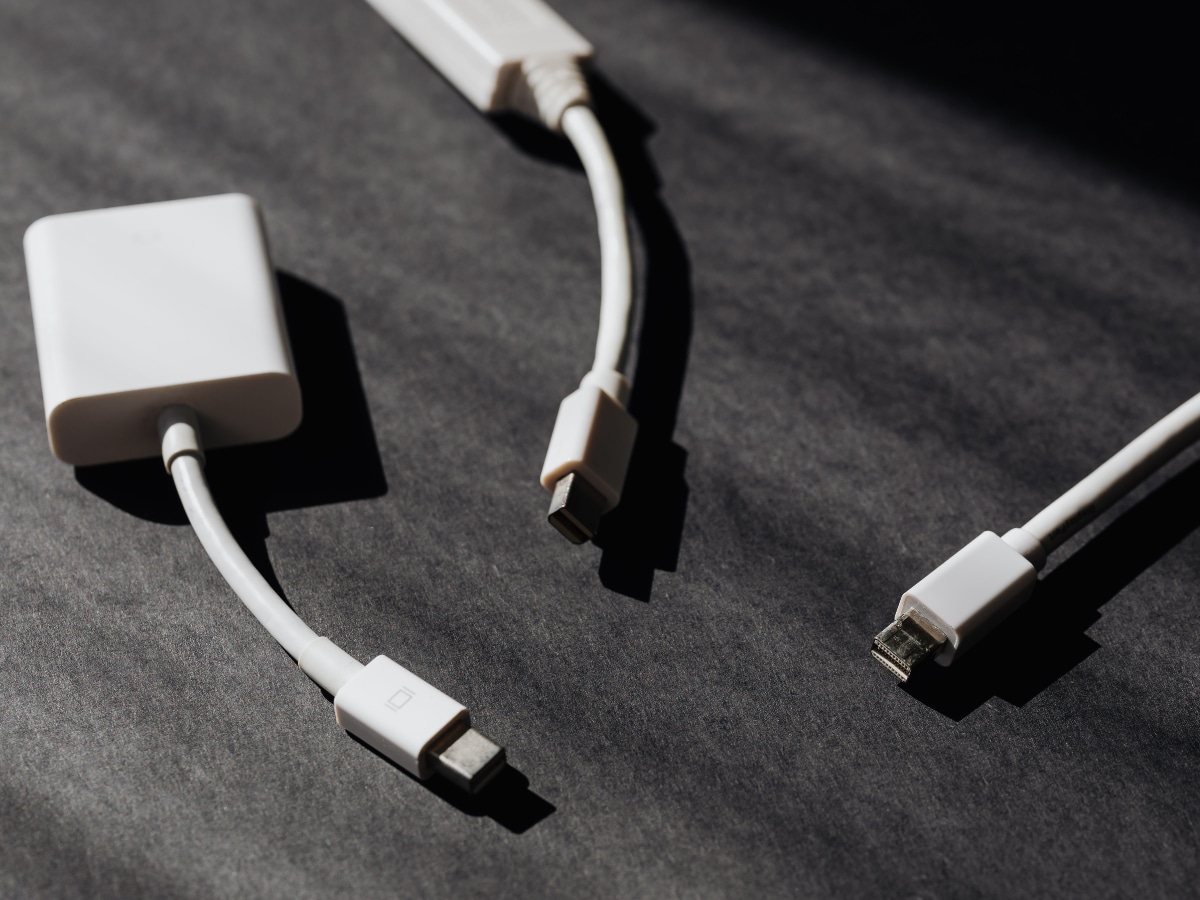
I’ve noticed phones heat more while using low-quality chargers or cables. Original or certified chargers usually manage temperature and charging speed much better during long charging sessions.


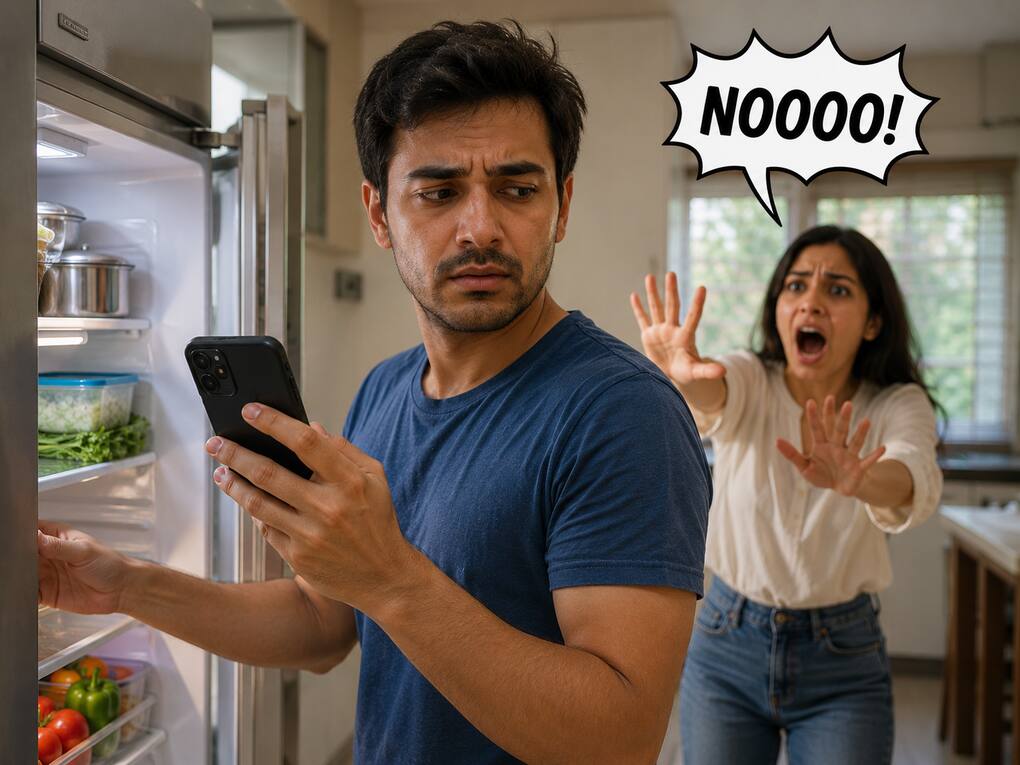
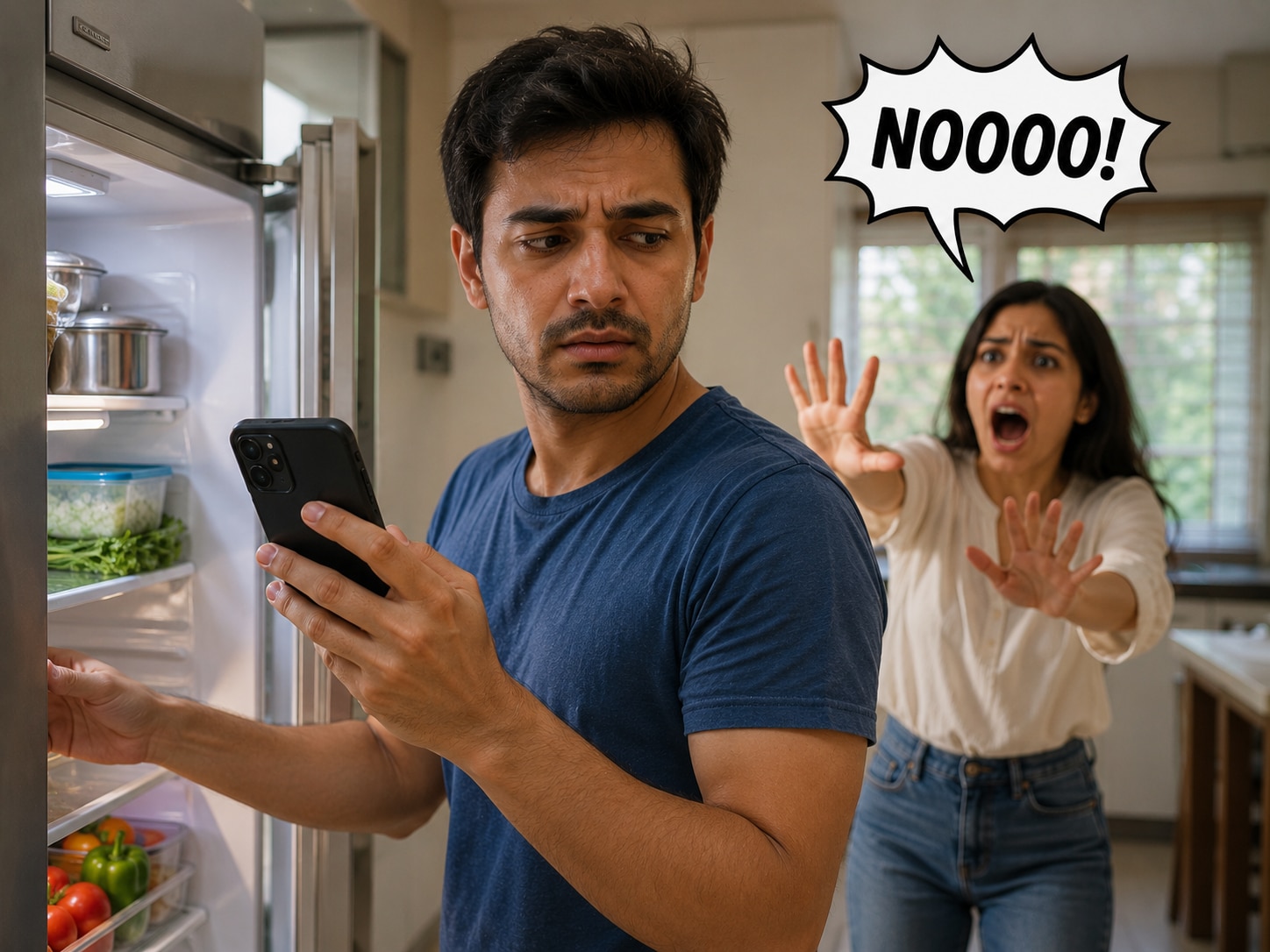
A lot of people try this, but sudden temperature changes can damage the phone internally because of moisture buildup. It’s always safer to cool the device naturally in a shaded or ventilated area.


