


Written By Divya


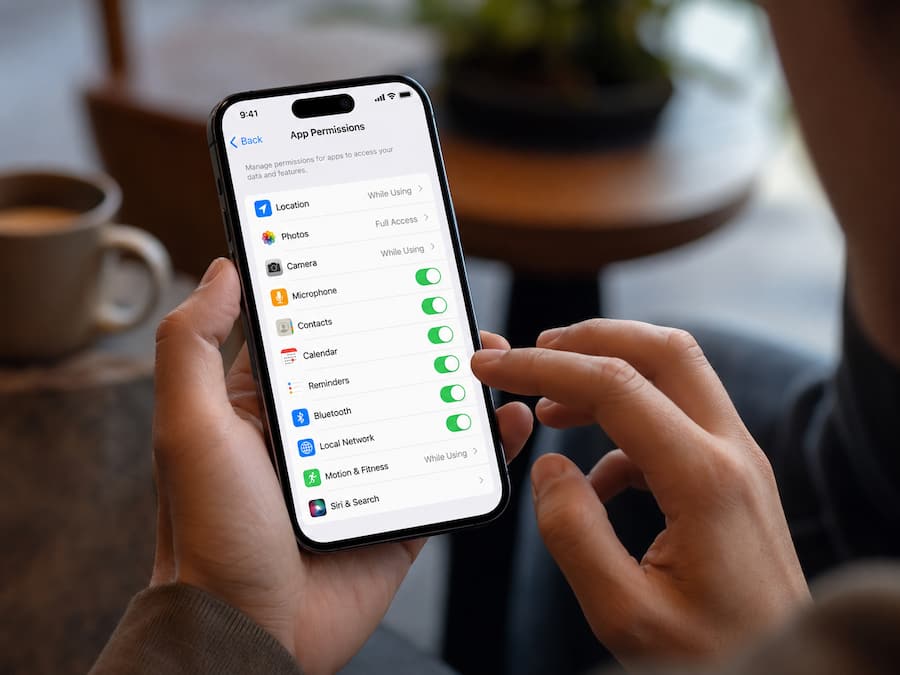
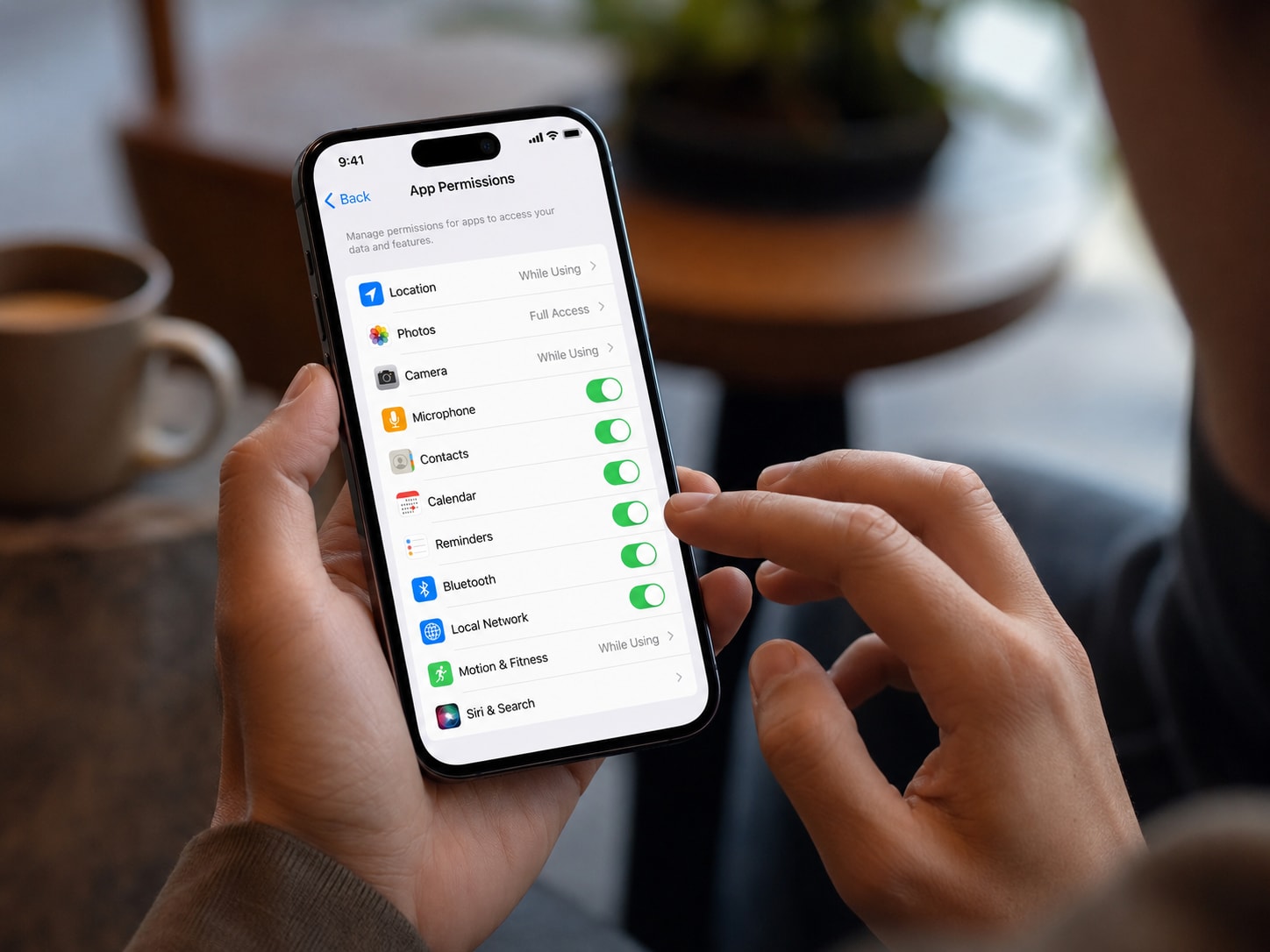
The first thing to do is open your phone's app permissions section. If a flashlight app wants access to your contacts, microphone, location, and camera, that's usually a sign something isn't right.
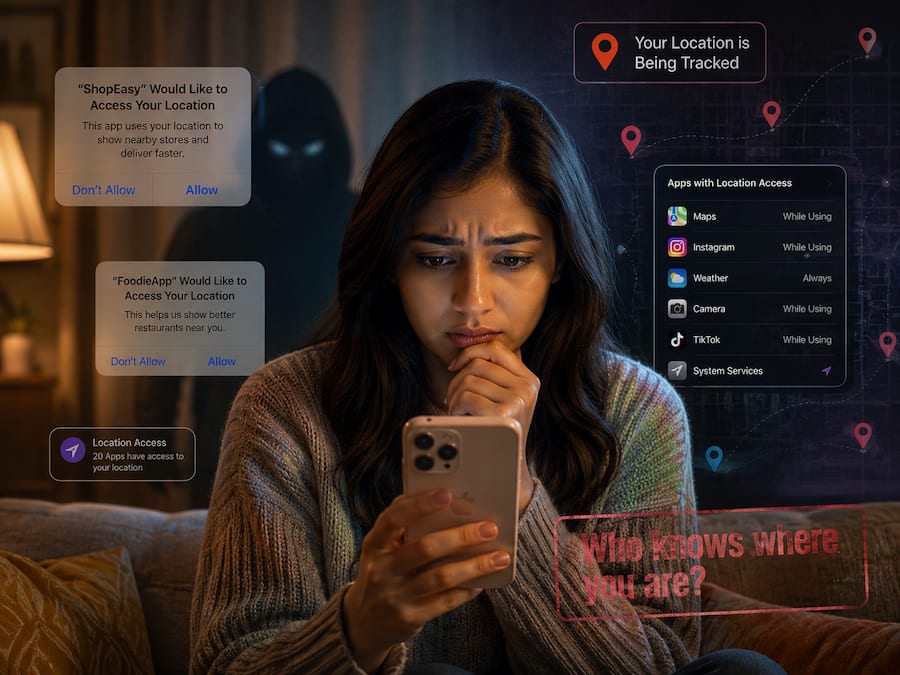
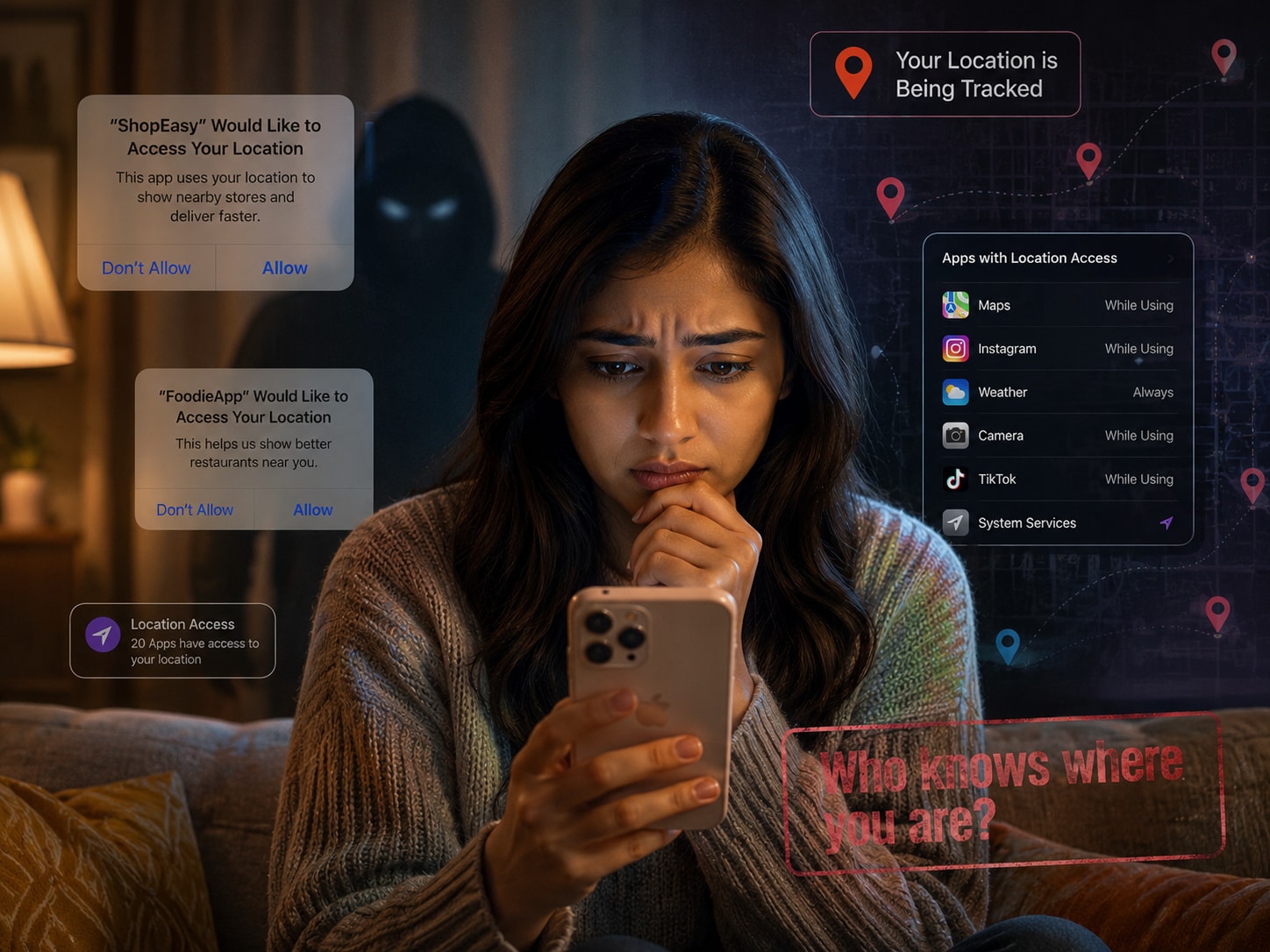
Many apps request location access even when they don't need it. Check whether apps are using Always Allow location permissions and switch them to While Using The App whenever possible.
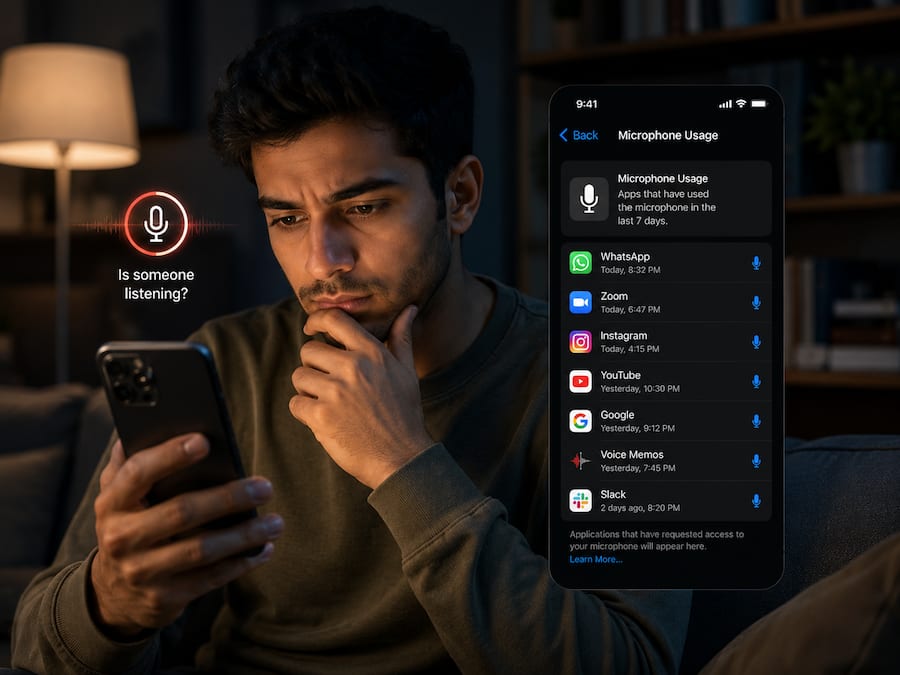
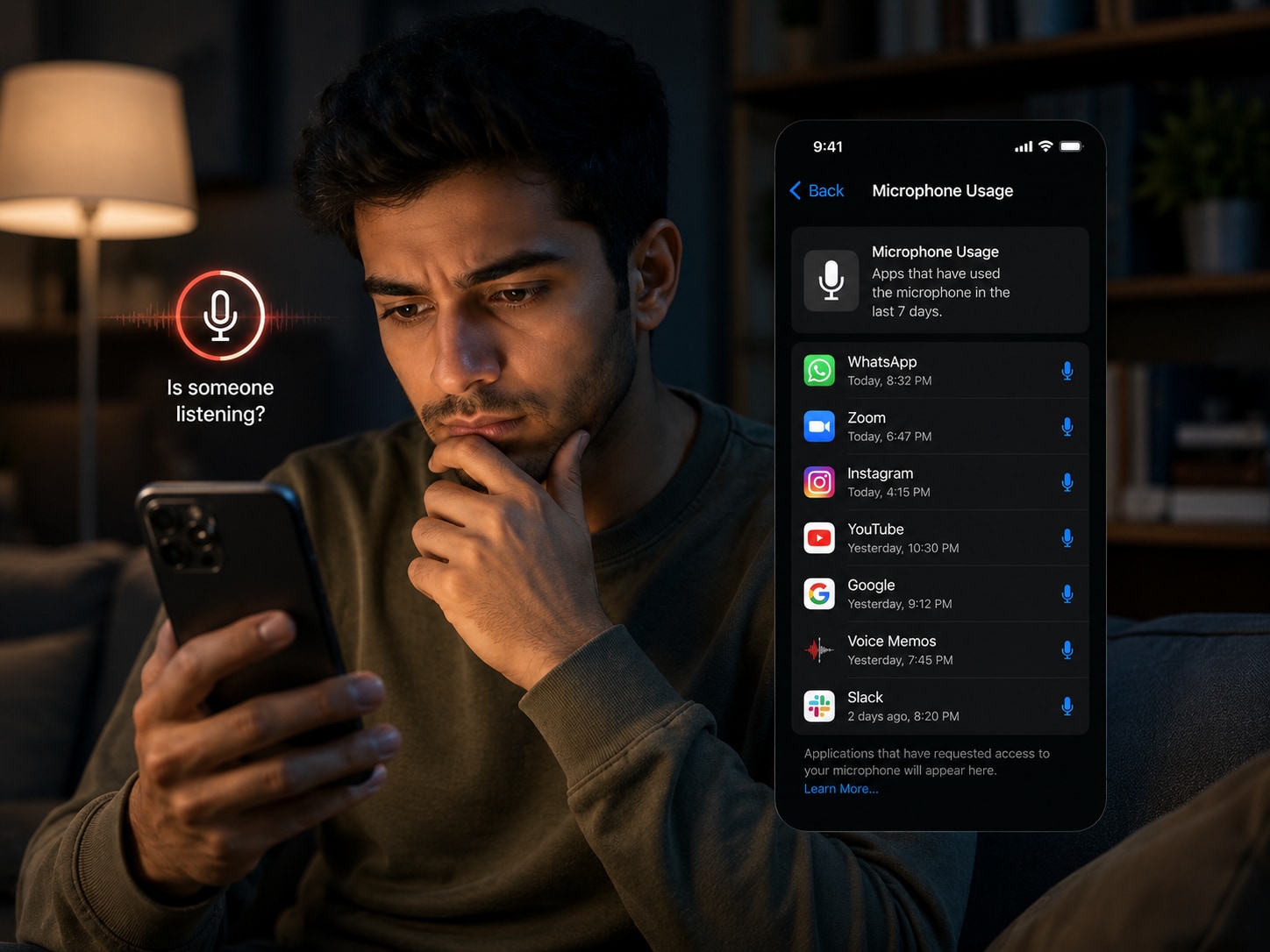
Both Android and iPhone show indicators when the microphone is active. If you notice the microphone icon appearing when you're not actively using the app, it's worth investigating further.
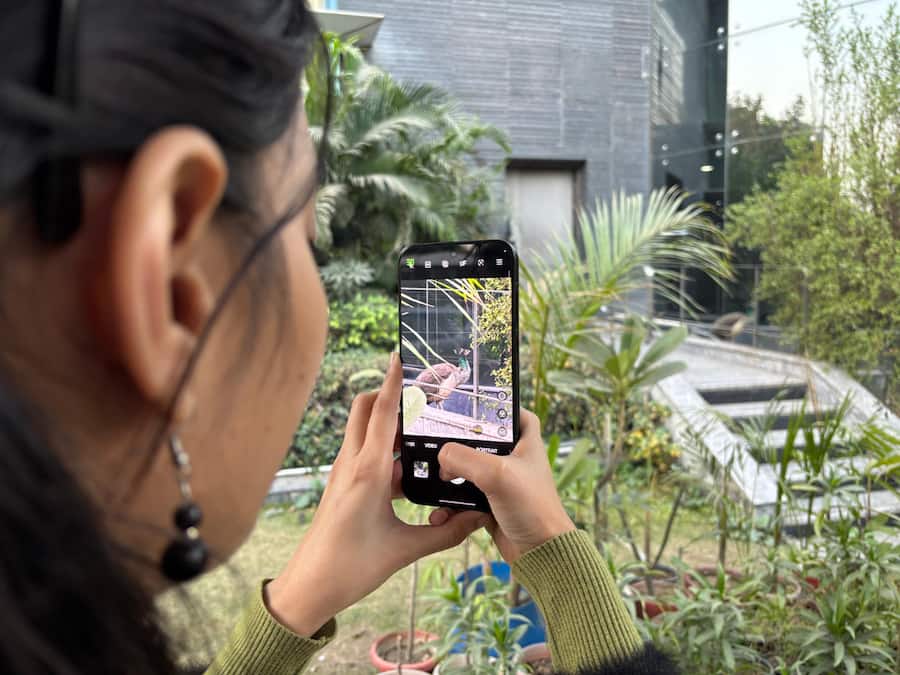
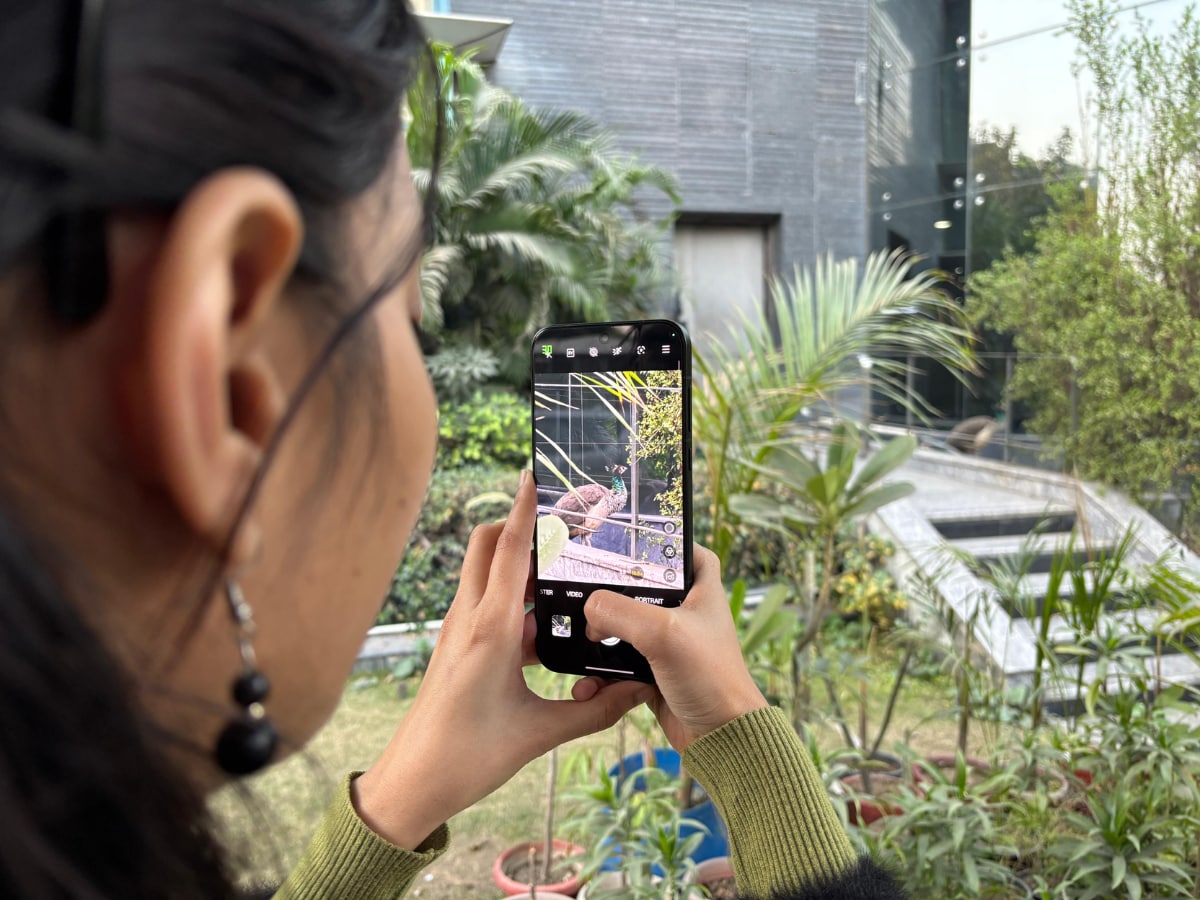
Some apps request camera permissions during setup and never actually need them again. Go through your installed apps and disable camera access for anything that doesn't genuinely require it.
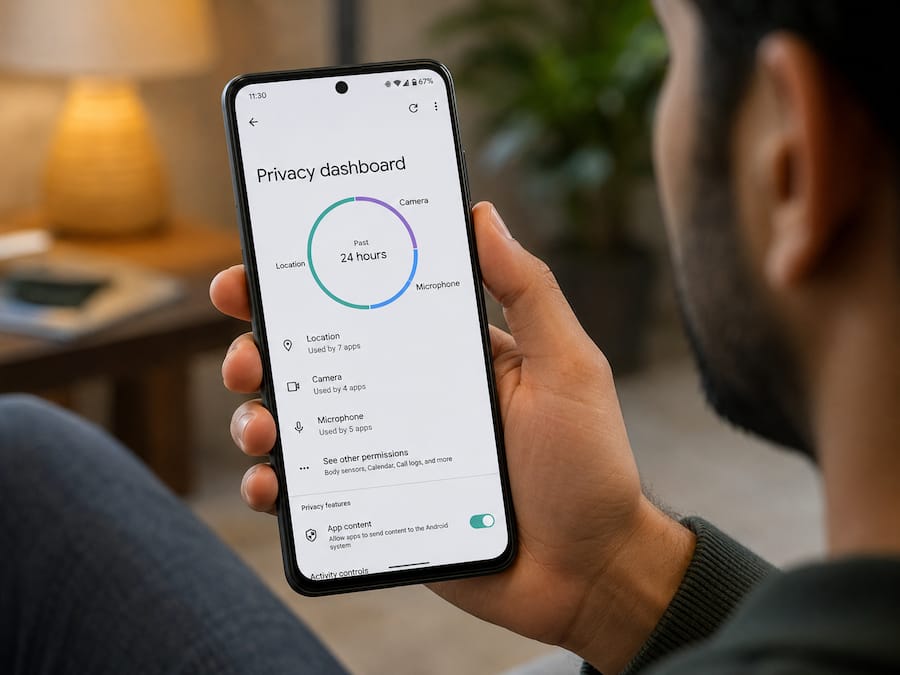
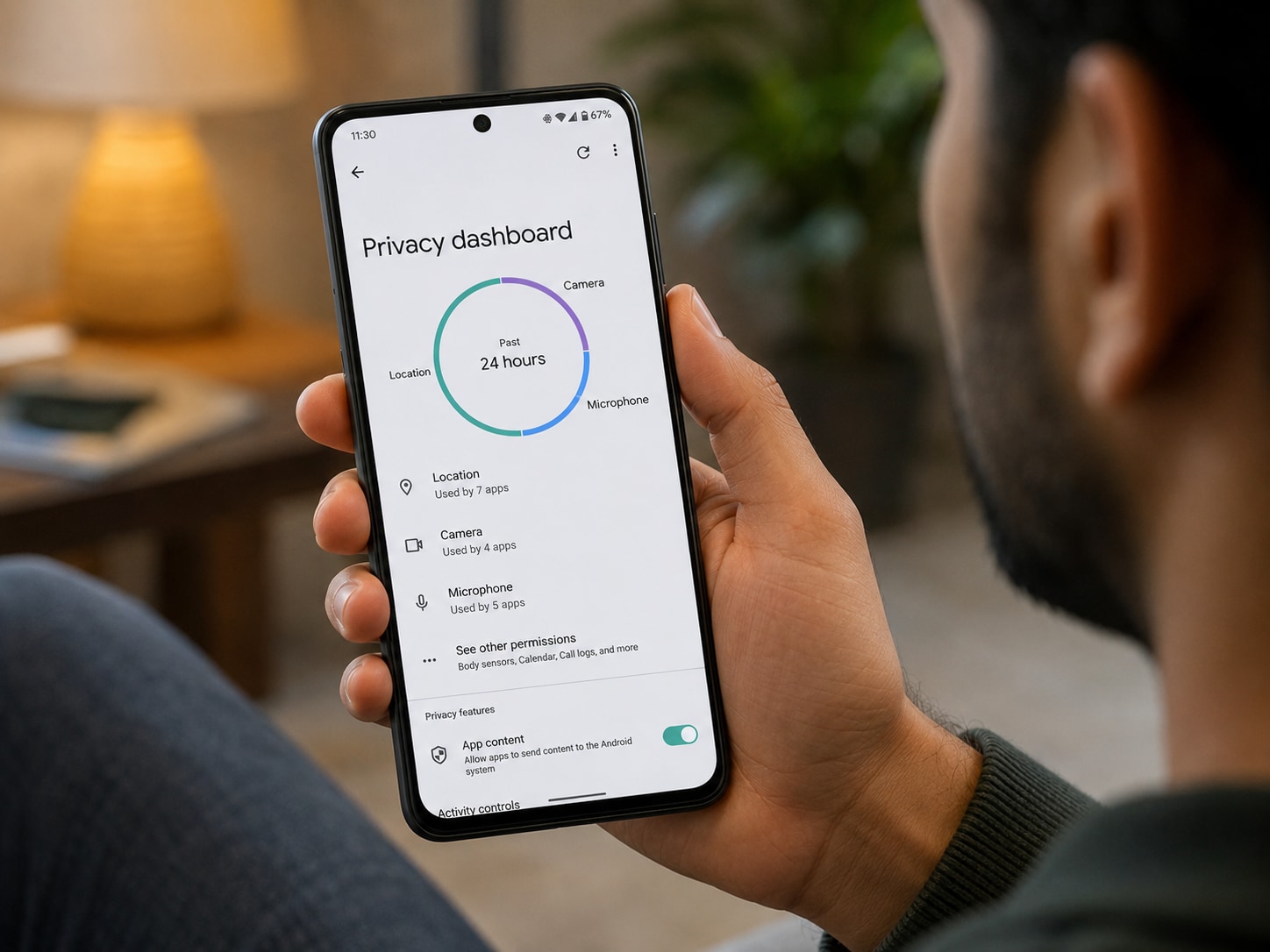
Android's Privacy Dashboard and Apple's App Privacy settings show which apps recently accessed sensitive data like location, camera, microphone, and contacts. This can reveal surprising activity.


Apps that constantly run in the background often consume more battery than expected. If an app is draining battery unusually fast, it may also be continuously collecting data.


Both Google Play Store and App Store listings now show what kind of data an app collects. Before installing an app, spend a few seconds reviewing these privacy details.
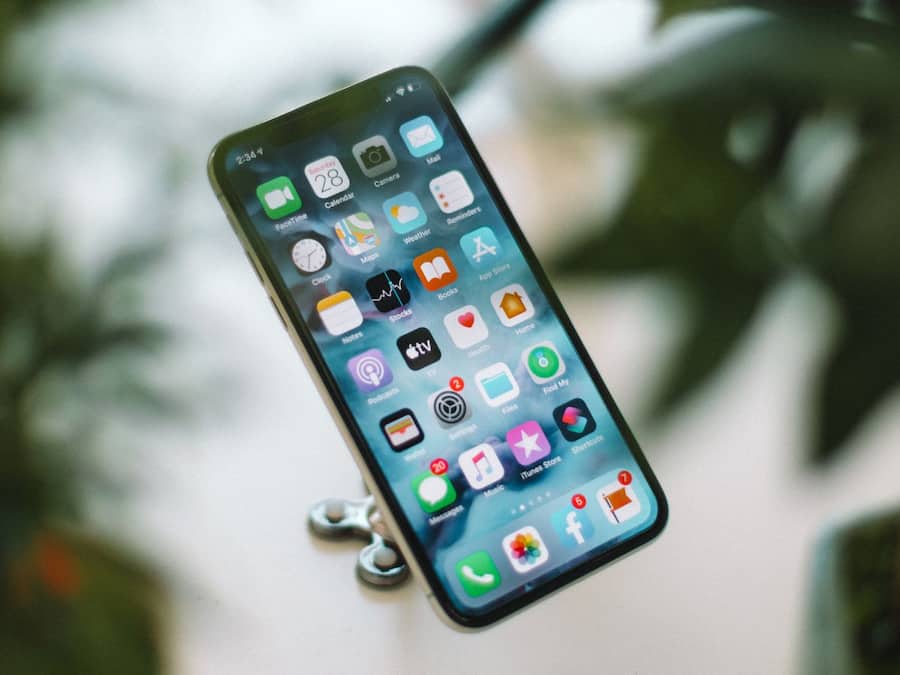
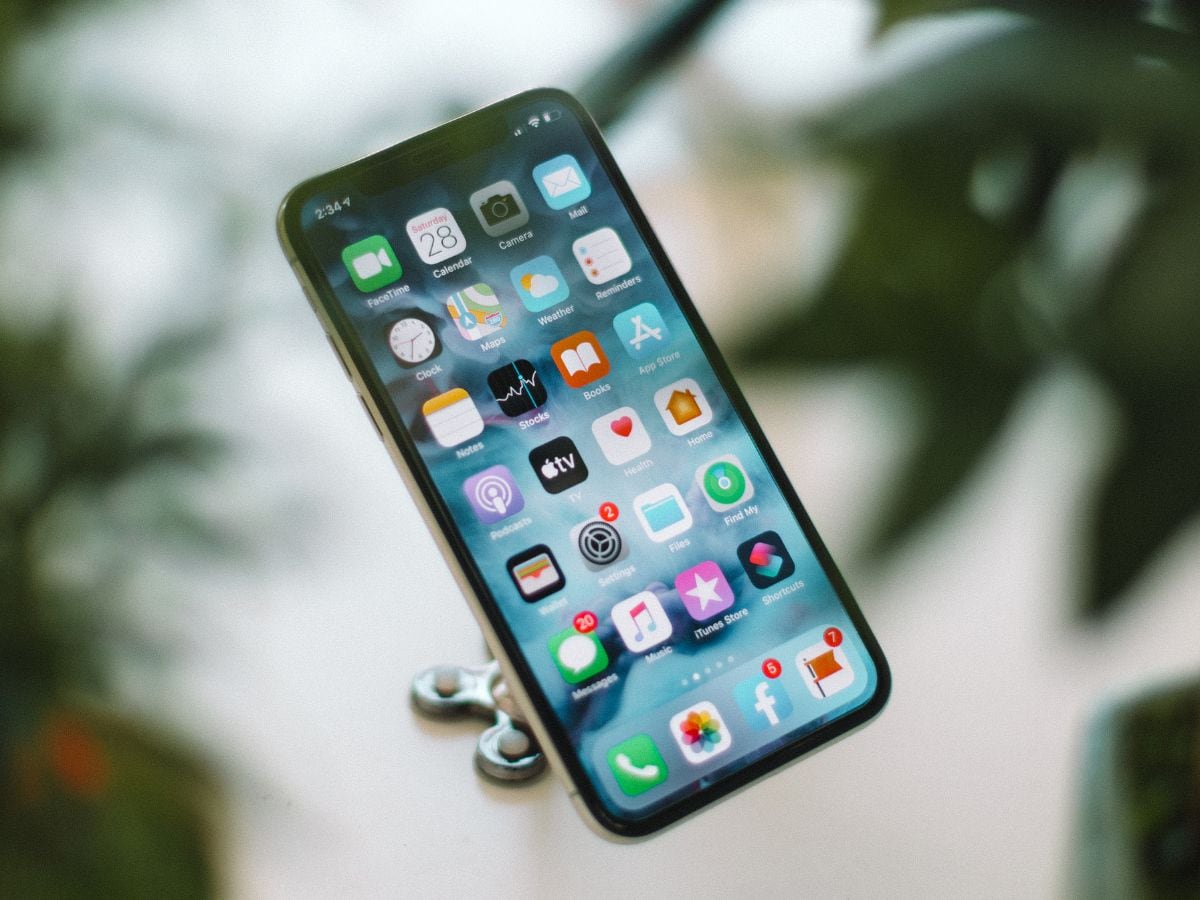
Unused apps can still hold permissions and access certain information. Removing apps you no longer need is one of the easiest ways to reduce unnecessary tracking on your phone.

Don't Miss Out the Latest Updates. Subscribe to Our Newsletter Today!
