



Written By Shubham Arora
Edited By: Shubham Arora | Published By: Shubham Arora | Published: Jun 05, 2026, 11:24 AM (IST)
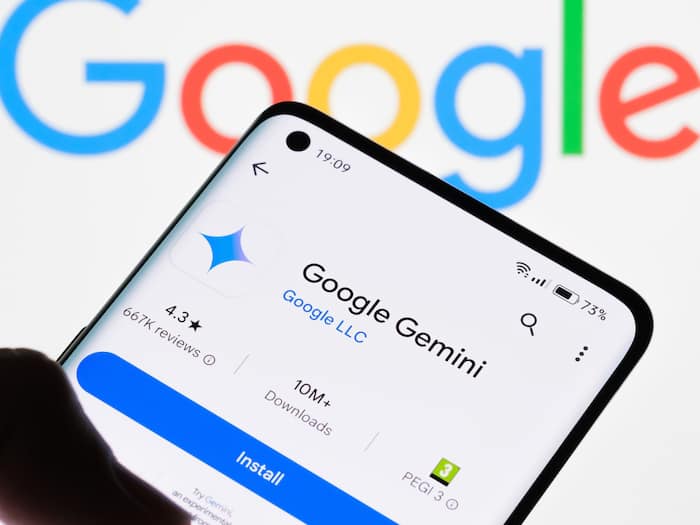
 Google is rolling out Gemini Avatar to more paid users, enabling AI-generated videos featuring their own face and voice.


Written By Shubham Arora
Google is expanding access to Gemini Avatar, one of the newer AI features it introduced alongside its Gemini upgrades this year. The feature is now rolling out to more paid Gemini subscribers and allows users to create a digital version of themselves using their face and voice.  Also Read: Google Pixel 11a massive leak reveals specifications ahead of launch; ALL details
The idea behind Gemini Avatar is fairly different from the AI image generators and chatbots people have become familiar with over the last couple of years. Instead of creating an AI character from scratch, Gemini can create one that looks and sounds like you. Once the setup is complete, users can generate AI videos featuring their own avatar directly inside the Gemini app. Also Read: Android lock screen bug lets Gemini send SMS without PIN; Google confirms fix is coming
The feature is powered by Gemini Omni and is currently available to users subscribed to Google AI Plus, Google AI Pro, and Google AI Ultra plans. Google has not shared any details about whether Gemini Avatar will eventually make its way to free users. Also Read: Google AI Mode introduces more connected apps: YouTube Music, Canva, and Instacart
Gemini Avatar is designed to recreate a user’s appearance and voice so it can be used in AI-generated videos. After creating the avatar, users can ask Gemini to generate videos in different styles, settings, and scenarios while using their AI likeness as the main subject.
Everything works within the Gemini app itself, so users do not need to download any additional software to create or use their avatar. Once linked to a Google account, the avatar becomes available across supported Gemini experiences.
Google is also allowing users to generate videos through prompts.
For instance, Gemini can generate a video of you speaking from a particular location, wearing different clothes, or explaining something in a chosen style.
The entire setup usually takes only a few minutes. Google recommends doing it in a well-lit place so the system can clearly capture your facial features and voice.
While setting up the avatar, make sure your face is clearly visible throughout the process. Google says users should avoid wearing hats, masks, or sunglasses, though regular glasses can be kept on if you normally wear them.
It is also recommended to hold the phone at eye level and make sure there are no other people in the frame. Since Gemini scans both your face and voice, a clear recording generally helps produce a more accurate avatar.

Google has added a few safeguards as well. Users need to be at least 18 years old to create an avatar, and every video generated using Gemini Avatar includes Google’s SynthID watermark. The watermark isn’t visible to viewers but can be detected through Google’s verification tools to identify AI-generated content.

Don't Miss Out the Latest Updates. Subscribe to Our Newsletter Today!
