



Written By Shubham Arora
Published By: Shubham Arora | Published: Apr 15, 2026, 07:30 AM (IST)
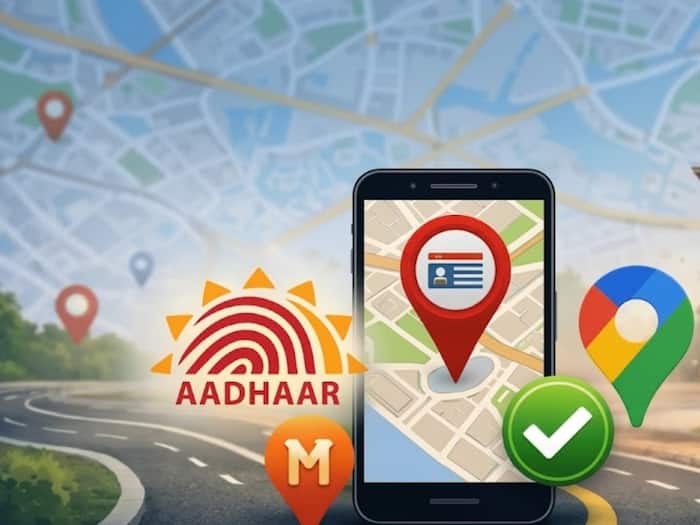
 Aadhaar centres can be easily found using map apps like Google Maps and MapMyIndia.


Written By Shubham Arora
If you’ve ever tried finding an Aadhaar centre in a hurry, you already know how confusing it can get. Addresses online are not always updated, and asking around doesn’t always help either. Most people end up going to one place only to be told the actual centre is somewhere else.  Also Read: Google Maps can answer your questions like ChatGPT!
That’s where map apps are now helping. Instead of guessing, you can directly check nearby Aadhaar centres on your phone. Both Google Maps and MapMyIndia now show these locations, which makes things a lot simpler when you need to visit one. Also Read: mAadhaar app shuts down soon: What changes and how to set up the new Aadhaar app
Before you open the app, just make sure your phone’s internet is working and location access is turned on. Without location, the app might still show results, but they won’t necessarily be close to you.
This small step makes a big difference because the results you see depend entirely on where you are.
Once you do this, you’ll get a list of centres around you along with how far they are, which makes it easier to pick one.
One thing a lot of people miss is that not every listing is necessarily an authorised Aadhaar centre. Some smaller shops can also appear in the results and claim to offer Aadhaar-related services, which is where people usually get confused.
A proper Aadhaar Seva Kendra is usually easy to spot. It will have clear branding and follow standard charges, so you can tell it’s official. On the map as well, some centres are marked as verified or show official UIDAI details, which helps.
If anything feels odd, like higher charges than usual or someone saying they’ll do it quickly without proper checks, it’s better to stop there and confirm first instead of going ahead.
Even after you find a centre on maps, it’s worth checking the address once on the UIDAI website. It doesn’t take long and can save you from making an unnecessary trip.

Using map apps has made it easier to locate Aadhaar centres, especially when you need one quickly. But taking a minute to verify the details can still make the whole process smoother.

Don't Miss Out the Latest Updates. Subscribe to Our Newsletter Today!
