
Written By Deepti Ratnam


Written By Deepti Ratnam
Edited by Deepti Ratnam |Published: Aug 06, 2026, 12:03 PM (IST)
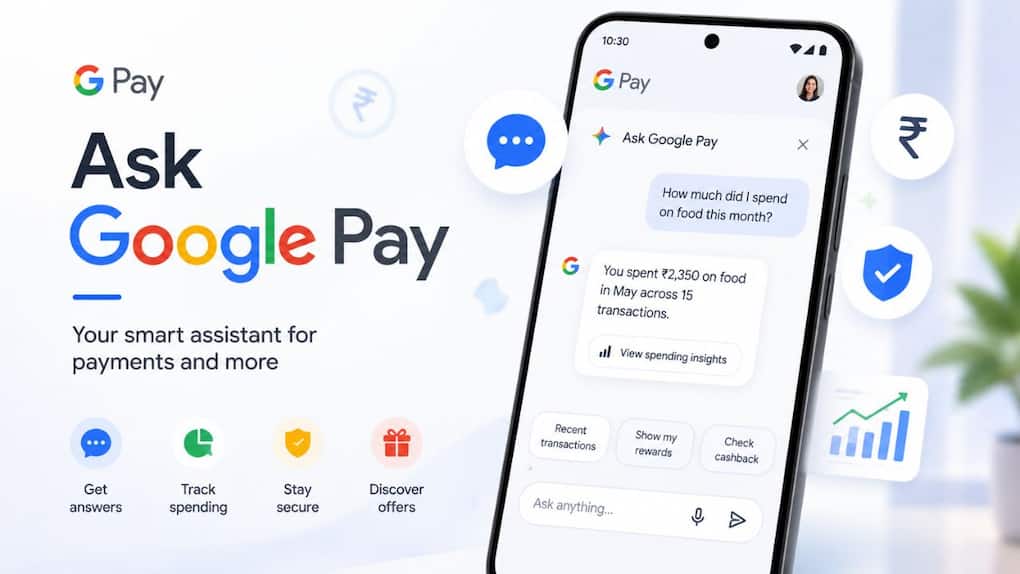
 Ask Google Pay: How to enable Google's AI chatbot and use its finance tools
Google has launched a new AI-powered feature in Google Pay app for India, called Ask Google Pay. It leverages Google’s Gemini AI models and serves as a personal finance assistant. You can ask natural language questions and receive simple answers, without the need to sift through your transaction history.
It can review your UPI spending, clarify monetary concepts, suggest appropriate credit cards and even make visual charts of your expenses.
Ask Google Pay is an artificial intelligence (AI) chatbot designed into the Google Pay app. It allows users to interact with their financial information by conversing, as they would with an AI assistant.
When the chatbot gets to know your transaction history (with your consent) from Google Pay, it can answer you questions about your money and offer you valuable financial insights.
Google says the feature will be used to help users to understand and control their finances.
Google Pay has some helpful functions for your average user.
It can:
For instance you can ask:
Google Pay is an optional feature that needs to be enabled in your device.
Follow these steps:
STEP 1: Launch the Google Pay application.
STEP 2: Click on the You tab in the bottom right corner.
STEP 3: Open Settings.
STEP 4: Go to Privacy & Security.
STEP 5: Click on Data and Personalisation.
STEP 6: Turn on Personalisation within Google Pay.
After enabling the feature, it will become available when it has been made available on your account.
Once the feature is activated, do the following:
Step 1: Open the Google Pay App.
Step 2: At the bottom, tap on Money.
Step 3: Under Ask About your finances, tap Ask a question.
Step 4: A chat window will open.
Step 5: Ask your question by typing and/or speaking.
The chatbot will process your transaction history and respond to you personally according to the information in Google Pay.
While using Ask Google Pay, Google states that your financial and transaction information is safe.
The company collects the data only to give you personal responses and information about your finances. The chatbot has access to transactions data once personalisation has been switched on in the app.
Google has introduced Ask Google Pay, which it offers free of charge. The AI assistant is not subject to any extra fees or charges for usage.
If the feature is not yet offered on your phone, you don’t need to worry!
Google is introducing Ask Google Pay gradually so it could take some time before it becomes available for all eligible users in India.
Check you are using the most up-to-date version of the Google Pay App and it is switched on in your settings.
What is Ask Google Pay?
Ask Google Pay is an AI chatbot within the Google Pay app developed using Gemini to assist users in analysing their spending, offer insights into financial concepts, and manage their finances through natural language.
Is it possible to analyse transactions done via UPI using Ask Google Pay?
Yes. The chatbot can analyse the history of your transactions on Google Pay and give you spending insights, charts, and customised tips, with your consent, of course.
Is Ask Google Pay free?
Yes. The feature is available at no additional fee at Google.
Ask Google Pay supports which of these languages?
The AI assistant is available in 10 Indian languages, voice and text interaction.
Ask Google Play not found on my phone, why?

Google is rolling out the feature slowly. If it is not there now, make sure you update your app and check when it will be rolled out to your account.