


Written By Pranav Sawant
Written By Pranav Sawant
Edited by Pranav Sawant |Published: Apr 13, 2023, 12:25 PM (IST)
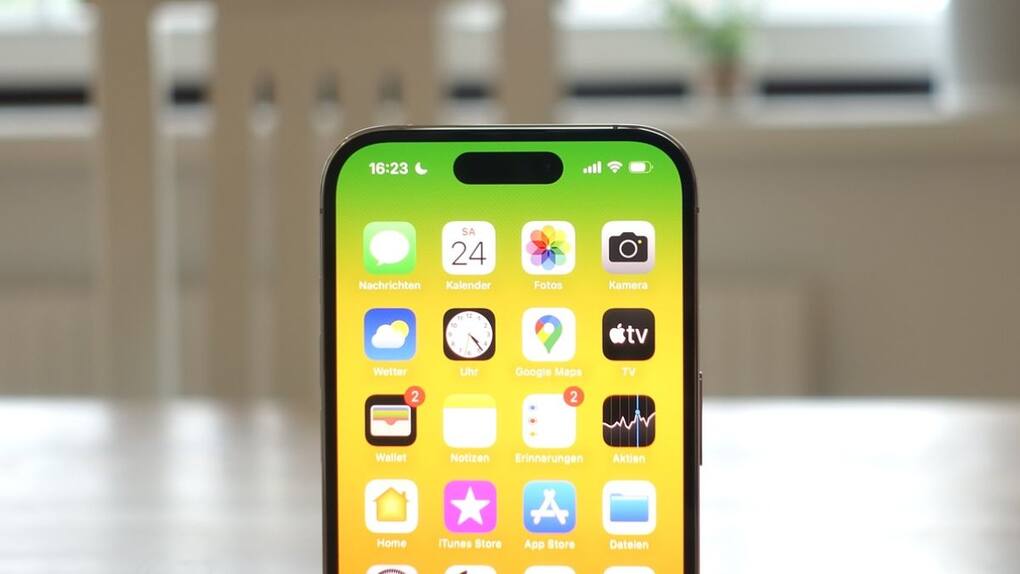
Apple launched the Voice isolation feature for FaceTime and other video calls sometime back. What it essentially does is suppresses the background noise and enhances your voice to offer clearer calls. However, the feature wasn’t available for cellular calls so far. Now, with the iOS 16.4 update to iPhones, users can use the Voice Isolation feature even for cellular calls.  Also Read: Apple Upgrade is here! Rent an iPhone or MacBook instead of buying it; Here's how
Having said that, to get clear calls, the person on the other end as well as you need to be on the iOS 16.4 version. If you haven’t updated to the aforesaid version, head to Settings > General > Software update. Then, check for updates and download and install the update. Also Read: Apple reportedly launching new upgrade programme for iPhone, iPad, Mac, and Apple Watch on July 28
Once you are on the latest iOS version, follow the steps below. Also Read: Next iPad mini could become Apple's FIRST tablet to bring this
Step 1: When on a cellular phone call, open the control center by swiping from top right to bottom on most new iPhones. On iPhone SE models, you need to swipe from bottom to up to access the control center.
Step 2: Now, tap on Mic Mode.
Step 3: Lastly, select Voice isolation.
After you select Voice isolation, your voice will be clearer to the other person as your iPhone will automatically prioritize your voice over the surrounding sound.
Apart from regular calls, the feature can also be used for Facetime and video calls for other third-party apps.
Other than this, Apple also introduced Wide Spectrum alongside Voice isolation This feature, however, was and is still restricted to Facetime calls.
Wide Spectrum is kind of the opposite of Voice isolation.
What the Wide Spectrum feature does is that it amplifies the background noise while keeping your voice as it is. So the other person gets to hear your voice as well as some of what’s happening in your surrounding.

We expect Apple to release this feature for cellular calls as well soon.


