



Written By Shweta Ganjoo
Published By: Shweta Ganjoo | Published: Aug 15, 2023, 04:54 PM (IST)
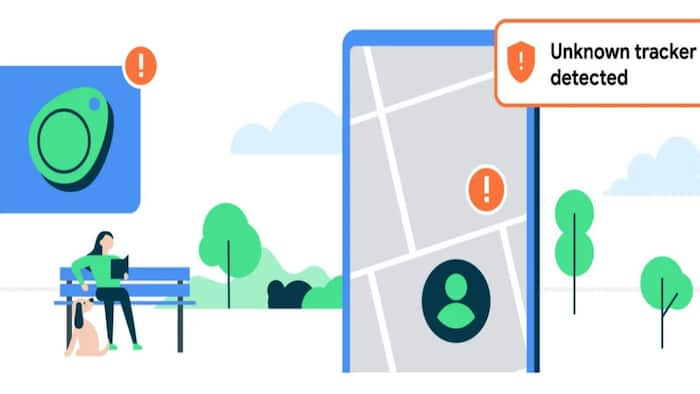
 Image: Google


Written By Shweta Ganjoo
Earlier this year, Google announced a new feature for Android smartphones and tablet that will enable users to detect if an unknown tracker is travelling with them. The feature that Google announced not only enables users to detect if an unknown tracker is travelling with them but it also enables them to find its location and disable it if needed. This feature can come in handy if someone is tracking a user illegally and poses a threat to their safety.  Also Read: Thinking of switching from iPhone? Check these phones instead of iPhone 17 Pro
For the unversed, Bluetooth trackers, also called tags, are small devices that you can attach to items, like keys or a backpack, to help you locate them if they get lost. However, these devices can also be misused to track others without their knowledge or consent. Now, Google‘s unknown tracker alert system uses a user’s device’s location to identify where the unknown tracker has traveled with them. It processes and temporarily stores this location information encrypted on the user’s device. Google says that its system only uses this location information to determine if there’s a tracker traveling with them and to display it to them on a map. The company also says that location information doesn’t leave a user’s device and isn’t shared with Google or other user. Also Read: Google Pixel 10a specifications fully leaked ahead of launch: All details
Here is a detailed guide of how you can enable this alert system and disable the tracker:
On devices running the Android 12 (S) and later
Step 1: On your device, tap Settings.
Step 2: Tap Safety & emergency and then Unknown tracker alerts.
Step 3: Turn Allow alerts on or off.
On devices running Android 11 (R) and older
Step 1: On your device, tap Settings.
Step 2: Tap Google and then tap Personal safety.
Step 3: Now tap Unknown tracker alerts.
Step 4: Turn Allow alerts on or off.
Step 1: On your device, tap Settings.
Step 2: Tap Safety & Emergency and then tap Unknown tracker alerts.
Step 3: Tap Scan now.
Your device will take about 10 seconds to complete a manual scan.
Step 1: On your device, tap the tracker notification to open a map.
Step 2: Find where the tracker has been detected traveling with you.
Step 3: Tap Play sound, which causes the tracker to make a sound.
Step 4: Follow the sound made by the tracker to locate it.
Step 5: If you find the tracker, tap Next steps and then follow the onscreen instructions.
Step 6: If you don’t hear the sound, tap the Play Sound Again option.

To disable an Apple AirTag, push down and twist counter-clockwise on the back of the AirTag. After that, take the cover off and remove the battery. Once you remove the battery, the location of the AirTag will no longer be visible to its owner.

Don't Miss Out the Latest Updates. Subscribe to Our Newsletter Today!
