


Written By Divya
Published By: Divya | Published: Apr 21, 2026, 11:50 PM (IST)
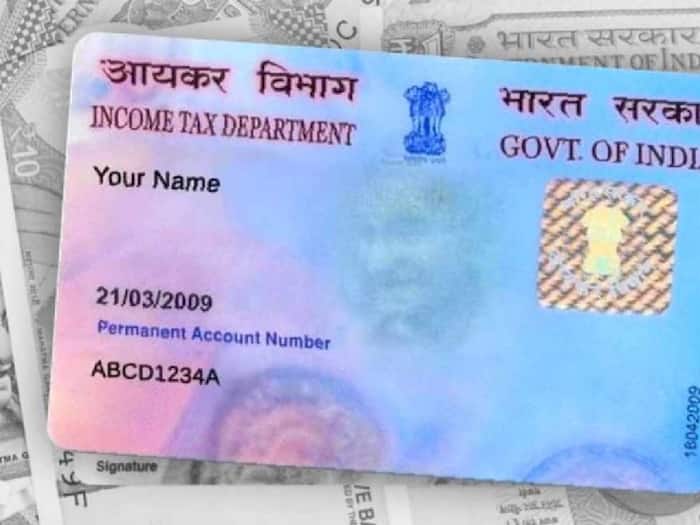
 Track Your PAN Card Status Online Using These Simple Methods


Written By Divya
PAN Card Status: Applied for a PAN card and now waiting for updates? The good part is you don’t really have to guess anymore. There are multiple ways to check your PAN card status and most of them take less than a minute. Whether you have your acknowledgement number or just basic details like your name or Aadhaar, you can check the status online quickly.  Also Read: Aadhaar linked to multiple bank accounts? Here's how to check
Here is a quick guide to track the PAN Card Status using your Aadhaar Card number, name or mobile number. Also Read: These Aadhaar Card mistakes can create problems with bank KYC, how to check and fix
The simplest way is through the official PAN service websites. You can visit platforms like Protean eGov Technologies Limited or UTI Infrastructure Technology and Services Limited. Once you’re on the website: Also Read: mAadhaar app shuts down soon: What changes and how to set up the new Aadhaar app
You’ll instantly see whether your PAN is under process, dispatched, or still pending.
If you applied for an instant e-PAN, the process is slightly different. Here is how to check:
If you don’t want to open a website, there are offline options too. Via SMS method, simply type NSDLPAN <15-digit acknowledgement number> and then send it to 57575.
Another way is the call method. You just need to dial the PAN helpline and provide your acknowledgement number.
There’s also a WhatsApp option, which is surprisingly simple.

The best part is that you don’t need to wait endlessly or visit an office anymore. Whether it’s Aadhaar, name, or just your mobile number, tracking PAN status is now pretty simple. Just make sure your details are correct, and you’ll have your update in seconds.

Don't Miss Out the Latest Updates. Subscribe to Our Newsletter Today!
