


Written By Divya
Edited By: Divya | Published By: Divya | Published: Apr 16, 2026, 08:55 PM (IST)
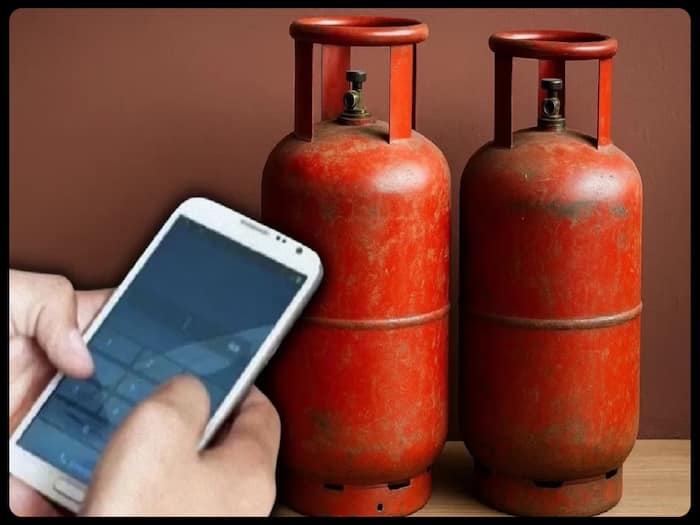
 LPG Cylinder Booking Simplified: All Methods Explained


Written By Divya
If you’ve ever waited on a call or tried reaching your LPG distributor during peak hours, you’ll know it’s not always smooth. That’s exactly what has changed now. Consumers using Indane Gas, Bharat Gas, and HP Gas can now book a refill in multiple ways – WhatsApp, SMS, call, apps, or websites.  Also Read: Swiggy Instamart partners with HPCL to deliver LPG cylinders at customers' doorsteps
The idea is simple: you don’t have to depend on just one method anymore. Also Read: Amazon Prime Day Sale 2026 is live: Beware of these delivery scams before your order arrives
Each LPG provider now supports different booking options, so you can pick what works best for you. Also Read: LPG cylinder delivery frauds rising: Warning signs every customer should know
You can also use official apps or websites if you prefer booking digitally. This isn’t just about convenience. It’s also about saving time. Instead of waiting on IVR menus or visiting a distributor, you can just send a message or give a missed call. The booking gets registered almost instantly, and you receive confirmation on your phone.
If you are planning to do it via WhatsApp, then here’s how you can do it:
Step 1: Save your LPG provider’s WhatsApp number on your phone as mentioned above.
Step 2: Open WhatsApp and start a chat with the saved number
Step 3: Type “REFILL” and send the message
Step 4: Follow the on-screen prompts. You may be asked to confirm your consumer number or registered mobile number.
Step 5: Confirm the booking request. Once done, you’ll receive a confirmation message with booking details
Along with these updates, there’s also a change in booking rules. You now need to maintain a minimum gap of 25 days between two LPG bookings. Earlier, this was 21 days. If you try to book before that period ends, the system simply won’t accept the request.

There’s also a stronger focus on safety now. Deliveries are verified through a Delivery Authentication Code (DAC). When your cylinder arrives, you’ll receive a code on your phone. You need to share this with the delivery agent; without it, the delivery won’t be completed. Also, make sure your eKYC is updated, or you might face issues with booking or subsidy benefits.

Don't Miss Out the Latest Updates. Subscribe to Our Newsletter Today!
