



Written By Shubham Arora
Published By: Shubham Arora | Published: Dec 24, 2025, 12:02 AM (IST)


Written By Shubham Arora
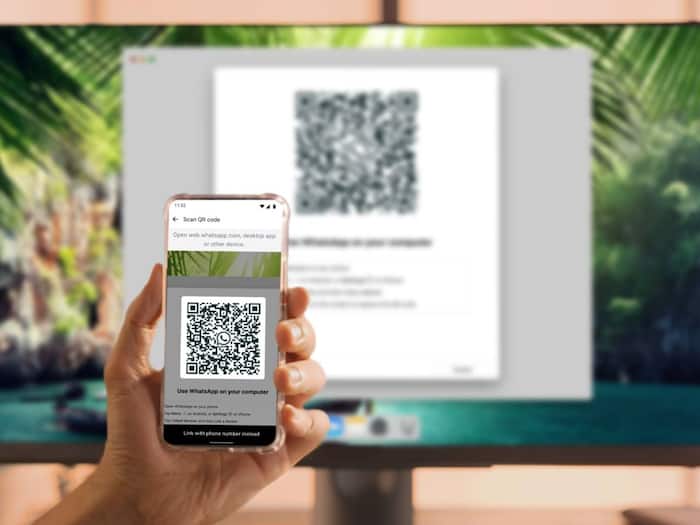
A new WhatsApp scam is spreading quietly, and it does not rely on stolen passwords or software flaws. The trick, called GhostPairing, abuses WhatsApp’s device-linking feature and depends entirely on user interaction to work.  Also Read: 6 hidden features WhatsApp and Instagram users ignore
In most cases, the attack starts with a message that looks harmless. Users are sent a link, often claiming to lead to a Facebook post, warning, or restricted page. After opening it, they are asked to enter their phone number and then a verification code sent to their device. What users do not realise is that this code is not unlocking content. It is being used to link another device to their WhatsApp account. Also Read: Why is this country banning WhatsApp? Here’s what’s happening
Once that device is linked, the attacker can read messages, access chats, and stay logged in without raising obvious alarms. There is no pop-up warning saying the account has been compromised. Unless users manually check their linked devices, the takeover can go unnoticed.
WhatsApp has advised users to be cautious when linking new devices and to enable two-step verification in settings. The company says it is aware of device-linking scams and is looking at ways to reduce misuse of the feature on WhatsApp.
Security experts warn that scams like this tend to spread fastest after they become public. Once details circulate, more attackers copy the method before platforms manage to slow it down. That window is where users are most exposed.
There are a few basic steps users can take right now to reduce risk:
Users should also check their linked devices immediately. Open WhatsApp, go to Settings, then Linked Devices. This screen shows every device currently connected to the account. If anything looks unfamiliar or outdated, tap the device and log out. There is no downside to removing a device you no longer use.

A linked device can see everything in your chats. Until this scam dies down, regularly checking linked devices is one of the simplest ways to stay ahead of it.

Don't Miss Out the Latest Updates. Subscribe to Our Newsletter Today!
