



Written By Deepti Ratnam
Published By: Deepti Ratnam | Published: Dec 09, 2025, 09:29 AM (IST)


Written By Deepti Ratnam
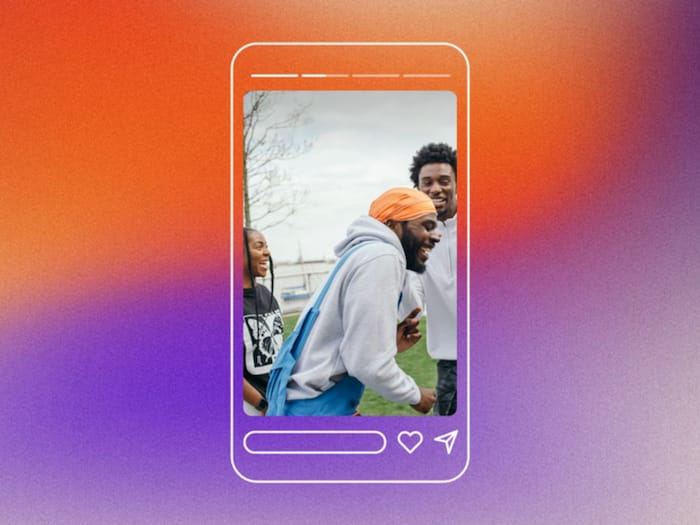
Instagram has quietly rolled out a game-changing feature that will make your stories instantly go viral. The instant sharing app has released a feature that will allow users to re-share anyone’s stories. Until now, resharing a Story was totally dependent on the fact of whether the original creator had tagged you or not. This sharing of stories came with a limitation that often forced users to rely on screenshots and screen recordings. This also lowered the content quality. Nevertheless, with the latest update, Instagram now allows you to reshare any public Story directly to your profile, even if they never mentioned you in the original post.
STEP 1: To Reshare any Story on Instagram, first, open the story you want to share.
STEP 2: Now, click on the profile picture or Story bubble of the public content.
STEP 3: As soon as you look for the sharing options, you will see the ‘Add to Story’ button visible on public Stories.
STEP 4: Click on the Add to Story option and it will be copied into your story composer with its original quality intact.
STEP 5: In addition, you can also edit it and add text, stickers, and GIFs. This edit will only reflect on your story and will keep the original image or video intact.
STEP 6: Now, click on the Confirm button. The original creator’s name will appear on your story so that viewers can visit their profile.
STEP 7: Tap Your Story or Share to post it to your profile so your followers can see it.
The new Story resharing feature is currently rolling out globally on both Android and iOS devices. If it’s not visible yet, users may need to update the app or wait for the server-side rollout to complete.


Don't Miss Out the Latest Updates. Subscribe to Our Newsletter Today!
