



Written By Deepti Ratnam
Published By: Deepti Ratnam | Published: Feb 25, 2026, 10:57 AM (IST)


Written By Deepti Ratnam
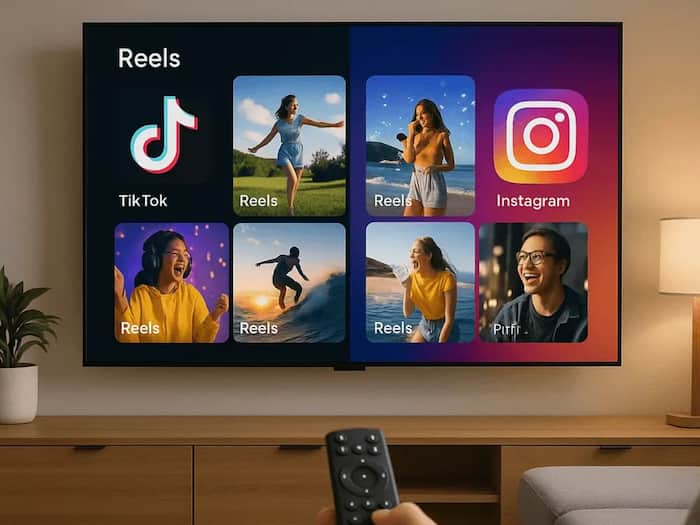
In a move to compete YouTube, Instagram has finally expanded its TV app to Google TV devices. To recall, the app was first introduced on Amazon Fire TV in December 2025. With this roll out, Instagram is focusing on app content to be directly visible on users television screens. The expansion moved the platform beyond smartphones and brings short video content and posts into the living room environment.
Meta-owned platform is focusing on increasing video engagement on larger displays, and hence, by offering a TV version of the app, the tech giant is trying to extend viewing time and compete in the connected TV space.
The newly launched Instagram TV app is designed for easy access with a remote control. The feature is currently rolled out in the United States and will eventually come to worldwide. Under this update, Reels will be arranged into topic-based rows, including comedy, music, sports, and lifestyle. As soon as a user selects a reel, the video will starts playing automatically. Interestingly, the next video will lead without needing to scroll. This pattern creates a continuous viewing slow similar to channel surfing.
Besides this, users can also browse regular feed posts, including Photos and carousel posts will be displayed in a format adjusted for larger screens. Talking about the vertical videos, they will keep their original shape, however, they are optimized to fit widescreen TV’s properly. On top of this, text and captions will be adjusted so that they are efficiently readable from a distance.
Another key point is the app will allow users to like videos, view comments, and reshare content directly from the TV interface, allowing the content to be more interactive, rather than limited to passive watching.
It is easy to setup Instagram TV app. Here’s our step-by-step guide
Step 1: The first step is to open your television and Instagram on your smartphone.
Step 2: The next step is to open Google Play Store on your Google TV device
Step 3: Type Instagram on the search bar. Here you will see Instagram TV app in the results
Step 4: Select the app and click Install. Wait for the download to complete. The app will install automatically.
Step 5: As soon as the installation completes, open the app from your apps section
Step 6: Now you have to scan a QR code shown on your TV screen. You can also log in manually by entering your login credentials and password.
Step 7: Instagram allows you to add 5 accounts on TV, if needed. Go to account settings inside the app to add another profile.

Step 8: After login, you can browse Reels, explore categories, and view feed posts. Use your remote to like, view comments, or reshare content.

Don't Miss Out the Latest Updates. Subscribe to Our Newsletter Today!
