
Written By Divya




A lot of people simply close the lid and continue using the laptop for days. But over time, background processes pile up and slowly affect overall performance.


Apps and system processes leave temporary files and cached data behind. Restarting helps clear many of these automatically and gives the system a cleaner start.


If your laptop suddenly feels laggy, overheats, or apps start freezing, a restart often fixes it instantly without needing deeper troubleshooting.


Heavy apps, browser tabs, and background software consume RAM continuously. Restarting frees up memory properly and helps the laptop run smoother again.
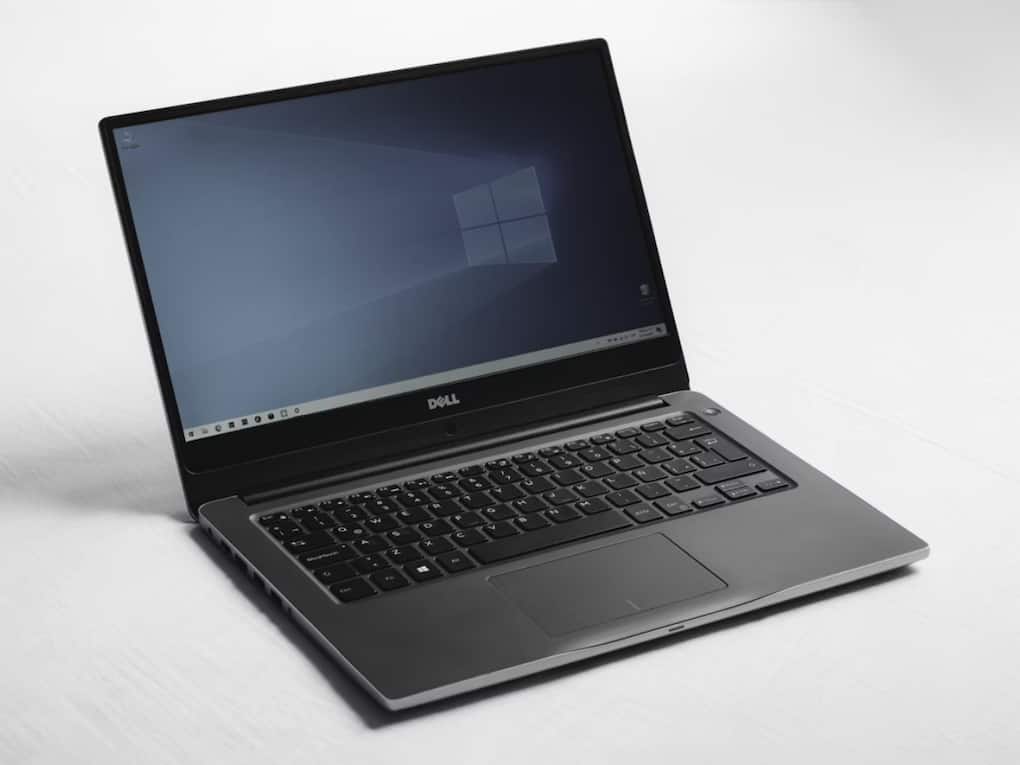
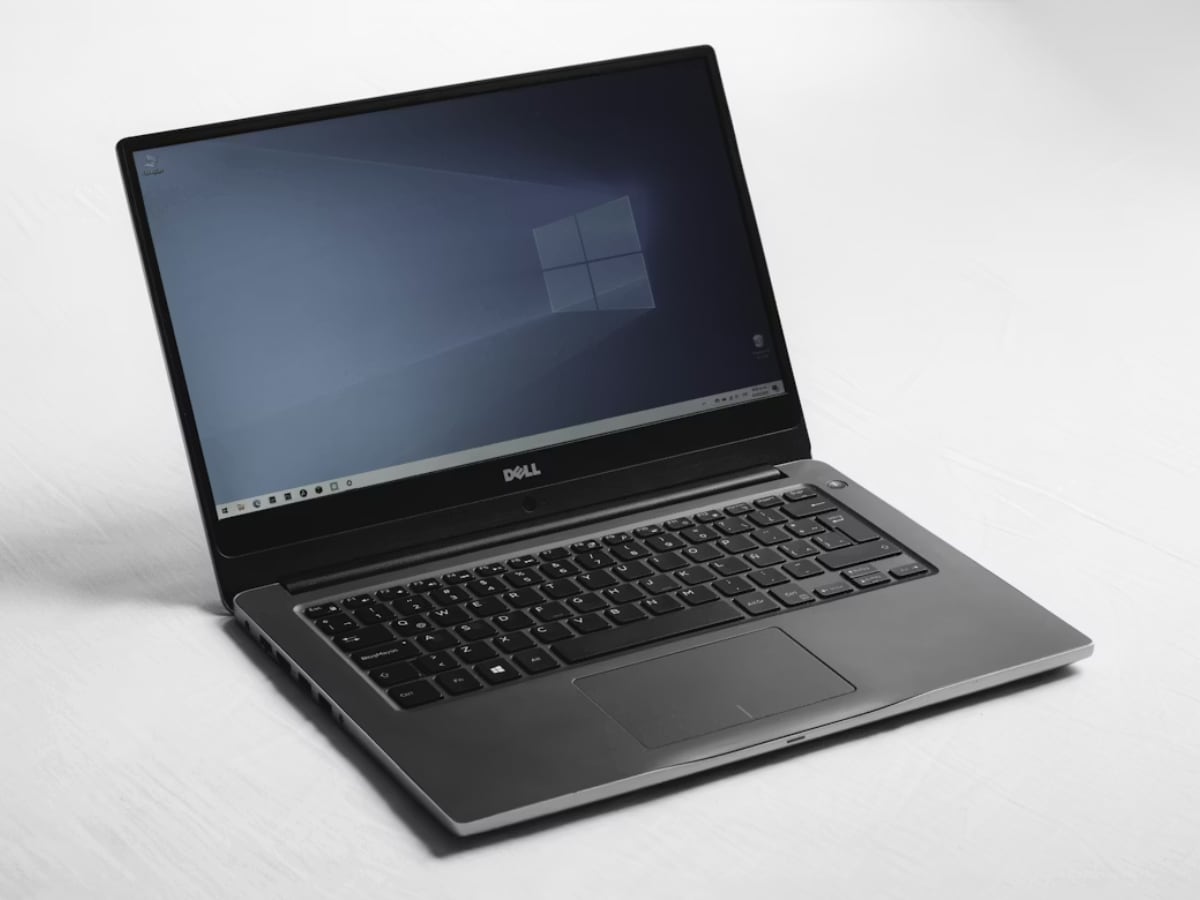
A lot of Windows and macOS updates don’t fully install until you restart the system. Ignoring restarts can delay important bug fixes and security patches.
Even after closing apps, many services continue running silently in the background. Restarting helps stop unnecessary tasks that keep consuming system resources.
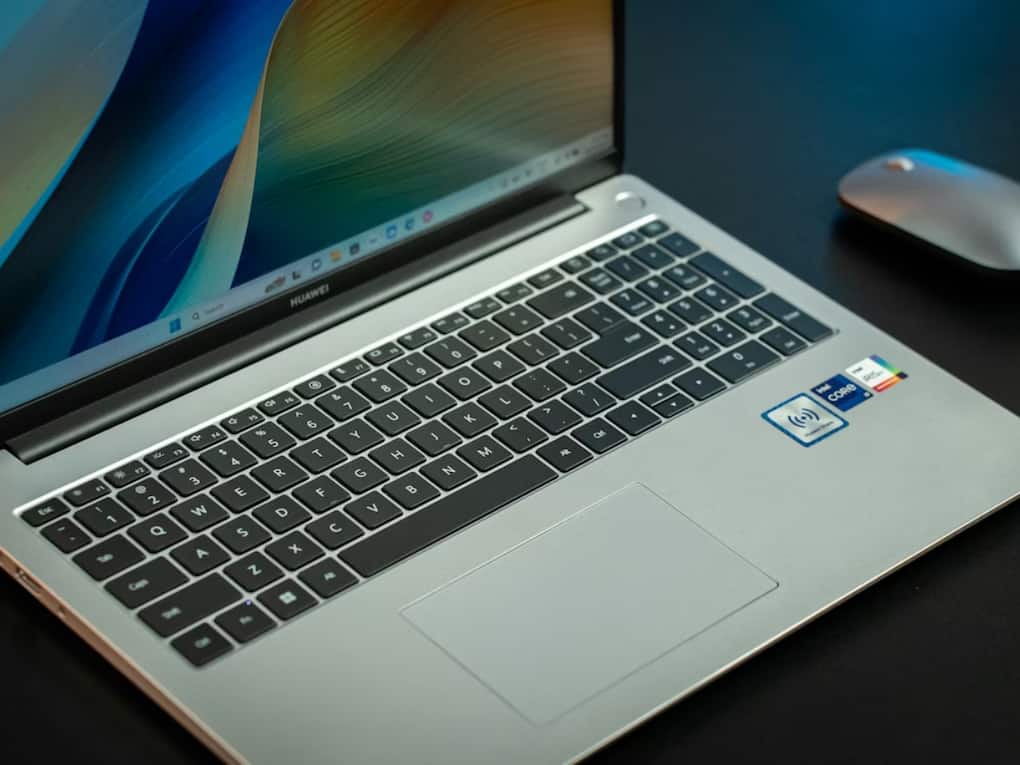
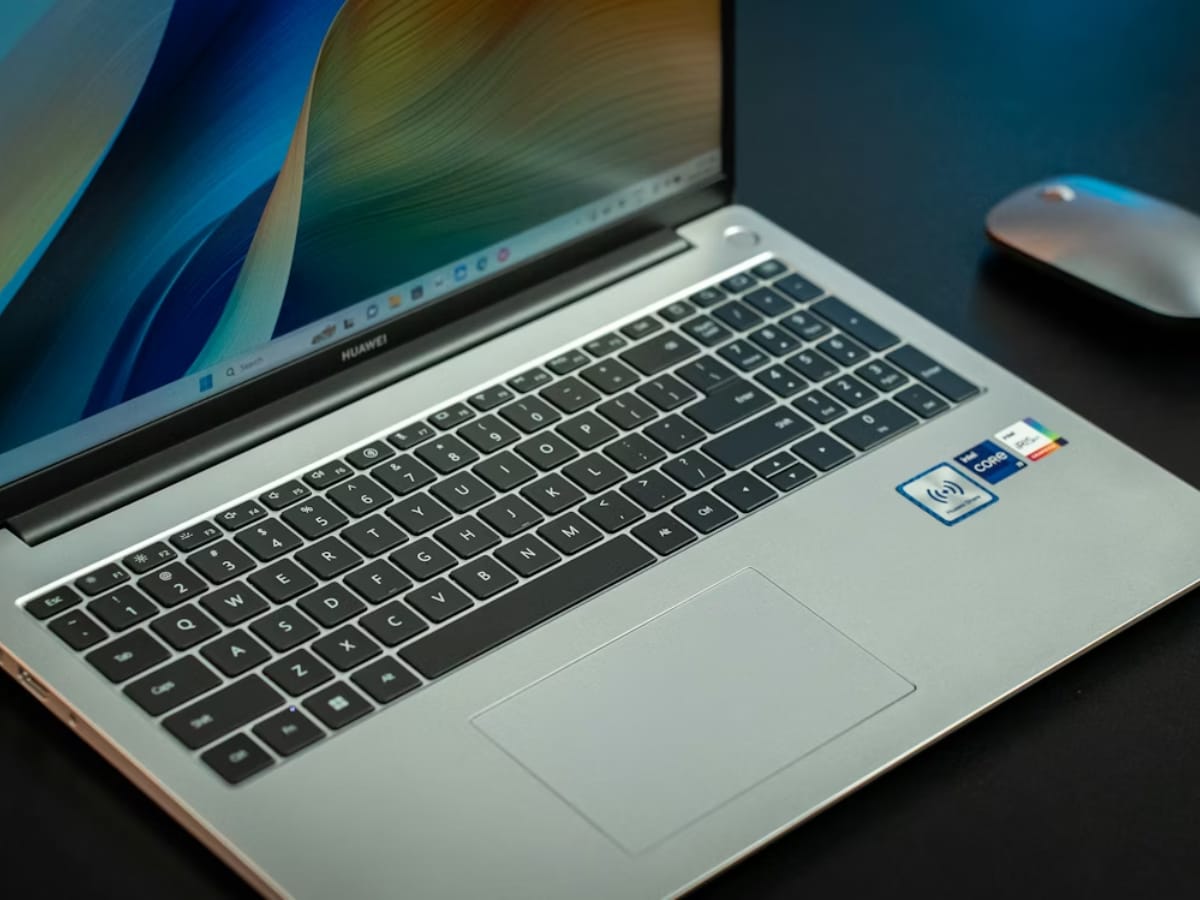
Overworked background processes and stuck apps can drain battery faster. Restarting occasionally helps reduce unnecessary power usage during daily usage.
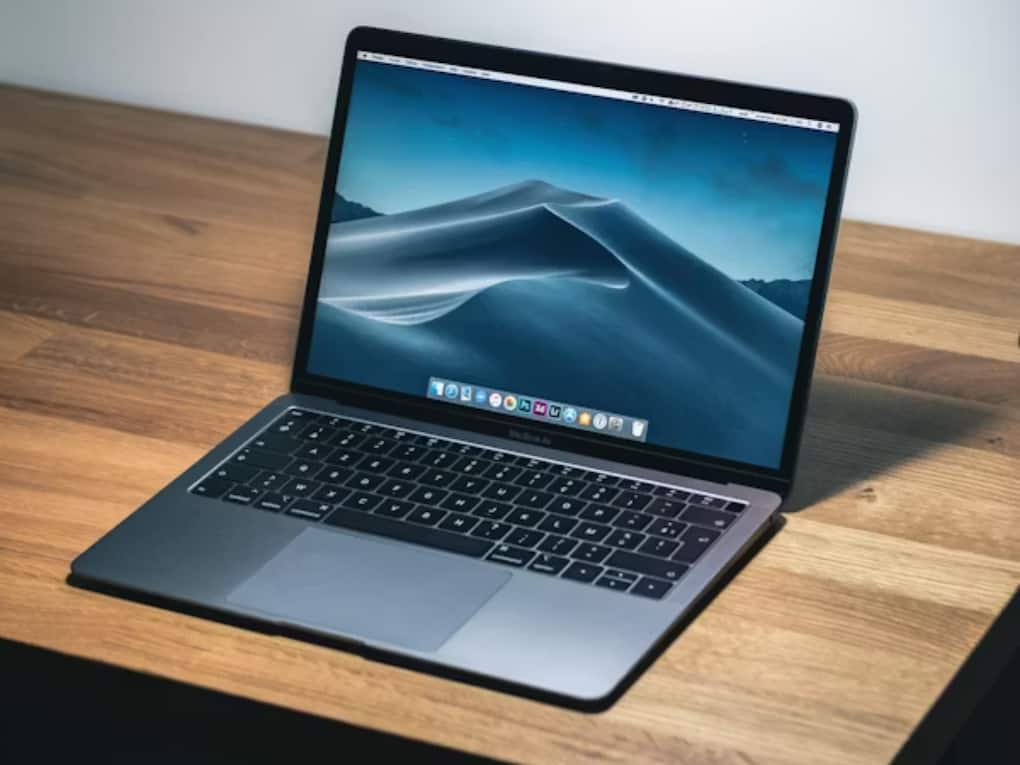
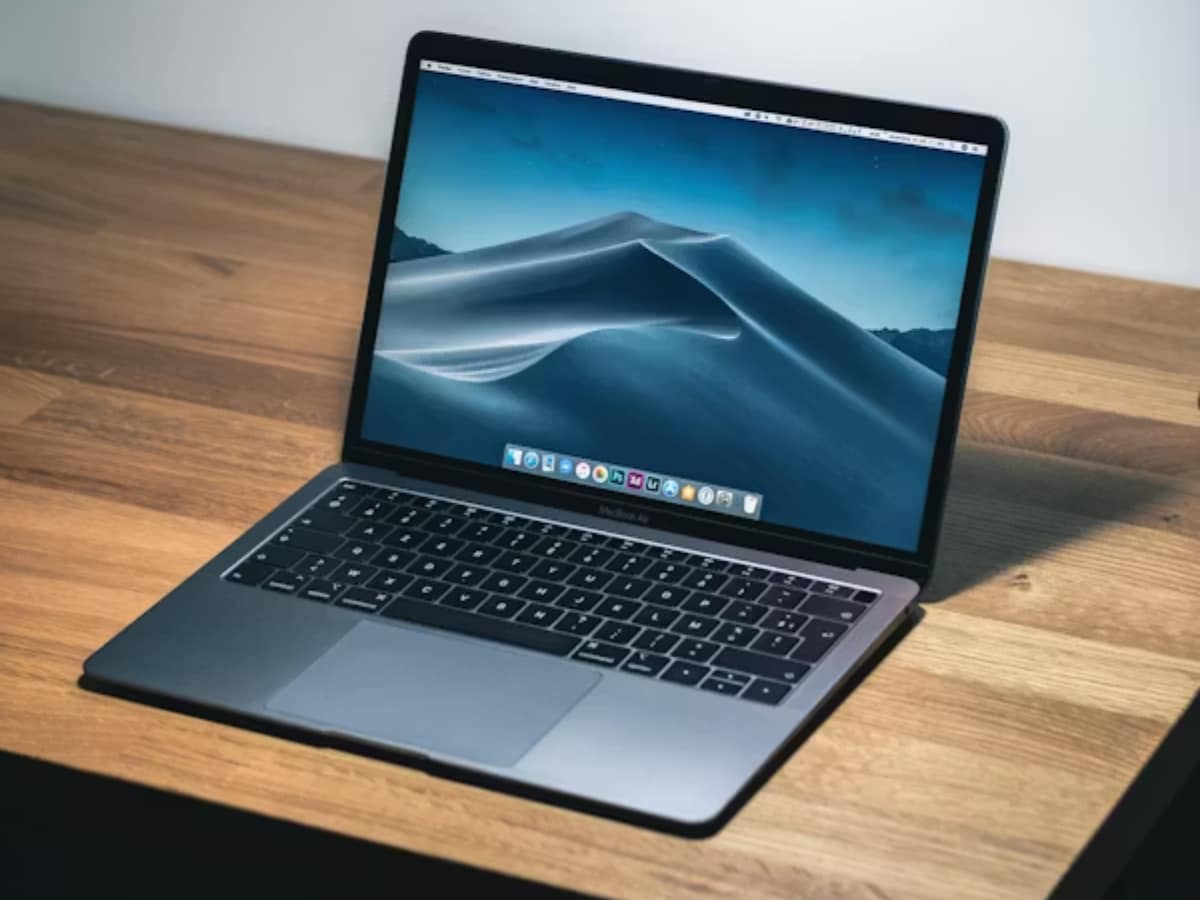
You don’t need to restart your laptop every few hours. But doing it regularly, especially after heavy work or updates, genuinely helps maintain smoother performance.


