


Written By Divya




I used to think keeping dozens of tabs open was helping productivity. In reality, most of them just stayed there for days without me opening them again.


Even inactive tabs quietly consume memory in the background. The more tabs you keep open, the harder your laptop works to manage everything together.


I noticed my laptop battery dropping faster during work sessions. Browsers like Google Chrome and Microsoft Edge can become surprisingly power-hungry with too many tabs open.


Too many tabs can make switching between apps feel laggy. Sometimes even simple tasks start stuttering because the system is already overloaded.


Many websites continue refreshing data in the background. News sites, social media tabs, and streaming pages quietly keep using CPU and internet resources.
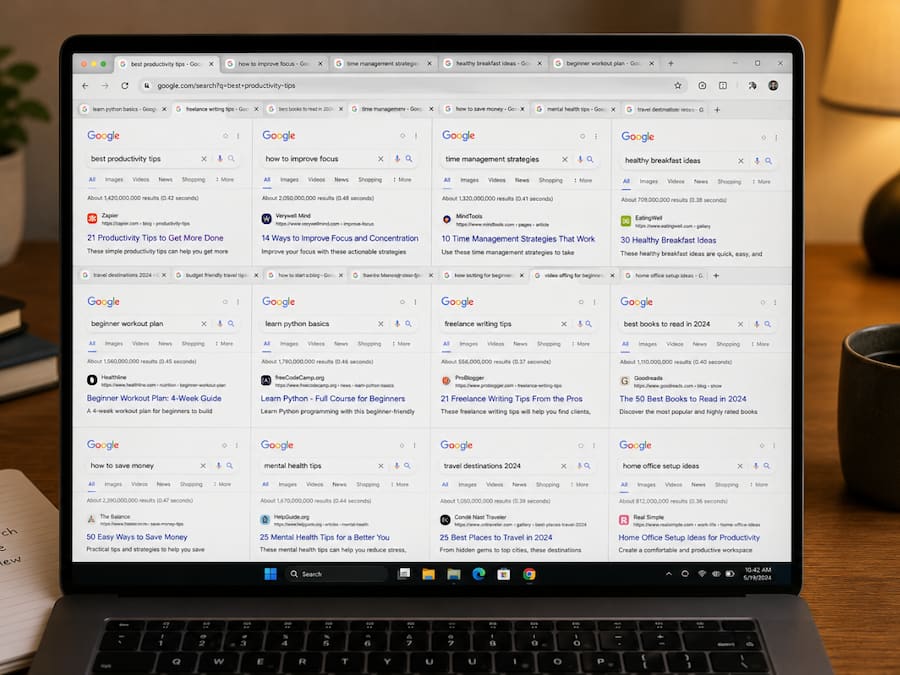
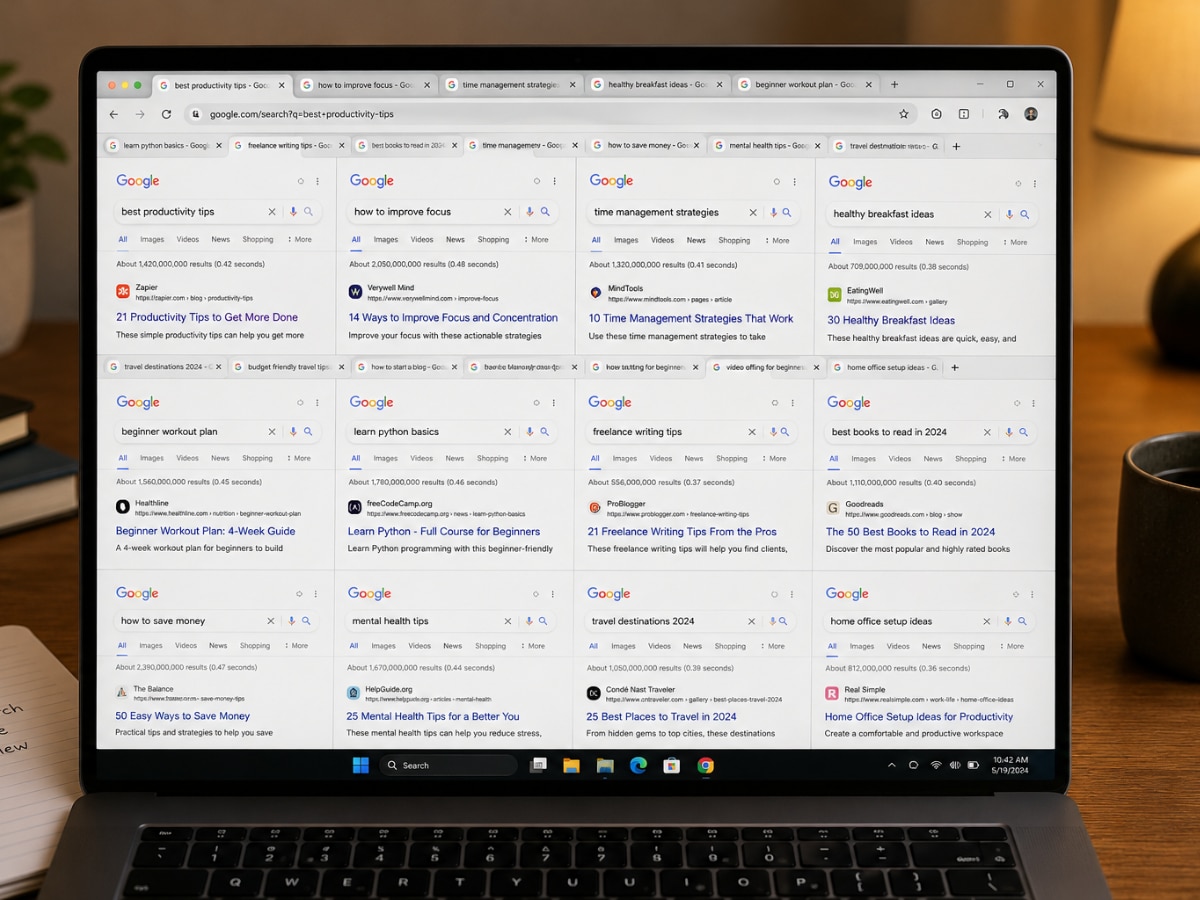
This sounds small, but having 70–100 tabs open genuinely feels messy after a point. I realised it became harder to focus because everything looked unfinished.


There were times my browser randomly froze or crashed completely because too many tabs were open together. And honestly, recovering all those tabs feels painful.


Instead of keeping everything open, I now bookmark pages or use reading lists. The laptop feels smoother, battery life improves, and I still don’t lose important links.

Don't Miss Out the Latest Updates. Subscribe to Our Newsletter Today!
