



Written By Shubham Arora
Published By: Shubham Arora | Published: Apr 11, 2026, 05:54 PM (IST)
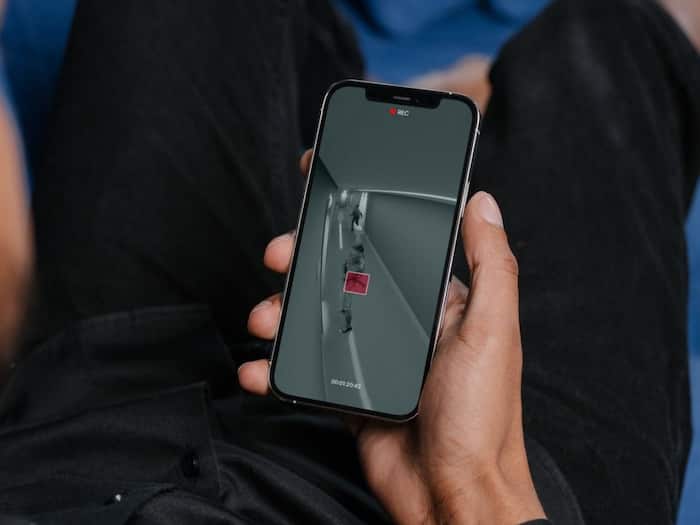
 You can use an old smartphone as a CCTV camera at home.


Written By Shubham Arora
Most people have an old phone lying around that they don’t use anymore. It may not be good enough for daily use, but it can still be useful. One simple way to use it is by turning it into a CCTV camera.  Also Read: 7 Social Media Privacy Tips to Stay Safe Online
You don’t need anything complicated for this. If the phone still has a working camera and connects to Wi-Fi, you can set it up as a basic security camera. It won’t replace a proper CCTV system, but it works fine for keeping an eye on a room, entrance, or even a parking area. Also Read: How to move your Apple Music playlists to YouTube Music in minutes
The setup is quite simple, but a few basic things should be in place. The old phone should be able to stay on for long hours, so it’s better to keep it connected to a charger.
You’ll also need another device to see the camera feed. This can be your main phone, a tablet, or even a laptop. A stable internet connection makes things easier, especially if you want to check the feed while you’re not at home.
There are a few apps that make this process easy. Apps like Alfred Camera, Manything, and DroidCam are commonly used for this setup.
These apps let you use one phone as a camera and another as a viewer. Once you log in on both phones, the feed just starts showing. There’s nothing complicated there.
Some apps also give extra features like motion alerts or recording, but that really depends on which app you pick and how good your old phone is.
After that, place the old phone where you want to monitor things. Make sure the camera has a clear view and the phone is kept steady. It’s better to keep it plugged in so it doesn’t switch off.
This setup works, but it has some limits. The camera quality depends on your old phone, so don’t expect very sharp footage if the device is too old.

Internet connection also matters. If Wi-Fi drops, the feed will stop. Some apps can store recordings as well, but storage can fill up after a point. It’s also better to stick to trusted apps and keep your account secure, since everything is connected online.

Don't Miss Out the Latest Updates. Subscribe to Our Newsletter Today!
