


Written By Divya
Published By: Divya | Published: Feb 03, 2026, 12:19 PM (IST)
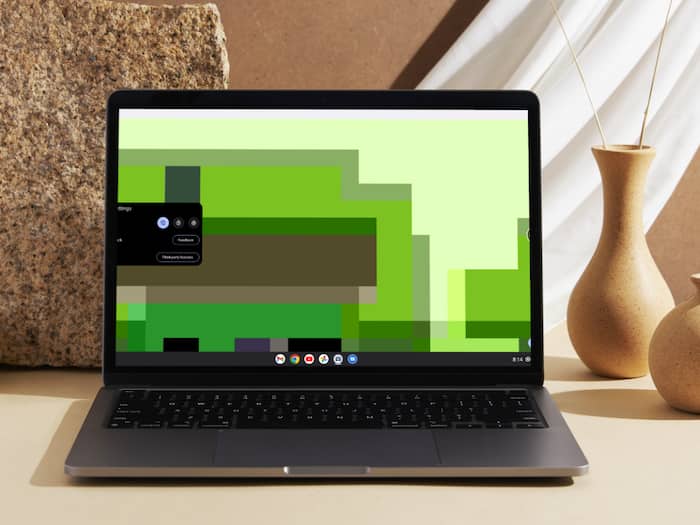
 Google may soon unify PCs with Aluminum OS. First app already live


Written By Divya
Google has already been tipped to shift towards Alumnium OS from its Chrome OS, which seems to be a merger of Android and Chrome OS in a single software experience for PCs. And now, an early app appeared on the Google Play Store is giving us a clearer hint that the operating system may not be too far from reality.  Also Read: Google Pixel 10 gets major price cut on Amazon, drops below Rs 70,000
While Google hasn’t officially confirmed a launch timeline yet, the appearance of a desktop-focused app suggests that internal testing is progressing steadily. Also Read: Google is rewriting headlines in Search using AI, and publishers are not happy
So far, Android as well as Chrome OS have always borrowed features from each other. It must be noted that Chromebooks already run on Android apps, and now, Google is trying to create a more unified ecosystem across the devices with the help of the upcoming Aluminium OS. Also Read: No design skills? Google Stitch builds apps just from your ideas, here's how
If it is executed well, this will make the app development simpler for users to be consistent across different devices. As per a report by Android Authority, the platform could arrive sometime around Google’s annual developer conference window, though nothing is confirmed so far.
In the meantime, a Desktop Camera app is listed on the Play Store. As the name suggests, it is a camera app designed specifically for desktop devices. From the screenshots shared online, the interface looks familiar, almost like the Pixel camera experience, but stretched across a larger display. The layout appears to use a floating menu on one side, while the shutter and recording controls sit on the other.
Interestingly, the app seems to run in a full-screen format rather than a small window, which is what most desktop camera apps typically do.

However, don’t expect too much just yet. The app looks fairly basic at the moment, supporting standard photo and video capture. More advanced tools could arrive later as the platform matures.

Don't Miss Out the Latest Updates. Subscribe to Our Newsletter Today!
