
Written By Divya


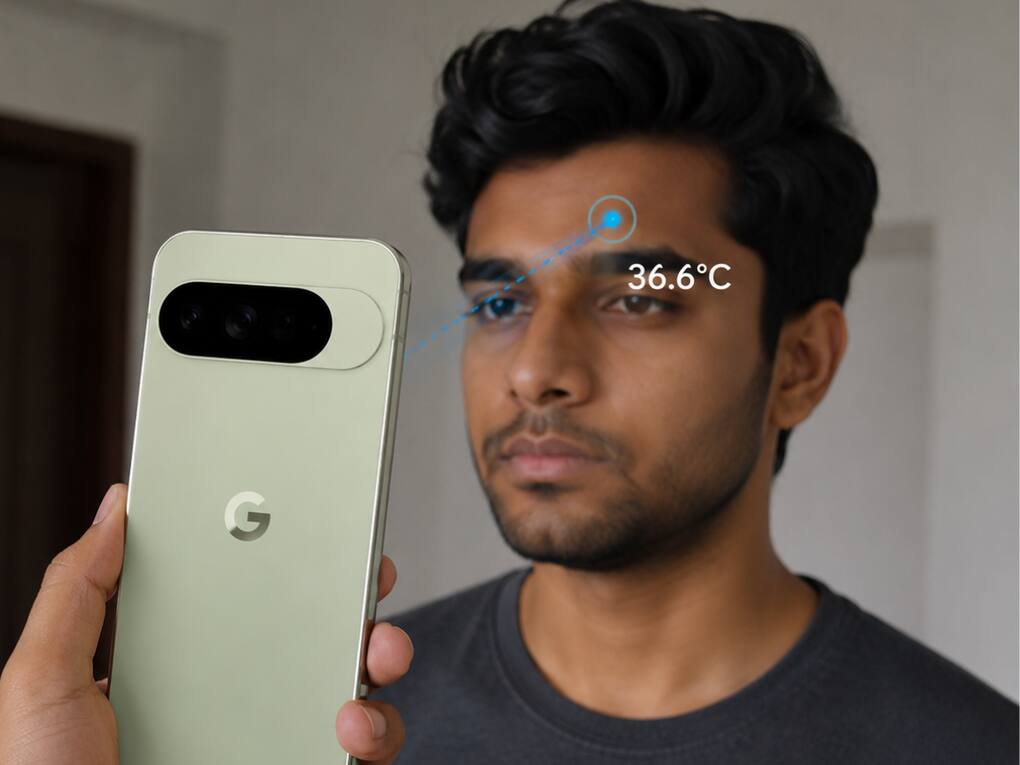
 Google May Remove Temperature Sensor From Pixel 11 Pro: Here’s How Current Pixels Use It (Image: AI Generated)
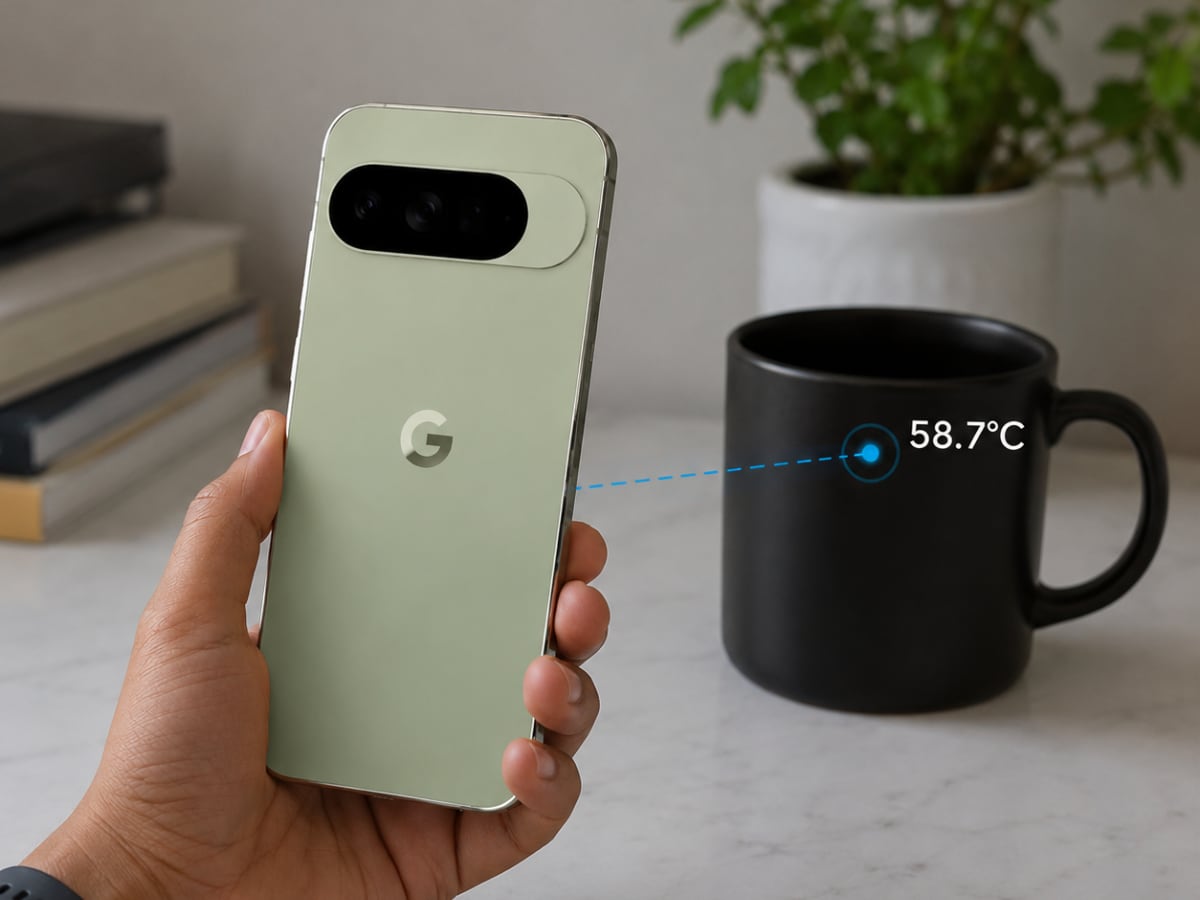
Google Pixel 11 Pro is tipped to skip the feature which has been there for the last three generations — the temperature sensor. When Google introduced the temperature sensor with the Pixel 8 Pro back in 2023, many users were unsure about its practical use. Initially, it worked mainly as a surface thermometer for objects like coffee cups, pans, or room items. Later, Google expanded the capability to support body temperature readings as well through software updates and the Thermometer app.  Also Read: Google Pixel 11 Pro Fold to launch on August 12 with updated design
After that, the Google Pixel 9 Pro and even the Pixel 10 Pro series continued with the feature. However, reports now suggest that Google may remove the sensor from the Pixel 11 Pro lineup. Also Read: Meta, Google, Snap, and TikTok sued as families blame social media for teen deaths
Well, that’s still unclear. But some leaks around the upcoming Pixel 11 Pro design point toward a changed rear camera layout. Unlike previous generations that had separate cutouts for the sensor, the newer design reportedly removes it to make space for something else, possibly Google’s new rear lighting system, tipped as “Pixel Glow.” At the moment, Google has not officially confirmed anything. Also Read: Google Pixel 11, Pixel 11 Pro, Pro XL, Pro Fold: Full specs and prices leaked ahead of launch
But before that happens, if you already own a recent Pixel Pro phone, you might still want to try the feature at least once.
Currently, the temperature measurement feature is available on these Pixel phones:
(Image: AI Generated)
If your Google Pixel supports the feature, here are the quick steps to try it now:
Google also suggests avoiding steam-covered surfaces and maintaining a proper distance for more accurate results.
That’s an important question. While the sensor inside the phone to measure the temperature of an object or human sounds interesting, it has never become a highlight of the Pixel phones. Even a very few people knew about it, and even those who are aware rarely use it.

Still, it remained one of the few unusual hardware additions in modern smartphones. If the leaks turn out to be accurate, the Pixel 11 Pro may quietly mark the end of that experiment.


