


Written By Techlusive News Desk
Published By: Techlusive News Desk | Published: Aug 08, 2023, 01:09 PM (IST)


Written By Techlusive News Desk
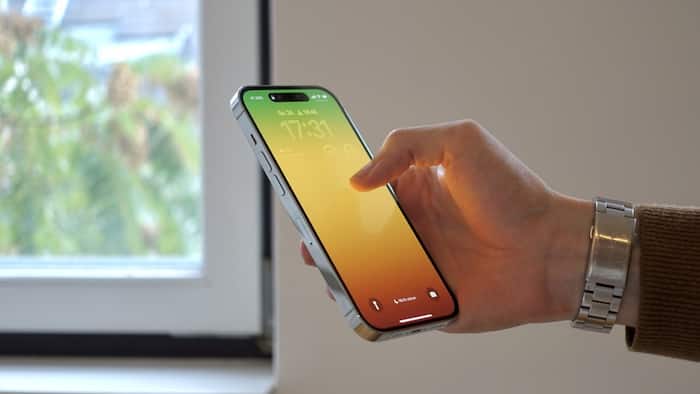
Restarting an iPhone is a simple and effective troubleshooting step that can help resolve various software-related issues and improve overall device performance. In this article, we will explore the different methods to restart an iPhone and provide insights into when and why you might need to do so. By the end of this guide, you will have a clear understanding of how to perform a restart on your iPhone.  Also Read: Apple launches AirPods Max 2 with camera remote feature: Check price in India
There are three primary ways to restart an iPhone: a standard restart, a force restart, and a restart using software settings. Let’s delve into each method one by one: Also Read: iPhone 18 Pro Max launch expected in 2026 with A20 Pro chip, bigger battery and camera upgrades
1. Standard Restart: Also Read: iOS 27 update revealed: Liquid Glass design stays but these tweaks are coming
A standard restart involves turning off the iPhone and then turning it back on. To do this, follow these steps:
A standard restart is recommended when your iPhone is functioning properly but may be experiencing minor glitches or slowdowns.
2. Force Restart:
If your iPhone becomes unresponsive, frozen, or encounters a serious software issue, a force restart may be necessary. The method to force restart varies depending on your iPhone model:
Force restarting should only be used when a standard restart does not resolve the issue or when the device is unresponsive.
3. Restart using Software Settings:
In some cases, you may prefer to restart your iPhone using software settings. To do this:
Using the software settings to restart your iPhone is an alternative to the physical button methods and is convenient if your hardware buttons are malfunctioning.
By following the steps outlined in this article, you can confidently restart your iPhone whenever needed and keep it running smoothly for your daily tasks and communication needs.

— Nishtha Srivastava

Don't Miss Out the Latest Updates. Subscribe to Our Newsletter Today!
