


Written By Nishit Raghuwanshi
Published By: Nishit Raghuwanshi | Published: Nov 13, 2024, 05:01 PM (IST)


Written By Nishit Raghuwanshi
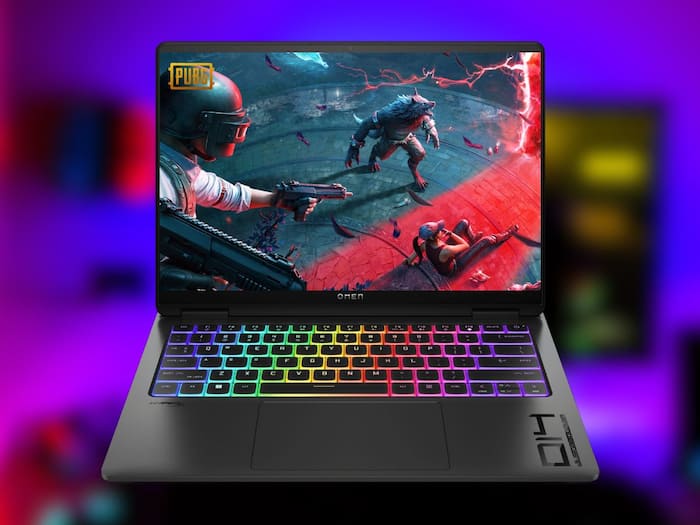
PUBG Mobile has gained a lot of popularity in the global market due to its fast-paced battles and regular updates bringing new content and more. And the best part is that the game can be enjoyed in its original form on a desktop also as it has a dedicated version for the same. And not so surprisingly, the gameplay and experience are much better on a PC or a monstrous gaming laptop. Moving forward in this article, we will explain step-by-step how you can download the game on PC and enjoy the battle royale experience on the big screen.  Also Read: PUBG To End Support For PS4 and Xbox One From November 13: What Players Should Know

Apart from that, if you already have a lot of progress saved on PUBG Mobile and want to play the same on PC then you need to do a little more. To run PUBG Mobile on PC, you simply need a good emulator and then your are good to go. Also Read: PUBG Mobile 3.9 Update Launches On July 8: Release Time, Features, Gameplay - All You Need To Know
Also Read: How to take part in PUBG Mobile Road to Rondo event?

Don't Miss Out the Latest Updates. Subscribe to Our Newsletter Today!
